Claude for Excel · From Data to Decisions
Formula Mastery
Explain, repair, and build formulas
Formulas You Can Finally Trust
Last lesson, you learned to ask a workbook what it does, and to check every answer against its own cells.
This lesson dives deeper into formulas. By the end, you'll read, fix, create, and test them — without writing a single one by hand.
Let's get started!

Scenario: The Broken Quarterly Summary
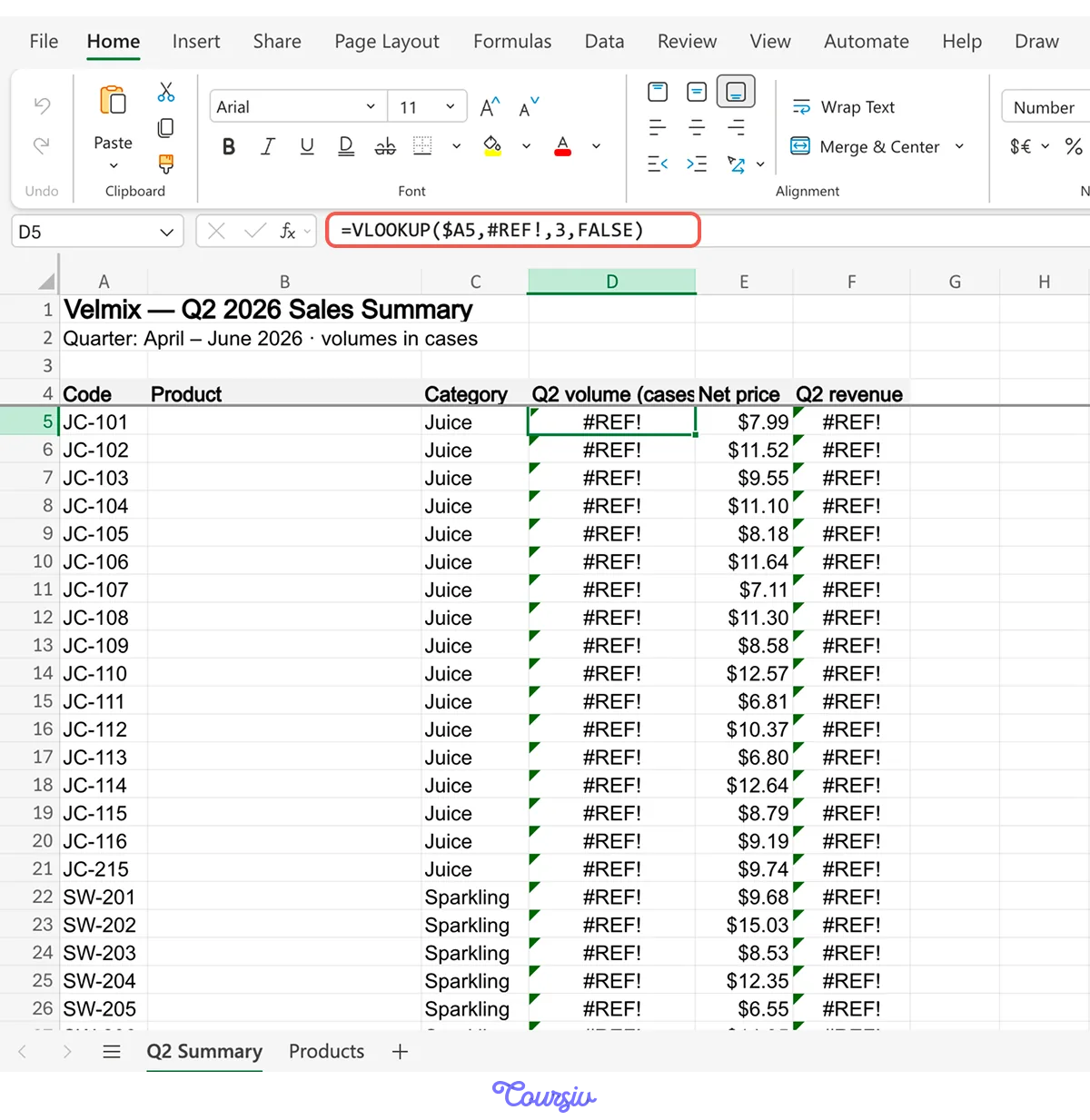
Imagine you're the office manager at Velmix, a drinks company that supplies juices and sparkling waters to supermarket chains. The quarterly sales summary is due this week — and when you open it, one column is a wall of "#REF!" errors.
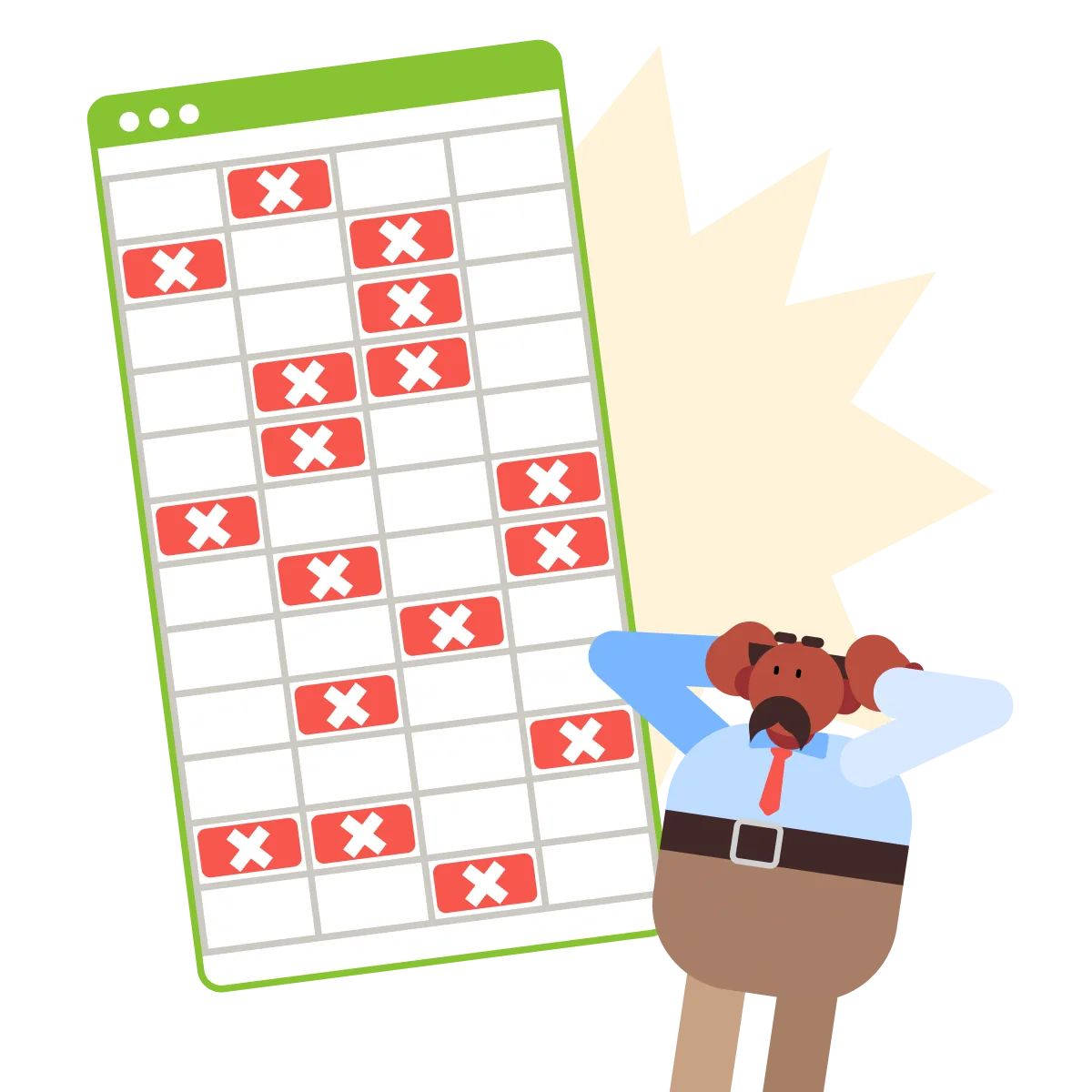
The old flow here is demanding: patch cells by hand, or hunt a forum for a formula that looks similar, and hope for the best.
With Claude in the sidebar, the playbook changes. But the first move isn't simply "fix it." It's finding out what the formula was supposed to do.
Explain First
Click the broken cell. The formula bar shows what the colleague left behind.
Your first move is to translate it. Ask Claude to explain the formula in plain language before anything gets touched.
practice preview
Interactive practice
Fill in the blank
Ask Claude to explain the broken formula in plain language before fixing anything.
Now you know three things you didn't a minute ago: what the formula does, why it's broken, and what "fixed" should look like.
That last one matters most: you can't judge a repair if you don't know the intent.
A formula you can restate in plain language is a formula you can safely change. Translation first, repair second — especially with formulas you didn't write.
Find the Cause, Not the Symptom
The error code tells you where it hurts. It doesn't tell you why.
The why lives one level deeper — a deleted side table pulled the ground out from under this formula. Ask Claude to trace it and propose a repair, still hands-off.
practice preview
Interactive practice
Fill in the blank
Have Claude find why the column broke and propose a repair — without changing anything yet.
One deletion, 38 broken cells, one fix — that's what tracing the cause buys you. Patching cell by cell would have treated 38 symptoms.
You approve the plan, and Claude rewrites the lookups to point at the "Products" tab — highlighting every cell it changes, with a note on what changed and why.
Review Like a Pro
Highlighted cells are an invitation. Scan them before you move on: do the changed cells match the plan you approved?
And if anything looks wrong, nothing is lost — Excel's regular undo works on Claude's changes too.
Choose one
The fix is in, and the errors are gone. What actually tells you the repair worked?
Errors have locations and causes — repair the cause, then verify one level below it. A fix is real when the totals it feeds come out right, not when the error stops showing.
Now Build One From Scratch
The summary works again — and immediately shows a gap. Velmix launched new drinks this quarter, and their product codes sit in the sales data with no names next to them.
Column B needs a formula that doesn't exist yet. You won't write it. You'll describe it — including what should happen when a code has no match.

Two constraints make the formula easy to maintain:
- Ask for the simplest version that does the job; no need for overcomplication.
- Explain what happens when data is missing, so a missing code never breaks the sheet.
practice preview
Interactive practice
Fill in the blank
Build the missing formula by describing its goal, its simplicity, and its missing-data behavior.
Built Isn't Finished
Good job! The formula runs, the names appear, and two "Not listed" cells sit exactly where the new launches should be. Tempting to call it done.
But a formula earns trust the same way a repair does — by surviving the case built to break it. That's an evaluation, and it's a request like any other.
practice preview
Interactive practice
Fill in the blank
Evaluate the new formula — feed it the breaking case and check what it feeds downstream.
Notice that the test surfaced a decision. Blanks and missing codes were about to be treated the same, and nobody had chosen that.
Evaluating turns silent assumptions into questions you get to answer.

A formula is finished when it survives the case designed to break it.
The loop is: Explain, fix, build. Evaluation is the habit that closes all three.
The Full Formula Rhythm
Look at what just happened to the workbook problem:
- You've translated a broken formula into plain language.
- You've traced its root cause and repaired it in one pass.
- You've built a missing formula from a single description.
And you proved everything with a reliable test. Good job!
- Explain before you edit: A formula you can restate in plain language is one you can safely change.
- Trace causes, not symptoms: One deleted column can break 38 cells — repair the cause once.
- Review the highlights: Claude marks every cell it touches; scan them before moving on, and remember undo works.
- Describe to build: Ask for the simplest formula that does the job, and say what happens when data is missing.
- Test before you trust: A formula is finished when it survives the case built to break it and its downstream totals hold.
What's Next?
Broken, missing, or brand-new — now formulas answer to you.
Next, you'll focus on cleaning data: an export where nothing is broken, but untidy — with duplicates, mixed formats, blanks. You'll turn that into a dataset worth analyzing.
Let's keep going!