Gemini · Gemini Essentials
Write and Edit With Confidence
Create clear text and turn notes into strong drafts
Turning Ideas Into Clear Writing
No more drowning in rough drafts and scattered notes! It's time to explore how to use Gemini as a writing partner — one that can take incomplete thoughts or long, messy paragraphs and turn them into polished, structured work.
By the end of this lesson, you'll know how to turn raw notes into clear drafts, reshape text without losing meaning, adapt it for any audience, and produce ready-to-use writing for work or personal projects. Let's go!

From Notes to Narrative
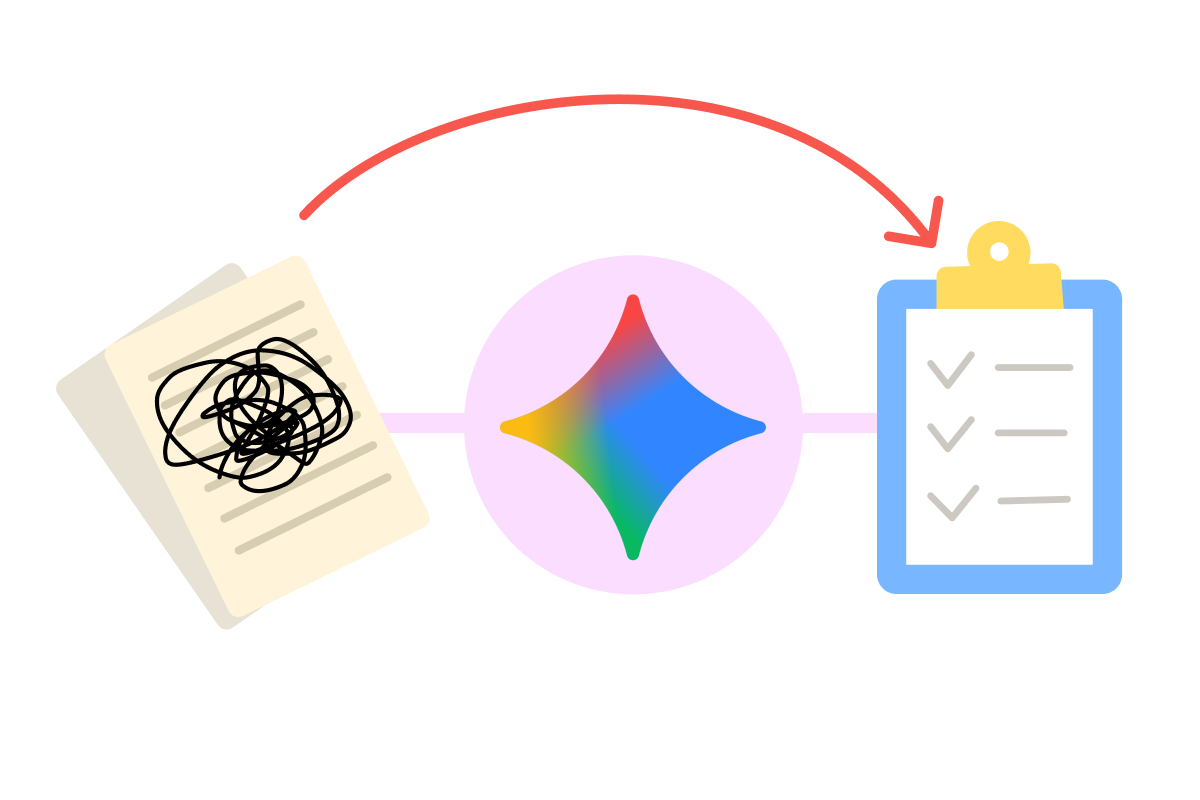
Most writing begins as fragments — bullet points, half sentences, messy thoughts. Gemini is designed to help you turn those fragments into something that feels coherent and intentional.
Instead of rewriting everything yourself, you can hand Gemini your roughest notes and ask it to build the skeleton of a draft. Then you shape, refine, and guide it.
Why Gemini Works Well With Notes
Raw notes contain the essentials: key points, ideas, and moments of clarity. Gemini can detect:
- Relationships between ideas
- Missing transitions
- Implied structure
- Natural ordering
- Opportunities for clarity
This makes it easy to turn scattered thinking into something presentable.
From Notes to a Draft
Imagine you are part of a local flower bouquet business, and were taking notes as your manager spoke on your 2026 plans:
"2026 planning – notes:
'year of signature style' → no copy pasting Pinterest???
focus: local loyalty, not tourists only
• weddings are $$$ → prioritize 'micro-weddings' & 'elopement florals'
• add same-day delivery again but only within 8km? (logistics?)
• subscription bouquets for offices?? weekly?? need pricing
• 'people want experience not just bouquet' → workshops??? (even kids?? messy!!)…"
practice preview
Interactive practice
Fill in the blank
Complete this prompt for refining notes into a well-structured draft.
One Step at a Time
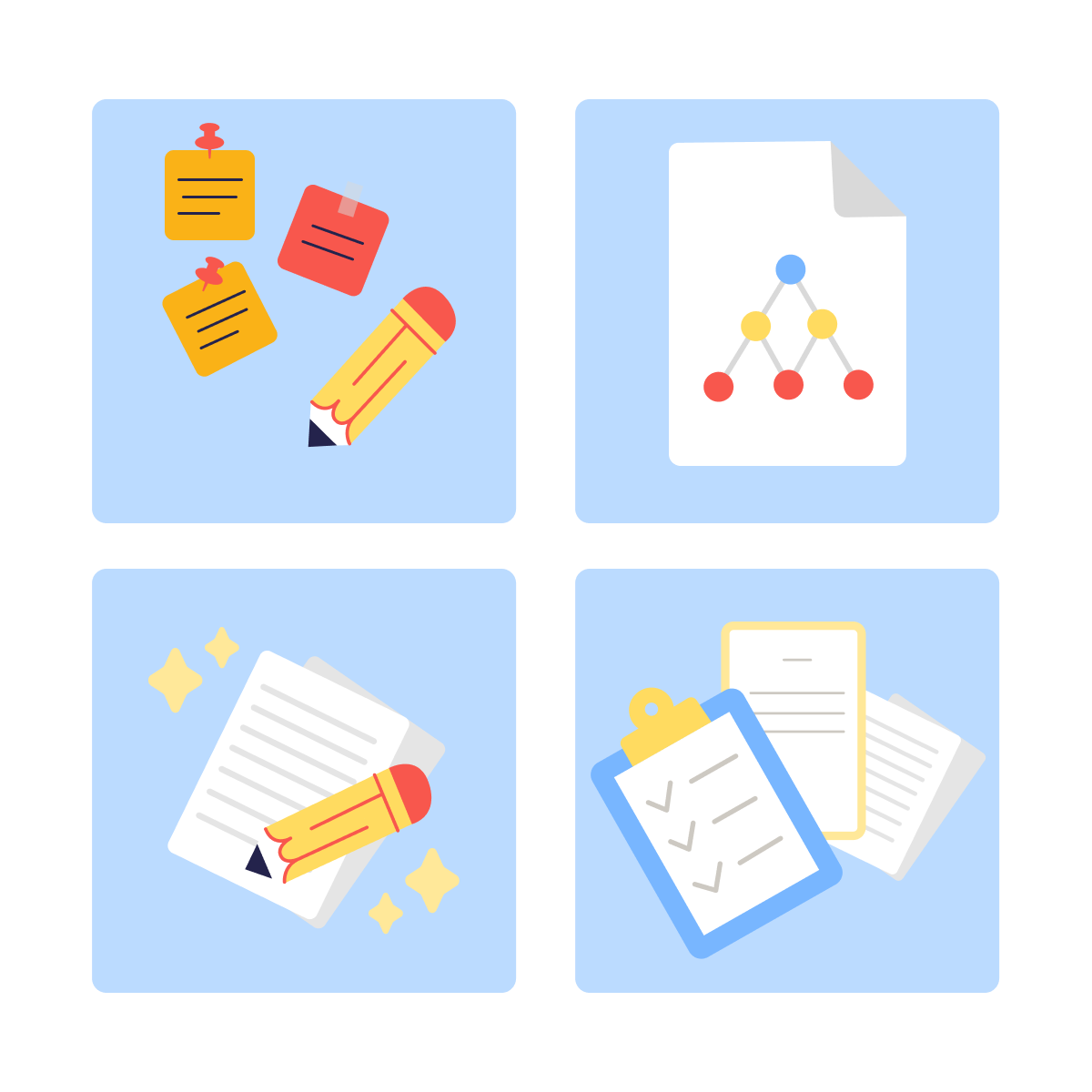
Notice how much cleaner that is? The key is thinking in layers when you write your prompt:
- Content — the raw ideas.
- Structure — the order and grouping.
- Style — tone, clarity, pacing.
- Format — bullets, paragraphs, summaries, scripts, etc.
A strong prompt doesn't demand perfection — it guides Gemini through these layers.
Giving Gemini the Right Signals
The more context you give, the better the result. Useful signals to include:
- The audience (manager, customer, friend, general reader)
- The format (email, brief, summary, article, post)
- The purpose (inform, persuade, clarify, summarize)
- Length level (short, medium, long)
This makes Gemini's first draft much closer to what you need.
Select all that apply
Which prompts would lead to a better output from Gemini?
Improving Existing Writing
Drafting from scratch isn't the only thing Gemini can do. Got something written but not quite right? Gemini can clarify meaning, simplify dense passages, tighten loose sentences, adjust tone, improve flow, or fix grammar.
You stay in control — Gemini helps you explore possibilities.

Deep Research for Meaningful Writing
Gemini can do more than polish your sentences — it can help you think.
Deep Research helps Gemini combine insights, patterns, examples, and context to strengthen your ideas. As a result, you get a more thoughtful, structured output based on either Gemini's sources (web or Workspace search) or files you upload.
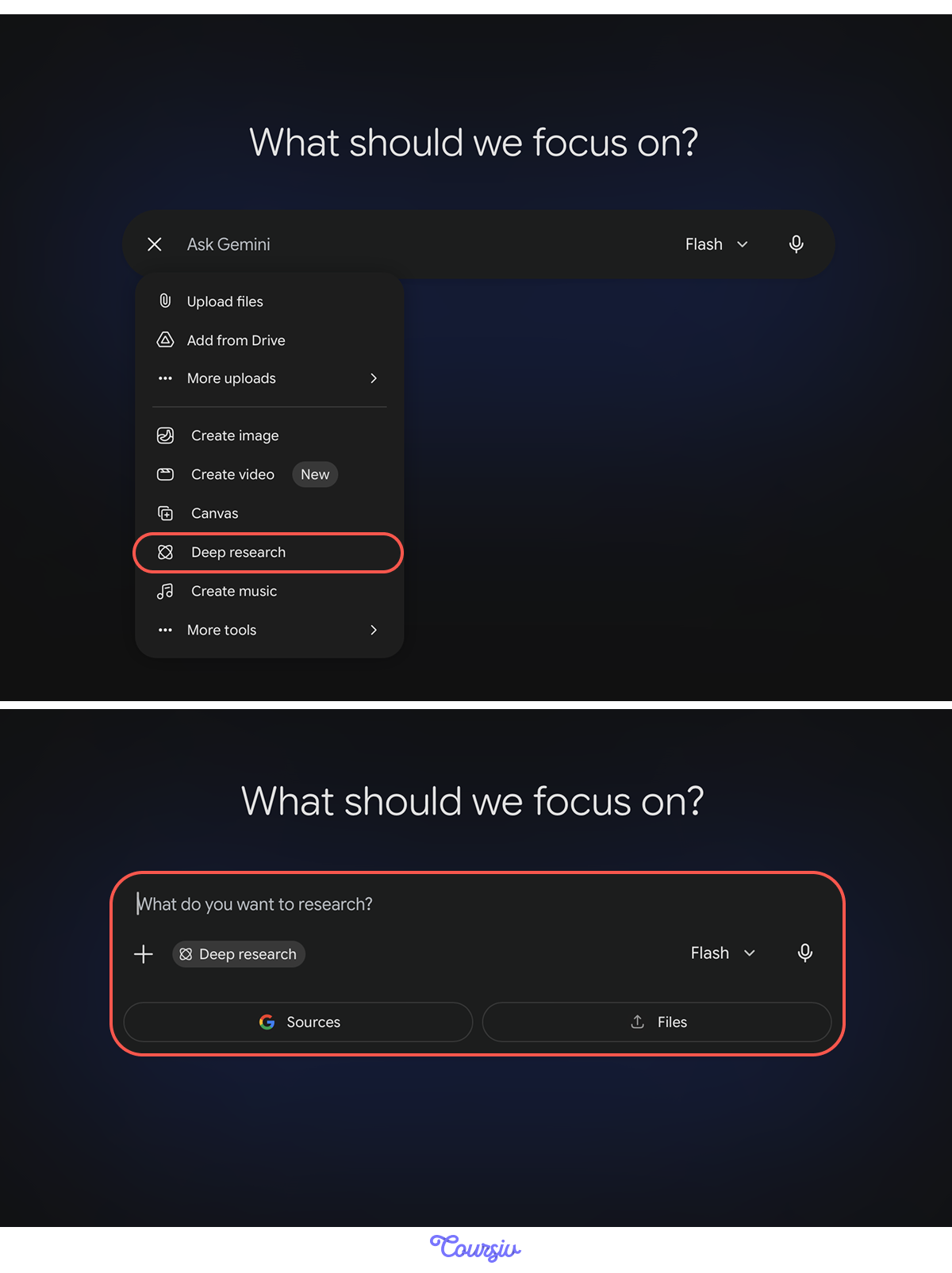
You can ask Gemini to:
- Explore different angles or interpretations
- Surface the core tension or opportunity in your topic
- Expand points with relevant explanations
- Identify assumptions, contradictions, or missing context
- Propose stronger framing for your message
This is how you move from "well-written text" to meaningful, well-developed copy your audience can trust and learn from.
Tone and Audience Adaptation
Tone matters as much as content. You can ask Gemini to rewrite text in styles such as: professional, friendly, direct, neutral, analytical, motivational; or tailored to audiences like teammates, customers, executives, or learners.
practice preview
Interactive practice
Fill in the blank
Adjust the tone of this feedback to sound more supportive.
Expanding or Correcting Content
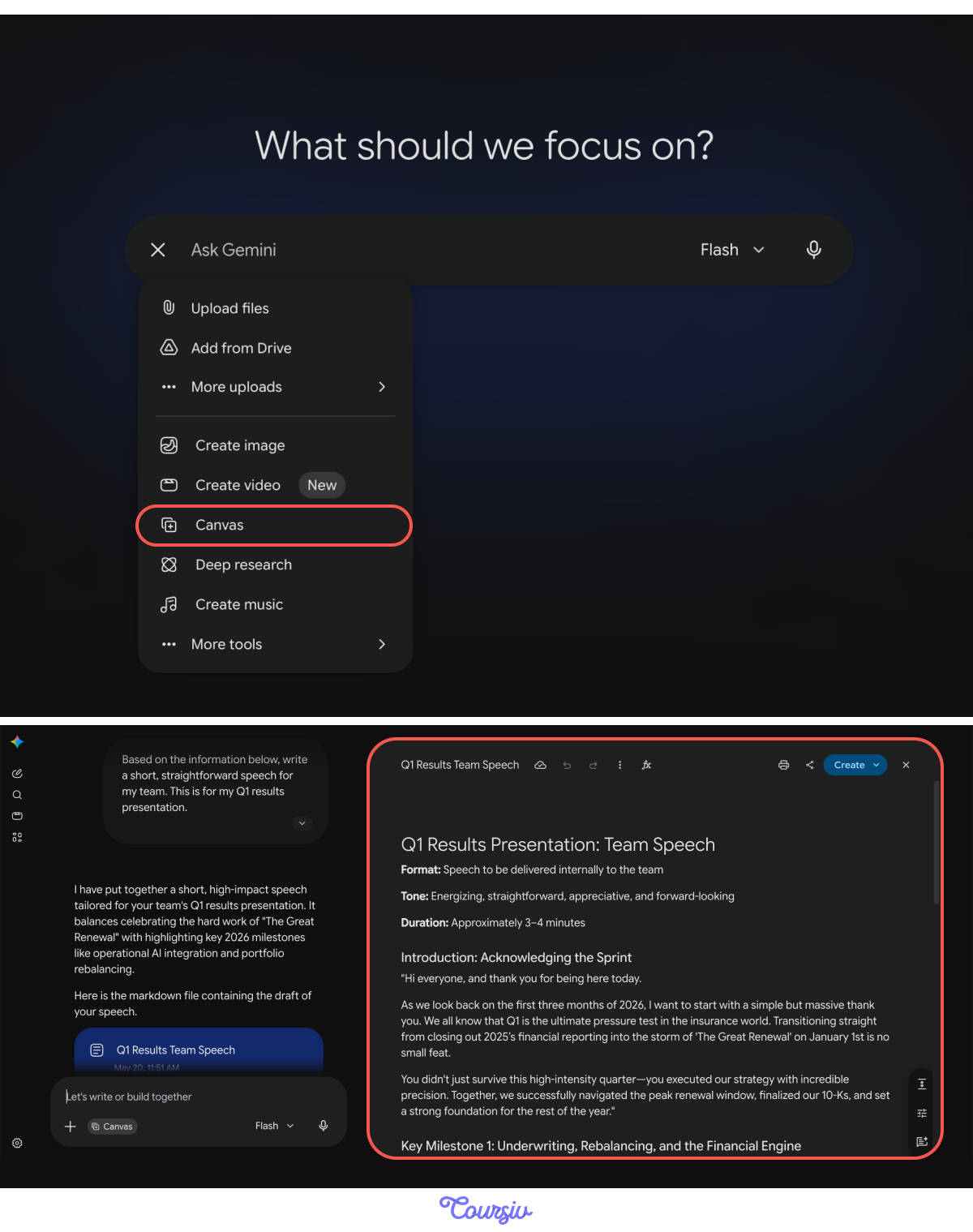
Sometimes a draft is almost perfect — it just needs a little more depth or a slight tone tweak in some parts. With the "Canvas" feature, you don't need to rewrite the full text — simply highlight specific sentences right in the output. Then, ask Gemini to:
- Fill in the missing context
- Suggest examples
- Explain concepts to beginners
- Reorganize a long piece into sections
The edits happen in a side-by-side window, and only in the part you highlighted.
practice preview
Interactive practice
Put in order
You prepared a speech for your team but want to make the intro sound more friendly. Order the steps for refining the first paragraph.
From Prompt to Final Product
Gemini can produce ready-to-use text — emails, briefs, articles, summaries, scripts, and more. The key is giving it as many details as possible about:
- Your goal
- Your audience
- Style preferences
- Constraints (length, tone, format)
The clearer your intent, the closer the output matches your expectations.

Useful Draft Formats
Gemini can also adapt a single idea into multiple formats instantly. You can request formats like:
- Email templates
- Outlines
- Multi-section articles
- Bullet summaries
- Proposals
- Guides or tutorials
- FAQs
- Step-by-step instructions
practice preview
Interactive practice
Match pairs
Tap a left item, then a right item to match.
Great Job!
You covered a lot today. You turned loose ideas into clear writing, strengthened rough drafts, shaped tone and structure, and produced polished text for real scenarios.
Even better — you built prompting patterns that help Gemini get what you want and deliver steady, reliable results!

Next Up: Technical Tasks Made Simple
Our next lesson moves from writing skills to hands-on technical problem-solving. You'll see how to use Gemini to explain code in plain language and generate useful scripts or fixes without needing advanced expertise.
See you there!