Gemini · Gemini Essentials
Create and Transform Images
Generate visuals, edit images, and design assets
Visual Creativity Made Simple
Welcome back! Today, you'll explore yet another one of Gemini's talents. We'll see how Gemini generates and transforms images using NanoBanana — the engine that powers the system's imagination.
NanoBanana helps Gemini understand your descriptions, apply style cues, and edit visuals with precision, even if you're not a designer.
Let's get started!
Getting Started with NanoBanana
NanoBanana is the visual engine inside Gemini — the part responsible for turning ideas into images. When you ask Gemini to create or edit a picture, it's NanoBanana that handles the imagination, composition, lighting, and style work.
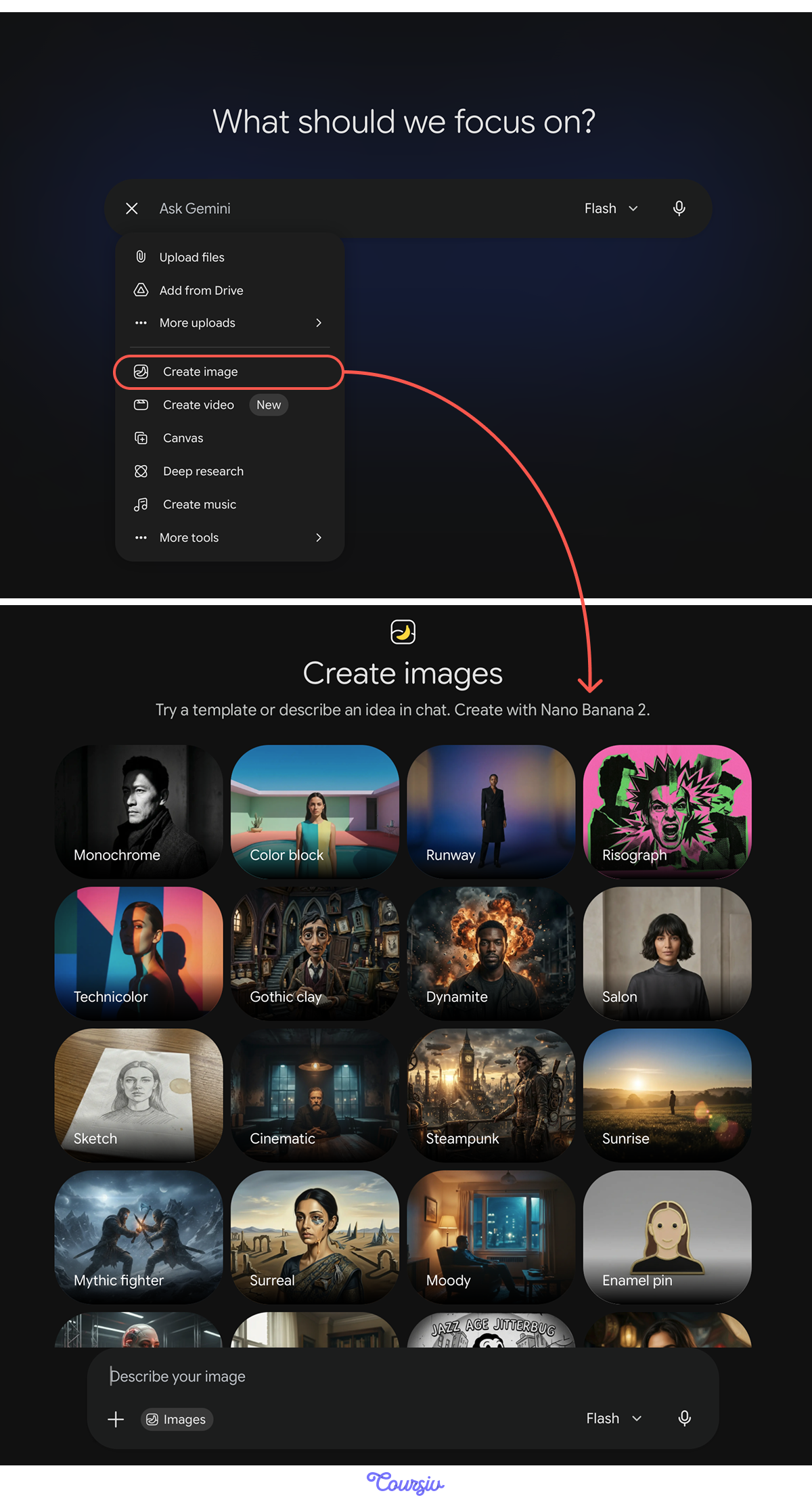
With NanoBanana, you can describe a scene, upload an image, or request edits, and the AI will generate the final artwork from your instructions. You can guide it entirely with prompts, or take a simpler route: explain what's in the image and choose a visual style from a built-in style library.
What NanoBanana Brings to Your Creativity
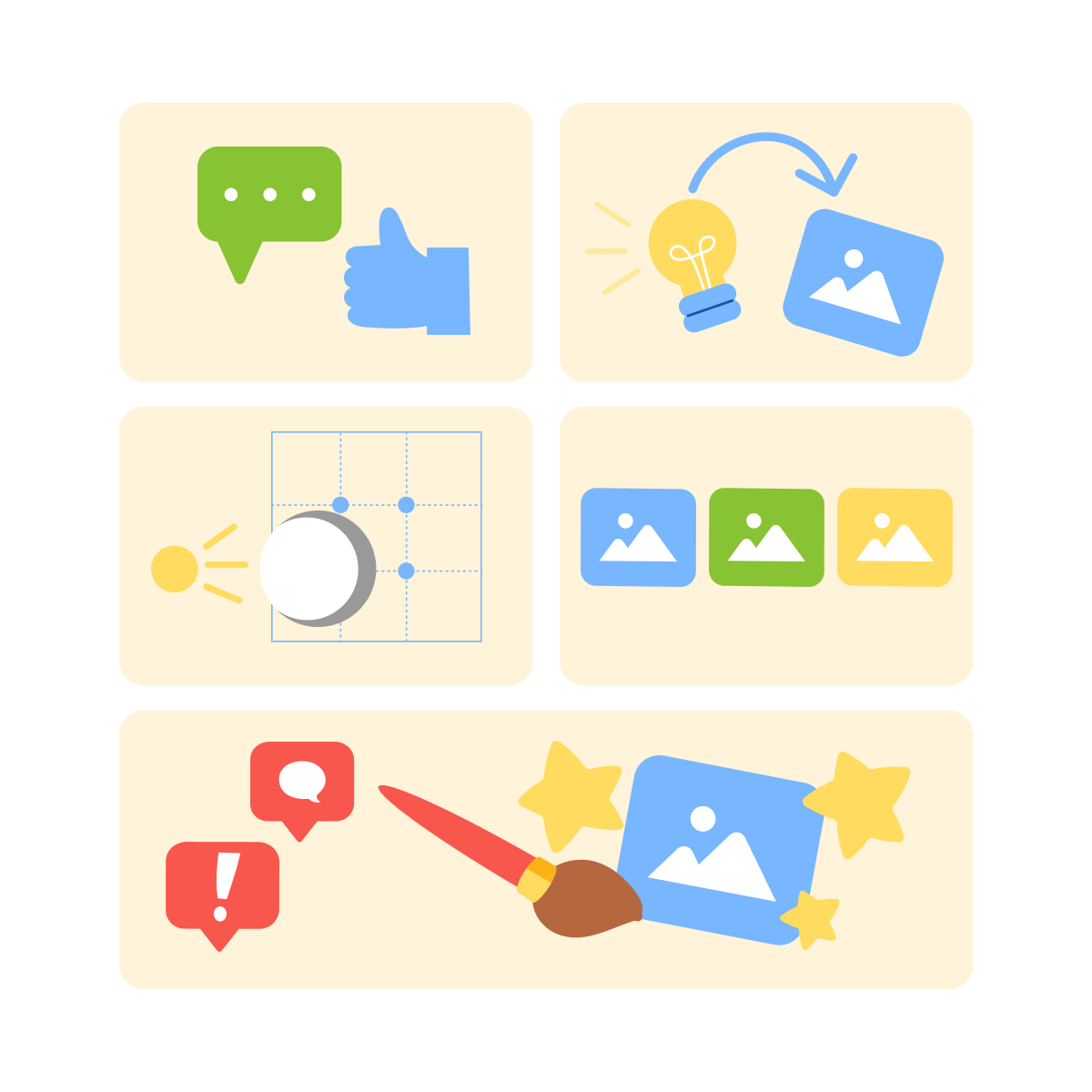
NanoBanana gives Gemini a fast, imaginative visual layer. It can:
- Understand detailed descriptions
- Translate ideas into images
- Apply lighting, style, and composition cues
- Make consistent image sets
- Adjust or rewrite visuals based on feedback
You focus on the idea — NanoBanana handles the imagery.
You don't need artistic terms. You can say things like:
- "A calm workspace with soft lighting."
- "A simple icon shaped like a star."
- "A clean banner for a presentation."
NanoBanana builds the visual interpretation from your words.
practice preview
Interactive practice
Fill in the blank
Complete the prompt that generates an image from text.
Building a Strong Image Prompt
As you see, Gemini responds best to prompts that include:
- The main subject
- Mood or style
- The setting
- Colors or lighting
- Level of detail
You don't need all of them, but a clear purpose helps NanoBanana shape the output for any goal.
Creating a Clean Presentation Banner
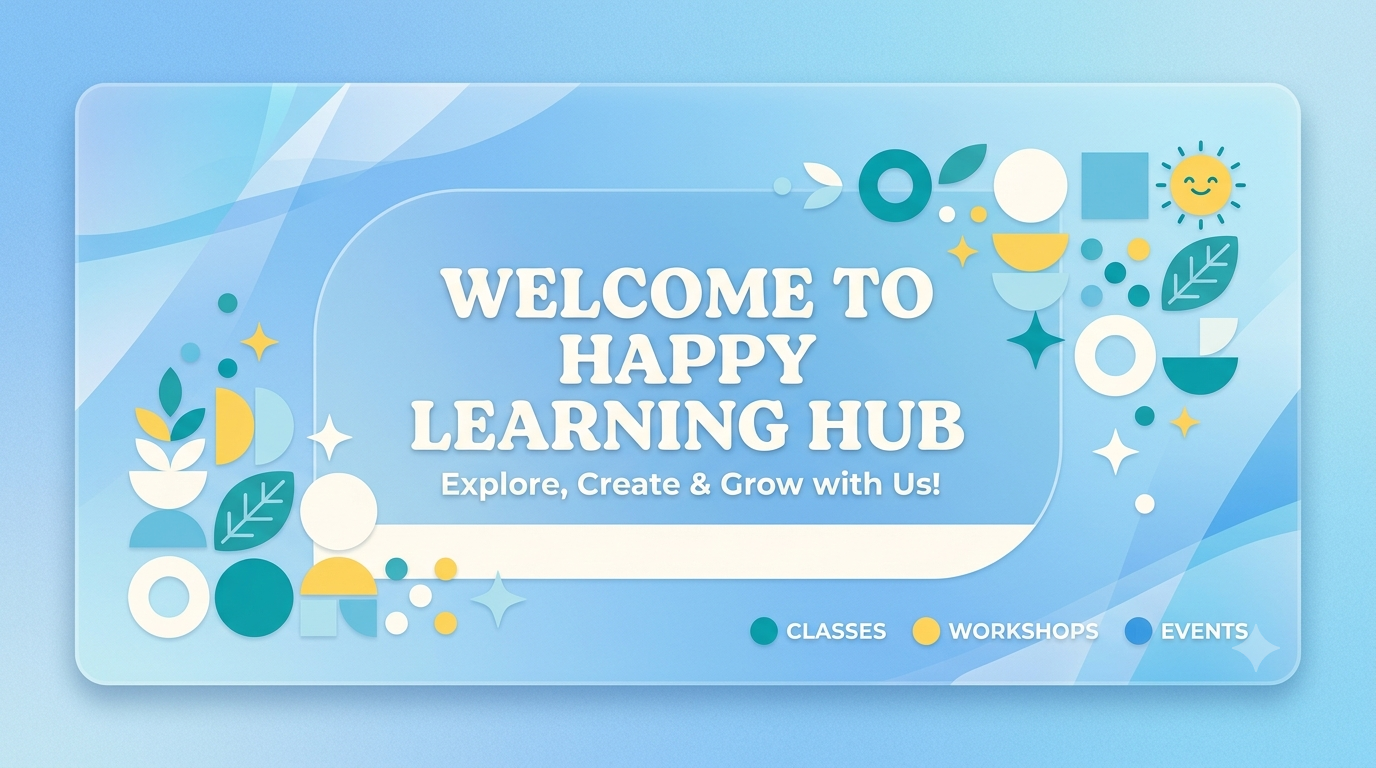
Let's look at an example. If you ask to create "a clean blue banner with simple shapes and a friendly headline area," NanoBanana interprets:
- A horizontal layout
- Soft colors
- Minimalist design
- Open space for text
You get a polished banner ready to use.
Editing by Commands
It's not necessarily about creating new visuals all the way. With NanoBanana, you can also edit an existing image by simply requesting the changes.
For this, upload any picture and ask Gemini to:
- Replace objects
- Adjust colors
- Expand the background
- Clean up elements
- Change lighting
- Remove distractions
Let's practice with this image of kids playing in the snow.

practice preview
Interactive practice
Fill in the blank
Complete a prompt to adjust an uploaded image.
Images for Work, Presentations, and Marketing
NanoBanana's output can be used directly in slides, social posts, product ideas, reports, landing pages, or internal documentation.
You can generate icons, banners, hero sections, diagrams, or concept art quickly!

Designing a Simple Icon Set
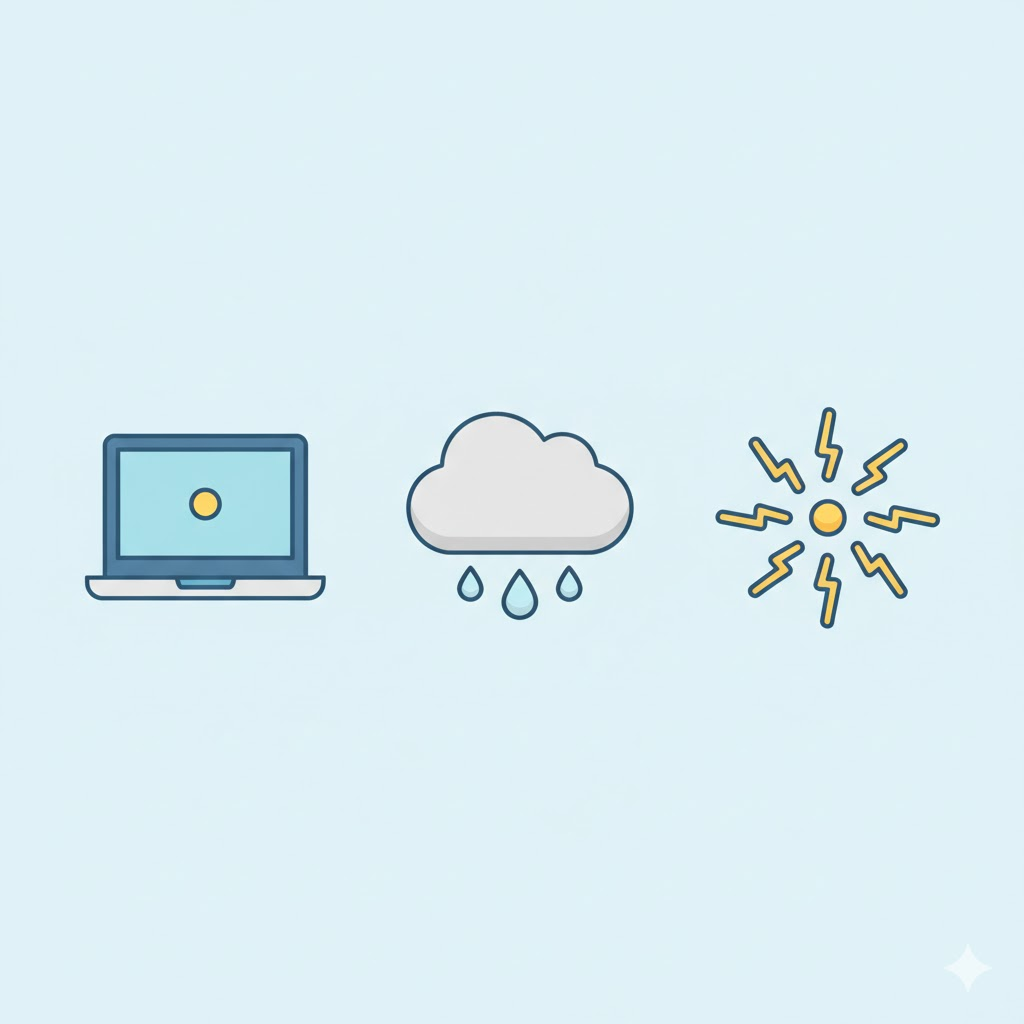
For example, you say, "Give me three simple icons with the same style: a laptop, a cloud, and a spark." NanoBanana creates a consistent set with matching shapes, colors, outlines, and proportions.
Ideal for presentations or small UI elements.
practice preview
Interactive practice
Match pairs
Tap a left item, then a right item to match.
Why Style Consistency Matters
When creating multiple images, consistency builds trust. NanoBanana can follow a visual guideline across outputs by:
- Copying color palettes
- Matching shapes
- Keeping textures similar
- Aligning lighting
- Reusing composition patterns
This helps you build cohesive sets.
Reusing a Style Prompt
Give Gemini a style once, then reuse it: "Use the same soft, rounded illustration style as the last image." NanoBanana continues in the same artistic direction automatically.
You don't need to repeat every detail.

practice preview
Interactive practice
Put in order
Put the steps in order to create multiple images with a unified look.
Bringing Everything Together
In this lesson, you learned how to generate images with NanoBanana, edit visuals with simple instructions, and create consistent, high-quality assets for real-world use. You now know how to:
- Describe visuals clearly
- Refine pictures without design tools
- Build cohesive sets of banners, icons, and illustrations
Gemini gives you the confidence to create professional images from scratch!
What's Next?
Nice work! You've just learned how to create and edit visuals without any design experience. Next up, we're diving into another one of Gemini's creative talents — making original music from scratch. See you there!