ChatGPT: Deep Dive · Automate and Delegate With ChatGPT
Custom GPTs: Connecting to External Systems
Connect Custom GPTs to live data
Custom GPTs with Actions
In the previous lesson, you sorted Mira's coaching assistant. The Custom GPT holds 12 students' states and produces three different artifacts per student. Now it's time to add another layer.
Without live data, a Custom GPT can only work with what you've manually uploaded. To pull live data, like bank transactions, Custom GPTs require different settings. That's what this lesson covers.
Let's get started!
Mira's Other Sunday Problem
Lesson prep is solved. But every Sunday, Mira also sits down to check her finances — and that part still takes time.
End of November. It's time to check what came in, what went out, and plan for December.

Mira's money moves across multiple accounts and currencies. Her income looks like this:
- 8 kids on monthly subscriptions, paid by parents
- 4 adults paying per session, in USD, EUR, or GBP
Her spending mixes personal and business: rent, groceries, Chess.com Premium, and tournament travel. Most of it flows through Wise, which handles her multi-currency life in one place.
What Mira Wants Out
At the end of every month, Mira needs answers:
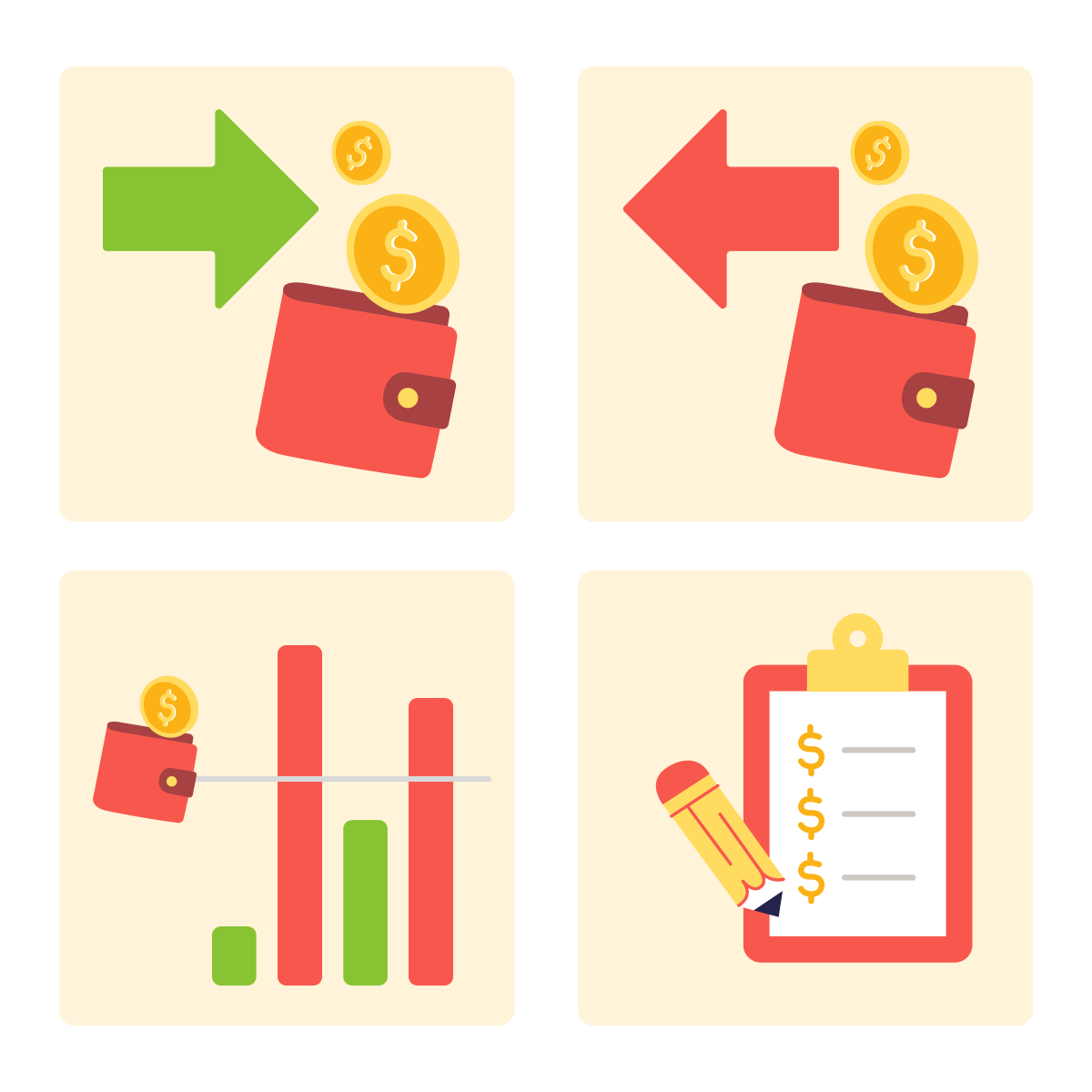
- What came in across all currencies?
- What went out, by category?
- Which categories went over budget?
- What should next month's budget look like?
She used to download CSV files from Wise and paste them into ChatGPT to analyze. But the file is outdated as soon as a new transaction comes in — and her finances move every day.
Select all that apply
What would make Mira's Custom GPT genuinely useful for a monthly financial review?
Two Ways to Reach External Services
ChatGPT has two ways to reach external services. Both are useful, but they work differently:
- Plugins: a built-in library of pre-connected services (Booking.com, Canva, Spotify, and more). Fast to enable, limited to what's in the library. You'll learn more about them in the next lesson.
- Actions: custom integrations you configure inside a Custom GPT. More setup, more power. This lesson is exactly about them.
How Actions Work
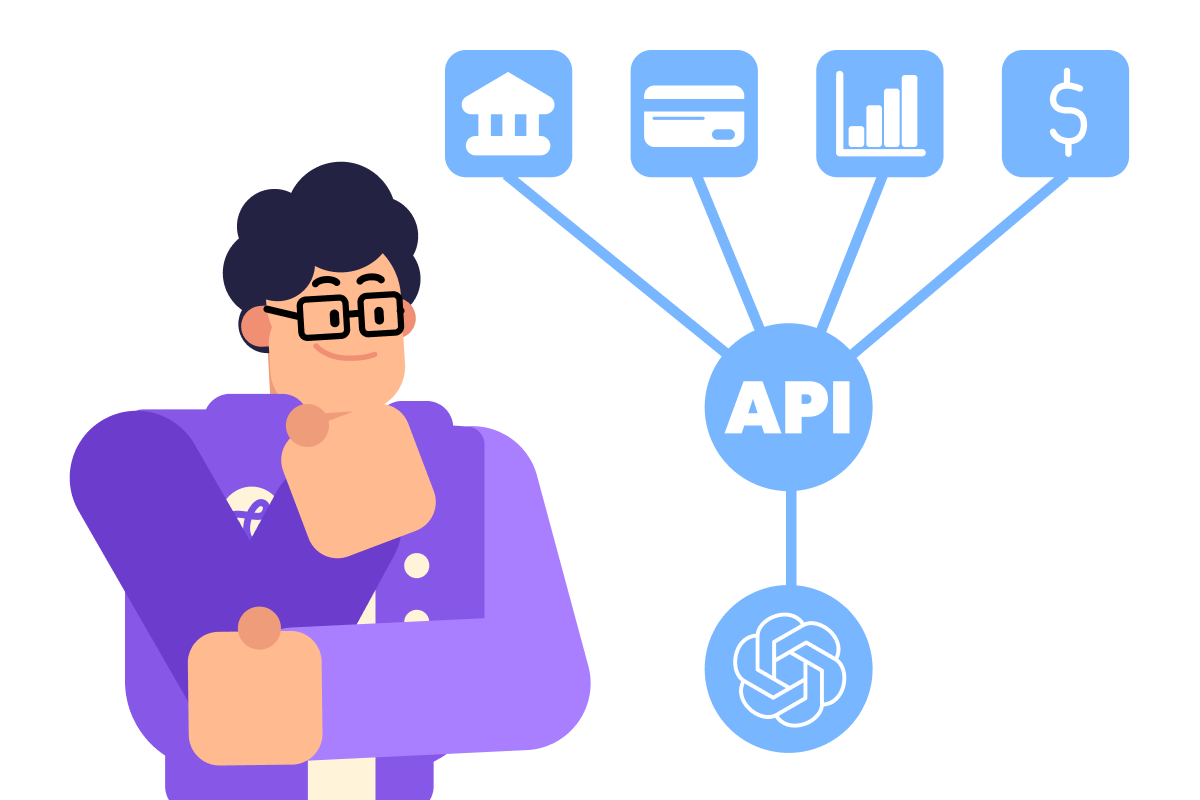
Actions work through the API. An API (Application Programming Interface) is a way for one app to talk to another.
For example, Wise is not in the ChatGPT App library, but it has an API that lets other tools — including ChatGPT — request transaction history, account balances, and conversion rates.
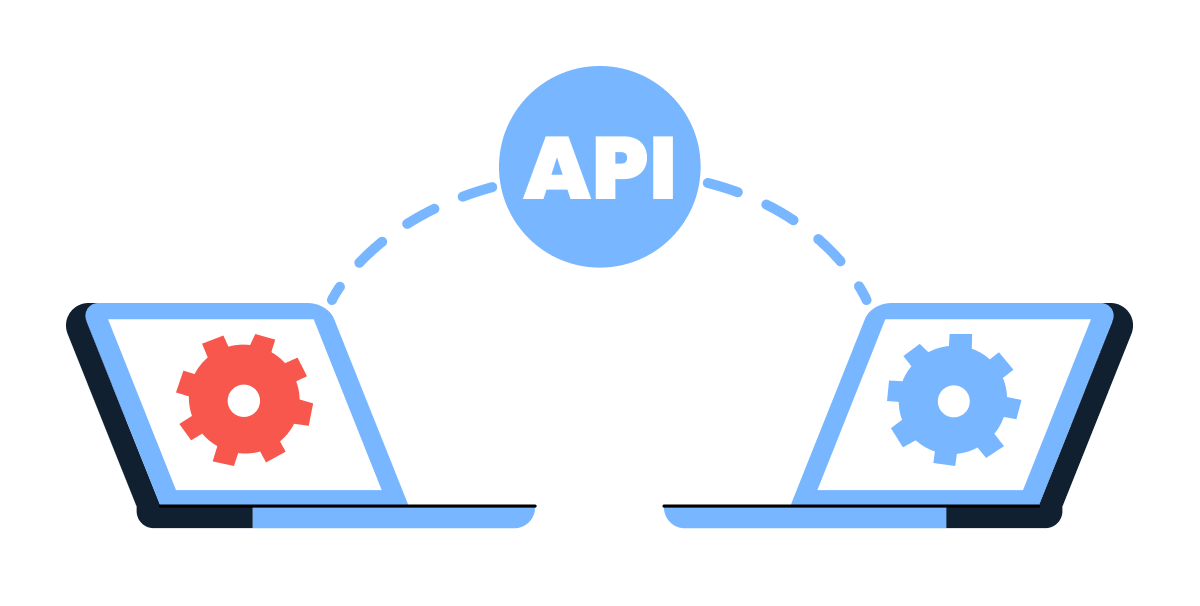
Most services publish their API documentation publicly. Without an API connection, ChatGPT can only work with what you manually paste in. With one, it pulls live data on demand.
Building a Financial Assistant
Before connecting to any API, the Custom GPT still needs the foundation: role, instructions, and routing rules for ambiguous input.
And after the foundation is in place, the API connection gets added on top.
Connecting Mira's GPT to Wise
Most services with a public API publish their documentation online, usually at a developer page (search the service name + "API documentation" or "developer docs"). For Wise, that documentation lives on their developer site.
Inside the Custom GPT builder, open the Configure tab and scroll to Actions. The action needs a schema — a structured description of what the API can do.
You don't have to write it yourself: paste the link to Wise's API documentation into OpenAI's ActionsGPT (a Custom GPT you can browse in Explore GPTs), ask it to build the schema, then paste the result into the Action field in the Custom GPT builder.
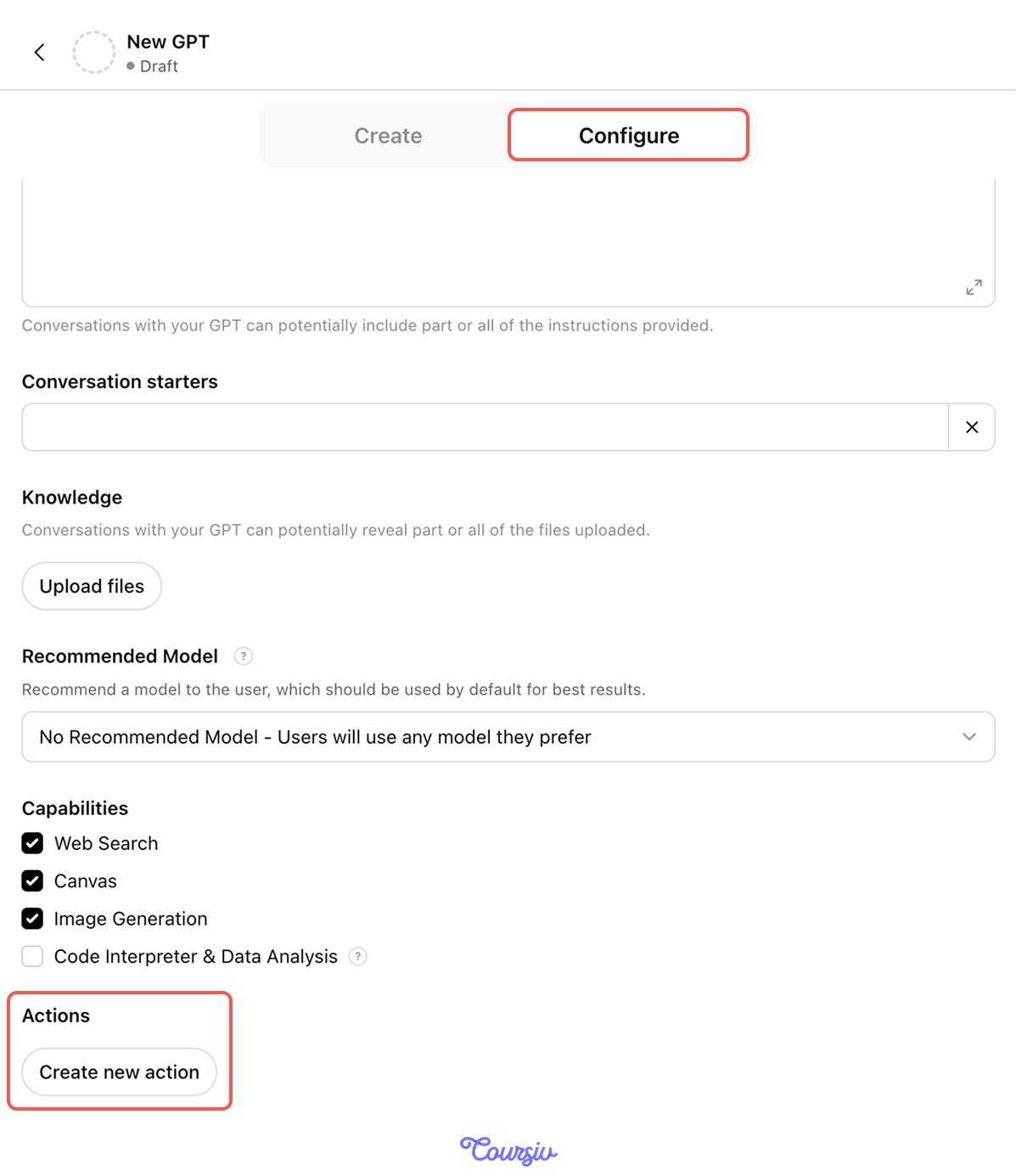
Then, set up authentication — this is how Wise verifies that the GPT has permission to access the account. Most services let you generate a personal API key in your account settings: open Wise, go to the developer section, generate the key, then paste it into ChatGPT.
Choose one
When configuring an Action for a finance API, what's the first scope decision Mira should make?
First Live Question
With Wise connected, Mira asks her first live question, "What did I earn from teaching in November?"
The GPT pulls from Wise and returns totals by student, currency, and week. The number matches her records. The connection works.
That first answer landing correctly is encouraging! But a clean result on an easy question doesn't prove the setup is safe.
The real test is what happens when the data coming back isn't tidy, or when Mira asks for something the GPT shouldn't do. Live data opens a new set of failure modes, and they're worth understanding before she relies on this for a real review.
Where Live Data Breaks
The failure modes for live-data GPTs are different from the ones in Lesson 1 — they're about what comes back from the API, not what goes in from the user.
When the data is fuzzy, the GPT can confidently invent answers that look right. That's the new risk live data introduces.

The Live-Data Failure Modes
Connecting to live data has some new ways in which GPT can potentially fail:
- Ambiguous source data: The API returns data that could mean multiple things.
- Incomplete data: Recent transactions are still pending, but the GPT reports the totals as final.
- Off-scope write request: The user asks the GPT to take an action it shouldn't.
Each one needs a rule. Let's go through them.
Failure Mode 1: Ambiguous Source Data
Mira asks, "What did I spend at Amazon this month?"
The API returns 14 Amazon transactions. Two are clearly groceries — the memo says "Whole Foods via Amazon." The other twelve just say "Amazon $X.XX" — could be groceries, household, work supplies, or gifts.
A demo GPT will bucket all 14 as one category. Mira's GPT should surface the ambiguity.
Calibrated Confidence Gating
The rule that prevents fabrication is called Calibrated Confidence Gating. The GPT must hit a confidence threshold for each claim. Below the threshold, it stops and asks.
Where the Threshold Lives
The threshold is a rule you write into the Instructions field. The threshold you set is a behavioral instruction ChatGPT follows — you're telling it to judge its own certainty on each claim and stop when that judgment falls short. That's why the wording of the clause matters.
It's best to set the threshold in the instruction at these figures, so the AI performs best:
- Higher than 85% when fabrication is expensive: medical info, legal claims, decisions tied to real money
- 85% for most professional analysis: catches ambiguous cases, lets clean ones through
- Lower than 85% when asking costs more than being slightly wrong — brainstorming, idea generation
practice preview
Interactive practice
Fill in the blank
Complete the routing rule in the Instructions that prevents the GPT from guessing under uncertainty.
Failure Mode 2: Incomplete Data
Mira checks her spending at 11 p.m. on Sunday. Saturday's card payments are still pending — card transactions can take a day or more to settle, so they haven't landed in the final totals yet.
The GPT reports the week's spending as complete. It's actually missing 6 transactions' worth of activity. The total is wrong, the categories are wrong, and Mira's budget plan for December starts from a false baseline.
Choose one
The data Wise returns includes 6 card transactions still marked as pending. What should the gated GPT do?
Add a Check
You add one line to the same gating block where the confidence rule lives, so incomplete data trips the gate the way low-confidence claims do:
"If the data includes pending or incomplete transactions, say so, show which totals they affect, and ask whether to include them."
Failure Mode 3: Off-Scope Write Requests
Mira types, "Pay my Chess.com Premium subscription, it's about to renew."
The GPT could call the Wise API to initiate a payment — the connection is there, the permissions might allow it. But should it?
Access Policy
For every Action the GPT could take, there are four levels of scope:
- Read = can do without confirmation
- Write with confirmation = proposes the action, waits for Mira's approval
- Never without explicit config = possible to enable, but locked off by default
- Out of scope entirely = refuses, regardless of how the request is phrased
For Mira's finance assistant, the settings can be: "read transactions freely, propose category labels for my review, never initiate payments, never transfer money."
practice preview
Interactive practice
True / False
For each action Mira might request, decide where it belongs in the access policy.
Two layers of protection against the new failure surface:
- Calibrated Confidence Gating for ambiguous data. Ask before claiming.
- Access policy for ambiguous actions. Refuse or confirm.
Mira's End-of-Month Review
With gating and policy in place, Mira runs her actual November review. The GPT pulls live data, surfaces ambiguities, rejects off-scope requests, and produces a clean health check.
practice preview
Interactive practice
Fill in the blank
Mira asks her Custom GPT for a full monthly financial review. Complete the prompt.
Great! November's review is done. The numbers match the records, the ambiguities are flagged for Mira to resolve, and she didn't have to download a single file!
- APIs let ChatGPT request live data from external services like Wise.
- Apps are pre-built, fast, but limited to the library. Actions are custom, configurable, and work with any API.
- Calibrated Confidence Gating stops the GPT from claiming what it isn't sure about.
- Access policy defines what the GPT can read, write, or refuse. Set the scope before connecting.
What's Next?
You've built a Custom GPT that connects to one service and refuses to fabricate. The next lesson goes the other direction — using Apps to connect ChatGPT to several services at once, building a personal assistant that handles your week across Calendar, Drive, Gmail, and more.
Let's keep going!