ChatGPT: Deep Dive · Automate and Delegate With ChatGPT
Plugins: Building Multi-Tool Workflows
Pass work between connected plugins
When Plugins Hand Off to Each Other
Last lesson, your assistant told you what the week needed. In this one, it does the work for you, such as reading from one app and acting in another, all in one flow.
That's a new kind of power. By the end, you'll build a workflow that reads your inbox and creates the tasks — and know exactly where it can break.
Scenario: Small Business Expansion
Imagine this: you run a small café that's doing well. Well enough that you're opening a second location in 6 weeks. You're coordinating the whole launch while still running the original.
Almost all of the launch information lives in his Outlook inbox: vendor quotes, hiring threads, contractor updates. And every email turns into an Asana task for someone on his team.
Turning emails into tasks is tedious:
- You re-read each email to pull out the actual task.
- You retype the details into Asana by hand.
- You have to decide who each task belongs to.
Select all that apply
What do you need ChatGPT to do so you don't have to handle this yourself?
A Tool That Acts
That's exactly what a connected workflow can do: read the email, pull out the task, and put it on the board without you lifting a finger. But it's a different kind of help than you've seen so far.
From Informing to Acting
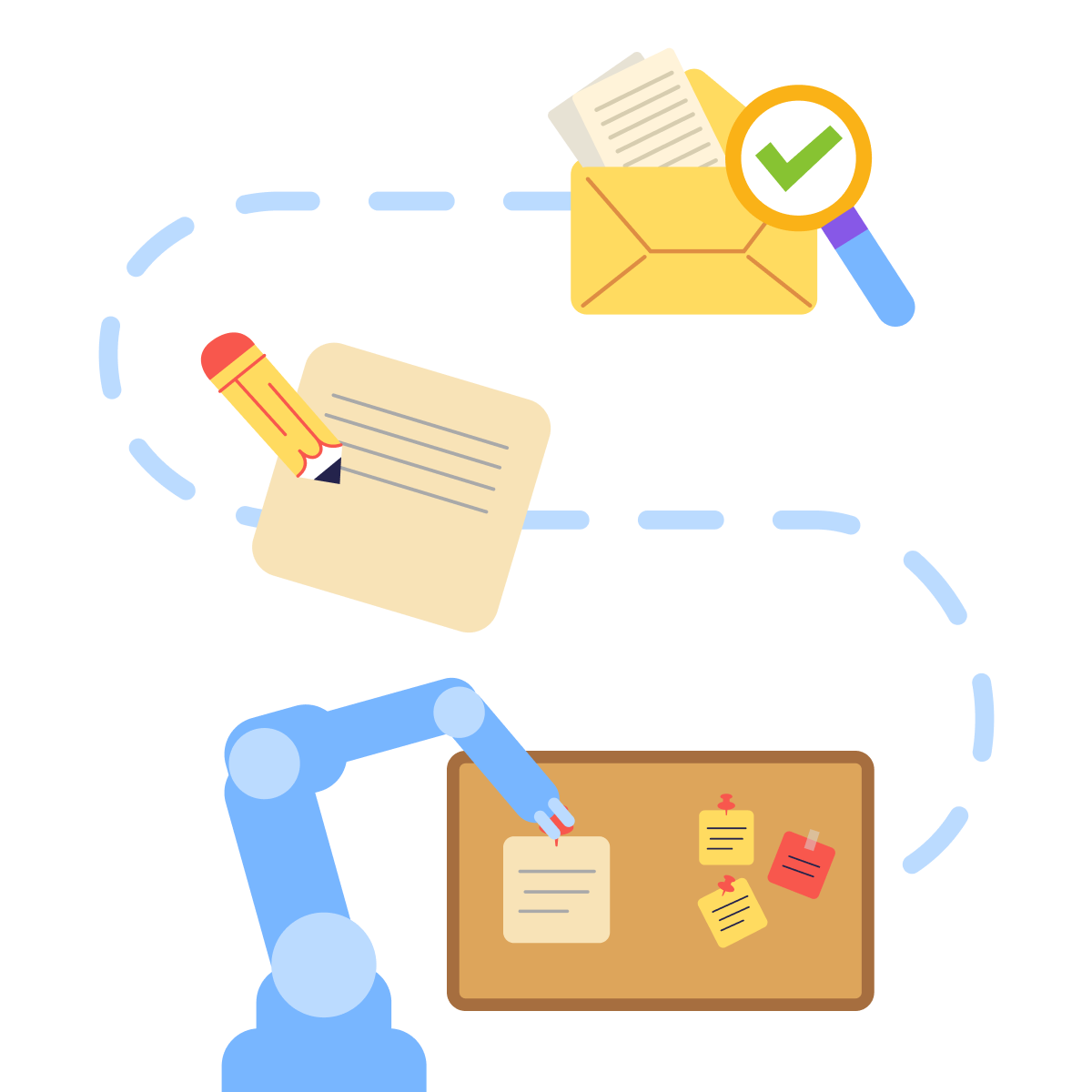
In the previous lesson, Naomi's assistant gathered information and told her what the week needed. Useful for her needs — but she still did the doing.
Your workflow goes one step further. It reads the email and creates the task itself. That shift, from informing to acting, is what this lesson is about.
Connecting the Two
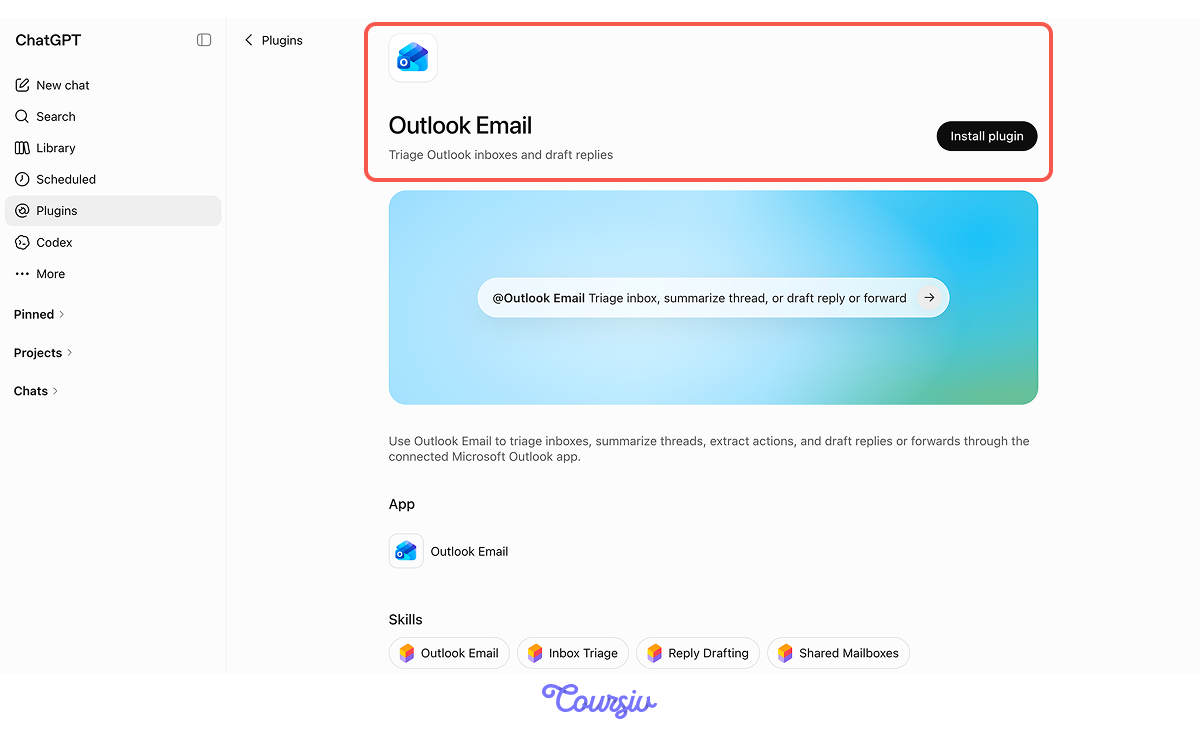
You already know how to connect plugins from the previous lesson. You need to connect Outlook and Asana from the Plugins panel — one to read from and one to write to.
The new part is making one feed the other.
What a Handoff Is
A handoff is the transfer of information from one app to another. The workflow has four steps:
- You: Ask ChatGPT to process a specific email.
- Outlook: Returns the matching email.
- ChatGPT: Extracts the task and maps it to structured fields.
- Asana: Creates the task, after approval, if one is required.
The workflow runs when you invoke it.
The heart of a handoff is turning loose text into structured fields. An email is loose text. An Asana task has slots: a name, a due date, an assignee, and a project.
So when an email says, "Elena, can you have the menu ready before we open Saturday?" the GPT has to map that into:
- Task = finalize menu
- Due = Friday
- Assignee = Elena
practice preview
Interactive practice
Fill in the blank
In a chat with Outlook and Asana connected, you add an email to the workflow. Complete the instruction that turns it into a task.
When It Works and When It Doesn't
Nicely done! One clear email, one clean task. The handoff did exactly what you wanted — read, extract, create, and assign.
But your real inbox isn't one clean email at a time. The next message can break the workflow.

Failure 1: One Task, Many Jobs
You get a planning email: "Before the soft launch on the 14th — Elena needs to lock the menu, Tom needs the espresso machine installed, and we need the hiring ad posted."
Three asks and three different owners. But the workflow creates one task with all of it crammed inside. Both ends worked — it read the email and made a task — but the handoff flattened three jobs into one.
Where Handoffs Break
Here's what's new. With a single plugin, problems come from the input — something missing or unclear in what you typed.
With a handoff, both ends can work perfectly, and the problem hides between them. The email reads fine. The task gets created fine. The gap — the handoff point — is the new thing to watch.
Let's practice and see how to fix the email issue.
practice preview
Interactive practice
Fill in the blank
Complete the rule that tells the workflow to break a multi-part email into separate tasks.
Failure 2: Name Confusion
Another email: "Jordan should own the launch-day social posts."
Simple enough — except your team has two Jordans. Jordan F. runs front-of-house; Jordan S. helps with social. The email says "Jordan." The workflow has to pick one.
A name in an email doesn't always map cleanly to a person on the board. That's the assignee-mapping problem.
Fixing the Issue
The fix is the same instinct from earlier lessons: when something is ambiguous, confirm before acting. Now it applies to the handoff.
The rule: when a name in an email matches more than one person on the board, the workflow pauses and asks you which one before assigning. One question saves a misassigned task.
Failure 3: The Wrong Date
One more: "Let's have the menu draft ready by the 7th so we can taste-test, then the final printed menus by the 12th."
Two dates, both clearly stated. The workflow creates the task and sets the due date to the 12th, even though the closest next action (the draft for tasting) is due on the 7th.
Nothing was missing — both dates were right there. The handoff just grabbed the wrong one.
Fixing the Date
The fix is to tell the workflow which date matters: the next action, not the last one mentioned.
When an email has more than one date, the workflow sets the due date to the earliest task — here, the draft by the 7th — and notes the later date in the task instead of using it as the deadline.
Recovering Without Restarting
When a handoff breaks, you don't redo the whole run. The other tasks are fine — only the broken handoff needs fixing.
Wrong Jordan assigned? Reassign that one task. Wrong date pulled? Correct that one field. The rest of the board stands. Repairing the handoff beats rebuilding from scratch.
Choose one
The workflow created five tasks correctly, but assigned one to the wrong Jordan. What's the right fix?
The Result
Your launch board now builds itself from his inbox. Emails come in; tasks appear, assigned and dated, with the workflow pausing only when a name or a date is genuinely unclear.
The manual retyping is gone. The one thing you watch now is the handoff point — and you know exactly how to spot a break
Beyond Your Café
The email-to-task shape is everywhere:
- Support emails → tickets in a tracker
- Lead emails → records in a CRM
- Meeting recaps → action items on a board
Same structure each time: read the source, extract the pieces, confirm the handoff, create the output.
- A handoff turns unstructured input into structured output: The skill is mapping prose to fields.
- The failure surface moves from your prompt to the handoff between plugins: Test the join, not just the ends.
- When one input should become many outputs, name the split or the workflow that crams it into one.
- Recover by fixing the broken handoff, not rebuilding the whole run.
- A handoff is worth it only when the plugins do genuinely different work.
What's Next?
Your workflow is running! The next step is creating a reusable Skill that shines when you execute a repeatable task, and specific rules are important.
Let's keep going!