Midjourney · Midjourney Essentials
Viewpoint
Elevate your art with different view angles
Direct the Camera, Shape the Story
Welcome back! Today, you'll learn how to guide Midjourney by choosing the viewpoint — the angle and distance from which your scene is observed.
This single choice can turn a simple image into something dramatic, intimate, or cinematic. Let's explore how positioning the "camera" transforms your results!
Why View Matters
Viewpoint tells Midjourney where the viewer stands in the scene.
- A low angle makes subjects feel powerful
- A high angle makes them feel small or cinematic
- A close viewpoint pulls the viewer into the moment
- A distant one builds context and space
By choosing the viewpoint intentionally, you control emotion, focus, and narrative.
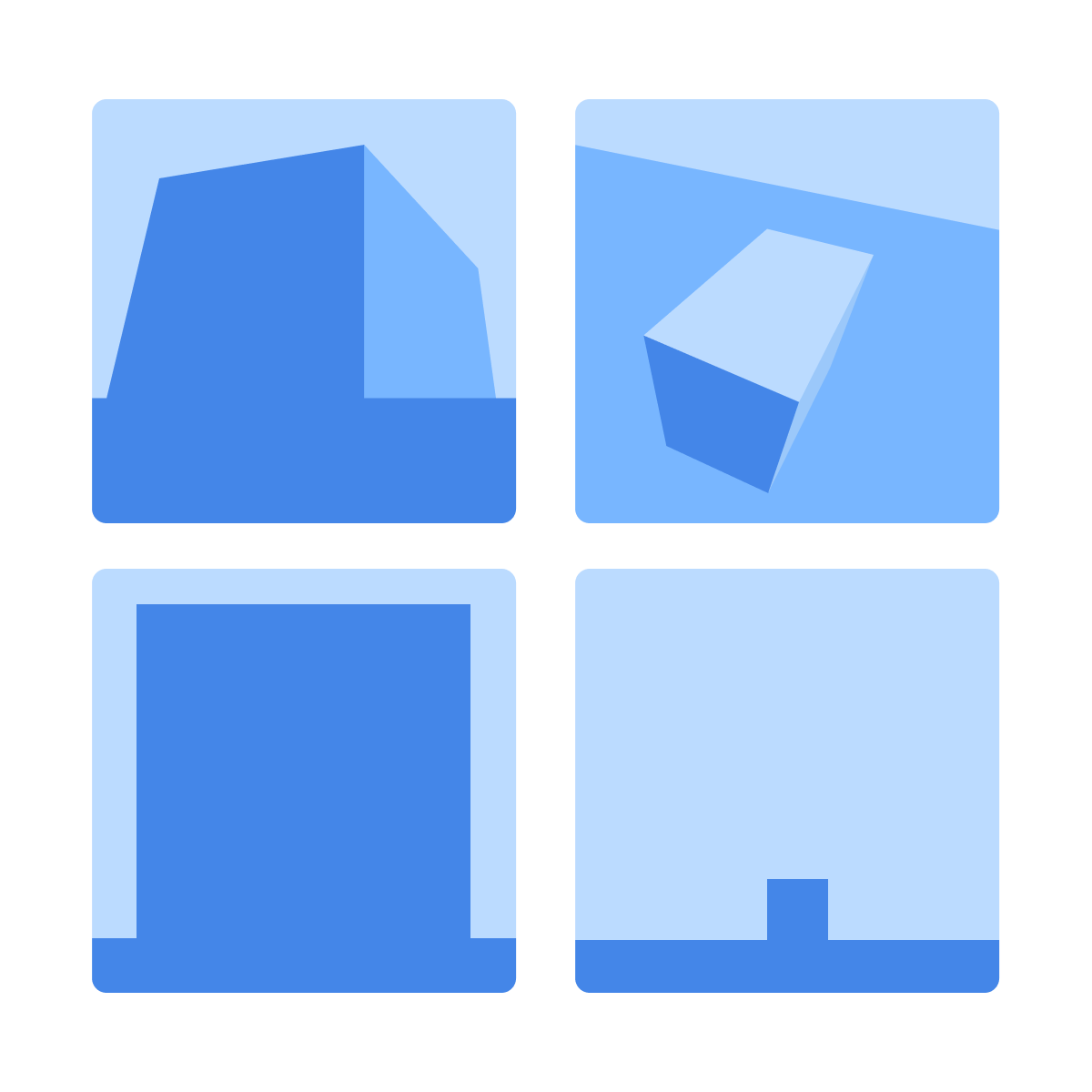
Setting View in Your Prompt
You can guide Midjourney by indicating the camera position directly in your prompt:
- "from a low angle"
- "bird's-eye view"
- "eye level"
- "close-up portrait"
- "wide shot from a distance"
These cues help the model frame your subject with purpose, instead of relying on its default perspective.
Practicing with Viewpoints
Remember your client from the previous lesson? They absolutely loved the images you created for their website and social media!
Now, with the holiday season approaching, they want you to design postcards their guests can send home.
The postcards should feel like a painting of the resort — warm, inviting, and showing how cozy the houses look nestled between snowy mountain peaks.
Choose one
Speaking of the previous lesson, what aspect ratio works best for postcards?
practice preview
Interactive practice
Fill in the blank
Add a specific view or perspective to your prompt.
Amazing job! Now, let's create some variety in postcard design by trying out some other viewpoints.
practice preview
Interactive practice
Fill in the blank
Adjust the scene to a close-up perspective.
practice preview
Interactive practice
Fill in the blank
Create another scene with an eye-level perspective.
Select all that apply
What differences did you notice between the bird's-eye view and the close-up ground-level or eye-level images?
Why View Matters
View shapes emotion before lighting or color do:
- A low viewpoint feels dramatic
- A top-down shot feels observational
- A close-up feels personal
By setting the viewpoint intentionally, you decide what the viewer notices first — and how they feel about it.
Common angles:
- Eye level — natural and realistic
- Low angle — powerful, dramatic
- High angle — overview, flat-lay feel
- Wide shot — environment and storytelling
- Close-up — strong emotion and details
- Bird's-eye view — structure, patterns, layouts
- Products: eye level or slight top view
- Portraits: eye level for realism; low angle for impact
- Architecture: low angle for scale; wide for context
- Social content: close-ups or aesthetic high angles
- Story scenes: wide shots to set the world
- Complex spaces: bird's-eye to show spatial design
- Viewpoint tells Midjourney where the viewer stands. It controls emotion, focus, and narrative before lighting or color does.
- Angle changes the feeling. Low angles feel dramatic, high angles feel observational, and close-ups feel personal.
- Distance sets the story. Wide shots build context and space; close-ups pull the viewer into the moment.
- Add viewpoint cues directly in your prompt. Phrases like "from a low angle," "bird's-eye view," "eye level," or "wide shot from a distance" guide the frame with purpose.
Wrapping Up
You've now seen how viewpoint controls distance, emotion, and focus. A single change — from bird's-eye to close-up — can shift your entire story.
When you choose the angle with intention, you guide what the viewer feels and where their attention lands. This is what turns a simple scene into a meaningful composition!
What Comes Next
Now that you can guide the composition of a scene, the next step is shaping how that scene feels.
In the upcoming lessons, you'll explore how to influence Midjourney's artistic decisions — from gritty realism to soft illustration — using style cues and creative parameters.
See you there!