Midjourney · Explore Techniques and Styles
Fine-Tune and Customize Your Images
Use parameters for precise image control
Controlling Style With Parameters
Earlier, you explored style visually — comparing directions, noticing patterns, and shaping a look through Moodboards and Style Creator.
Now it's time to take the next step! Today, you'll be diving into fine-tuning and customizing your images with style parameters until they look exactly as you imagined.
Let's make you handle complex edits easily!
How Style Parameters Work
Style parameters don't change what appears in your image.
They change how Midjourney renders it.
Each parameter controls a specific aspect of interpretation — realism, variation, experimentation, or consistency.
By adjusting them one by one, you learn how to shape results intentionally instead of guessing.
Scenario: Luxury Men's Cosmetics Campaign
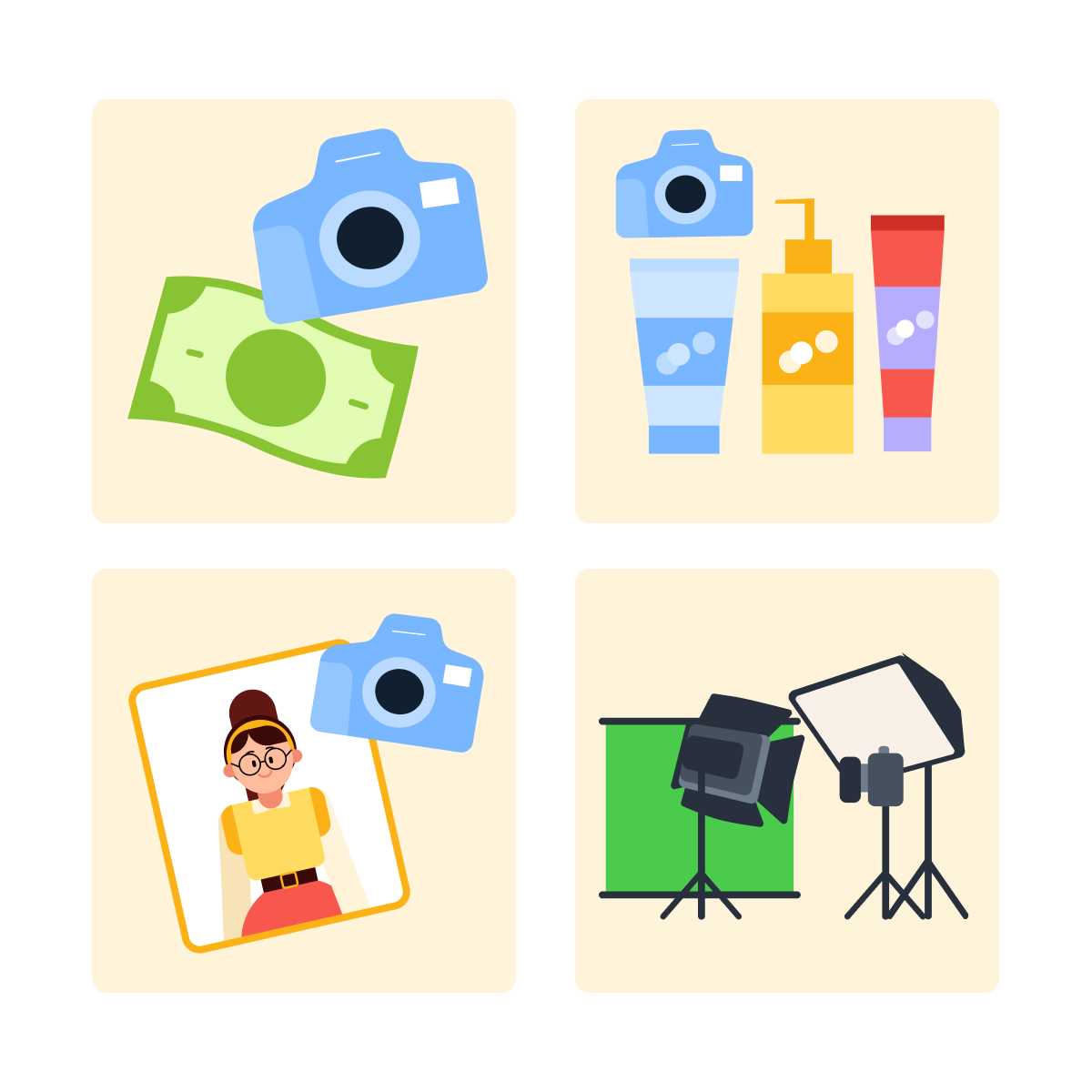
Imagine you're preparing a commercial photoshoot for a luxury men's cosmetics brand. The visuals must feel confident, premium, and realistic — suitable for ads, websites, and print.
practice preview
Interactive practice
Fill in the blank
Create powerful images for your campaign.
The images look great, but the client thinks they're too moody: "It made them look like a vampire movie poster," they say.
Let's make your images more realistic and clear by adding a new parameter!
practice preview
Interactive practice
Fill in the blank
Make the images for your campaign more realistic and clean.
Comparing Default vs Raw Interpretation
You just created two groups of images from the same prompt. One uses default settings, and the other uses raw mode.
Choose one
From the two groups of images, which version looks closer to a traditional commercial photoshoot the client expected?
What Raw Mode Does
Raw mode (--style raw or simply --raw) reduces Midjourney's default stylization and follows your prompt more literally.
It's especially useful for:
- Commercial photography
- Product shots
- Realistic portraits
- Clean, professional visuals
Exploring Stylization
You can manage the level of stylization with numbers as well!
For this, use the "--s" parameter and add a number indicating how strong the stylization is applied. Previously, we used the default setting of --s 100.
practice preview
Interactive practice
Fill in the blank
Let's see how the same prompt works with a different level of stylization.
Choose one
Which image feels more artistic and expressive?
What Stylization Controls
Stylization (--s) controls how artistic or literal the image becomes.
- Lower values suit realism
- Higher values emphasize interpretation and expression
The default value for stylize is 100, and you can adjust it anywhere between 0 and 1000.
Time to Experiment!
There are times when your visuals require more experimentation and a fresh approach.
To let Midjourney's creativity flow, you can try the other two parameters: --c (chaos) & --w (weirdness).
Scenario: Consulting Company Website
Now imagine you're designing a website header for a consulting company's annual results page. The image must feel professional, trustworthy, and clean.
practice preview
Interactive practice
Fill in the blank
Create a set of default header images.
These turned out great! Let's now experiment a little bit and see what adding some chaos does to them.
You can adjust this parameter anywhere between 0 and 100.
practice preview
Interactive practice
Fill in the blank
Add variety to the images using the "--c" parameter.
Choose one
What effect from the "--c" parameter did you notice?
practice preview
Interactive practice
Fill in the blank
Let's now add variety to the images using the "--w" parameter.
What Weirdness Controls
Weirdness ("--w") pushes Midjourney toward unusual or experimental interpretations. It's powerful — but best used intentionally. You can adjust it anywhere between 0 and 3000.
- Style parameters don't change what appears, but how it's rendered. Each one controls a specific dimension of interpretation.
- Raw mode ("--style raw") reduces stylization. It follows your prompt more literally, making it useful for commercial photography and clean, realistic visuals.
- Stylization ("--s") controls how artistic vs. literal the image feels. Lower values favor realism; higher values encourage interpretation.
- Chaos ("--c") controls variation across results. Low chaos keeps images consistent; high chaos makes them explore further apart.
- Weirdness ("--w") pushes toward unusual interpretations. Best used intentionally when you want unexpected or experimental results.
What Comes Next
So far, you've adjusted parameters one by one. In the next lesson, you'll start combining them — building controlled setups for real projects like branding, campaigns, and content systems.
That's where style stops being adjusted — and starts being designed.