Claude Code · Work Like a Pro With Claude Code
Make a Reusable Setup
Create a reusable setup for every project
Make Claude Remember
You've built a website, then an app — and each time, you've repeated many of the same preferences: your stack, style, and how you like Claude to work.
In this lesson, you'll set up two things that make Claude remember: CLAUDE.md and a skill.
From here on, Claude already knows how to build an asset to make it your way.
Let's get started!

An App for a Friend
Your language tracker works. The design holds together. A friend sees it and says, "Could you build me one like that, but for sleep?"
You definitely can build one, but you don't want to re-explain everything to Claude when starting from scratch: "keep it simple, plain HTML, save data locally, deploy to Netlify with a one-line ask."

There are two things that end the re-explaining trap:
- A user-level CLAUDE.md — a file in your project that holds standing rules Claude reads at the start of every session. What's always true here.
- A skill — a saved process Claude can run when it matches what you're asking for. How to do a recurring kind of work.
You'll build one of each, and your friend's sleep tracker will be the test.
The Difference
A rule is a fact. A process is a workflow.
- Rule (CLAUDE.md): "Use plain HTML"
- Process (skill): "When I describe a new small app, scaffold it in my style, save data locally, deploy to Netlify"
Rules don't change between tasks; they shape every task. Processes turn into the same kind of work every time you trigger them.
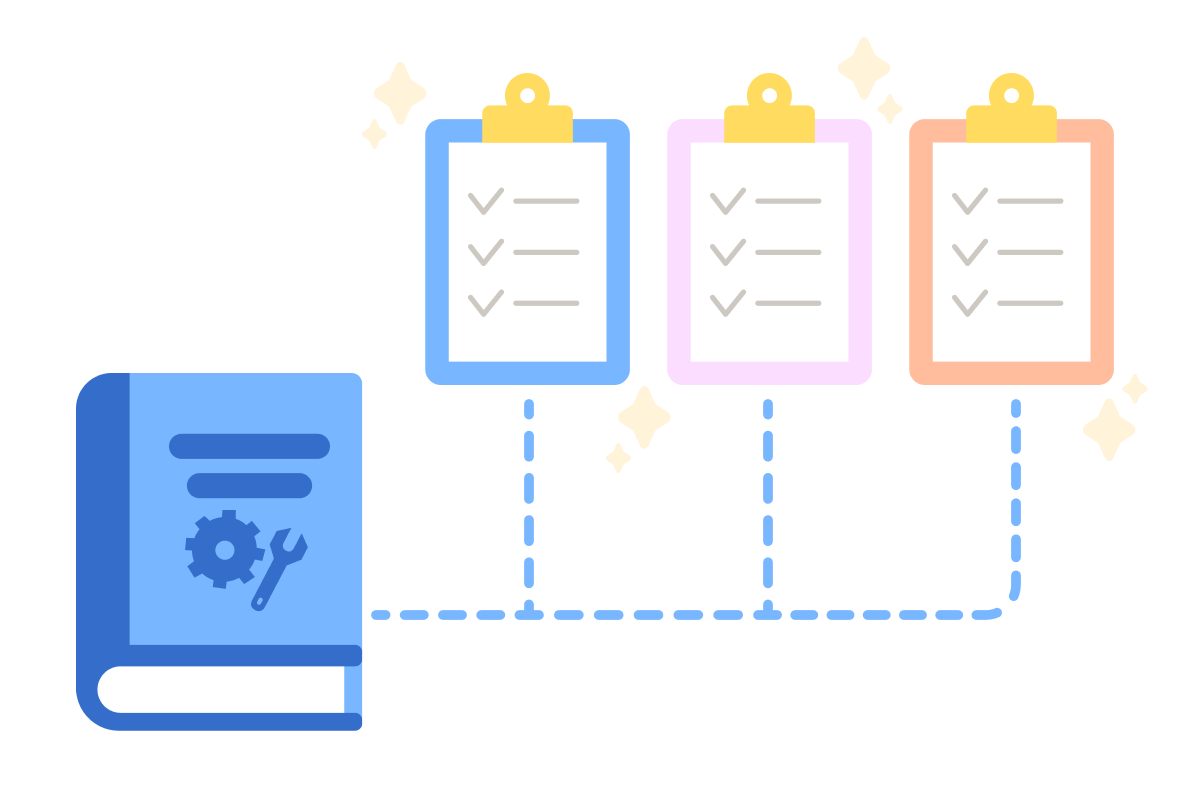
Start With CLAUDE.md
CLAUDE.md is just a text file named "CLAUDE.md" at the root of your project folder — the one you choose for every distinct asset you're creating. Claude automatically reads it at the start of every session in that folder.
You don't have to write it by hand. Type /init in the chat, and Claude scans your project and drafts a starter CLAUDE.md:
- What your project is built with
- How things run
- Anything it can infer
From there, you add your own rules by asking Claude directly, "Add these rules to CLAUDE.md..." or by using /memory command.
Consider adding these details in your prompt to create a useful CLAUDE.md file:
- What you're building with: languages such as HTML, JS, CSS, React, Python, etc.
- How data is handled: in local storage, a database, or an external API.
- How the project ships: deploy to a host (such as Netlify), or upload manually.
- Visual style: typography, colors, spacing, and the overall feel.
- Working pattern: ask before big changes, work in small steps, and protect certain files.
The more specific the rules, the more time you save in every session that follows.
practice preview
Interactive practice
Fill in the blank
Tell Claude what's always true about how you build.
Test It Immediately
Open a fresh session in the same folder and ask Claude to start something small — anything. Notice what happens.
You won't have to specify any of your usual preferences. Claude opens with your stack already chosen, your storage approach already set, and your deploy plan already in mind.
If it misses something, open the file through /memory and make the instruction clearer.
Choose one
You just asked Claude to "start a quick page that lets me log when I drink water." Without you saying anything else, Claude wrote plain HTML with local storage and asked before adding structure. Why?
Where CLAUDE.md Falls Short
CLAUDE.md is great for what's always true. But your friend asking for a sleep tracker is a recurring kind of work. Every time someone wants a small variation of what you built, you do roughly the same thing:
- Scaffold the page
- Pick the right structure for the data
- Design in your style and deploy
That's not a rule, but a process that goes into skills.
What's a Skill?
A skill is a folder Claude can load when its job matches what you're doing. The folder contains a SKILL.md file: a short description of what the skill does and when to use it, followed by the steps Claude should take when triggered.
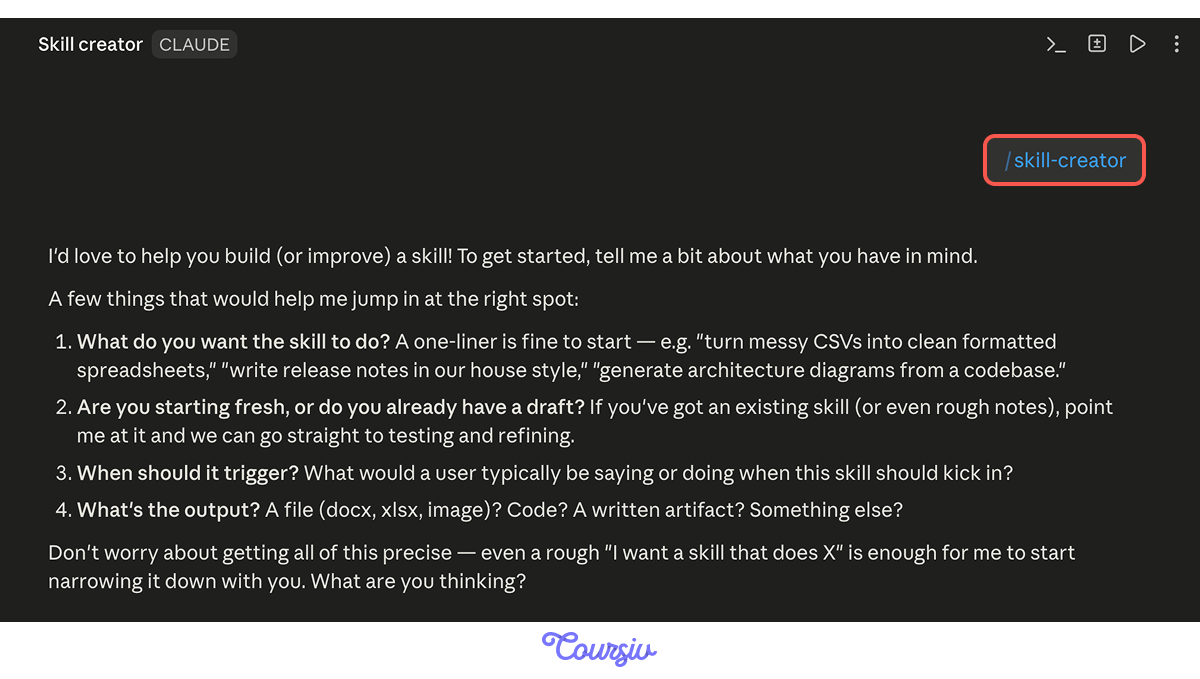
You don't write SKILL.md by hand. Anthropic ships a skill called skill-creator that interviews you about your workflow and writes the file for you.
In the chat, type /skill-creator. It walks you through a short interview: what the workflow is, when it should run, what inputs you'll give it, what output you want, and any edge cases.
You answer in plain language. It writes the skill, sets up the folder, and installs it. You can also create skills from Customize → Skills → Create skill, which uses the same flow in a visual form.
practice preview
Interactive practice
Fill in the blank
Type /skill-creator and answer its three core questions about your skill.
The Description Controls the Match
Notice what skill-creator just spent the most time on: the description.
If the description is vague — "helps build apps" — Claude won't reliably trigger it. But if it's specific — naming the phrases users actually say, the kind of input expected, the output produced — the skill activates when it should and stays out of the way when it shouldn't.
The skill-creator plugin can test both parts of your skill:
- Triggering: Does it run for the right requests and stay quiet for the wrong ones?
- Output: Does following the skill actually improve the result?
Choose one
You evaluate the skill, and one sample request — "help me think through what to build next" — accidentally fires it. What does that mean?
Now Use It
Your friend wants a sleep tracker. You don't need to re-specify any recurring instructions. You just describe what the app does.
Three pieces of information do all the work:
- What the app's job is
- The kind of data it holds
- One feature that makes it different from your language tracker
practice preview
Interactive practice
Fill in the blank
Trigger the skill with a natural functional brief.
What Just Happened
You typed a functional brief and got a working, deployed, on-brand app.
Three things lined up to make that possible:
- CLAUDE.md held your stack, storage, deploy, and style: Claude read it without being asked.
- The skill held the process: It fired on your phrasing without you naming it.
- Your brief held what's actually different about this app: The only thing the skill needed from you.
practice preview
Interactive practice
True / False
Decide whether each line belongs in CLAUDE.md or in a skill.
practice preview
Interactive practice
Put in order
Put the steps of teaching Claude your patterns in order.
- CLAUDE.md holds standing rules. Facts that are always true about your project. Claude reads it automatically at the start of every session in that folder.
- /init drafts a starter CLAUDE.md. Then you add your custom rules by asking Claude directly.
- A skill holds a recurring process. Steps Claude runs when its description matches what you're asking for.
- Rules vs. processes is the line. Facts go in CLAUDE.md, multi-step workflows go in skills.
- skill-creator writes skills for you through a short interview. No hand-editing files required.
- The description field is what makes a skill fire. Name the trigger phrases, inputs, and outputs specifically.
- Evaluate every skill once. Test it on sample requests to catch over-broad or under-broad descriptions.
What's Next?
Nice work! Your friend has a sleep tracker, you didn't re-explain a single rule, and Claude now opens every session in this folder already knowing how you work.
Next, you'll go further: instead of Claude waiting for you to ask, you'll set up Routines you already met before — work that runs on a schedule, on its own. The CLAUDE.md and the skills you just built come with it.
Let's keep going!