Communicating With AI · From Prompts to Reliable Results
Why AI Feels "Wrong"
Learn why AI gives generic answers — and fix it
Let's Get You Better Results
You've probably asked AI for help and got something that was technically correct, but completely generic or totally unusable. This guide is here to fix that: starting with why it happens and how to change it.

How AI Actually Works
Let's look at why AI might not be helping you with your goals yet.
AI tools don't think or understand your situation. They predict: based on everything you give them, they calculate the most statistically likely response.
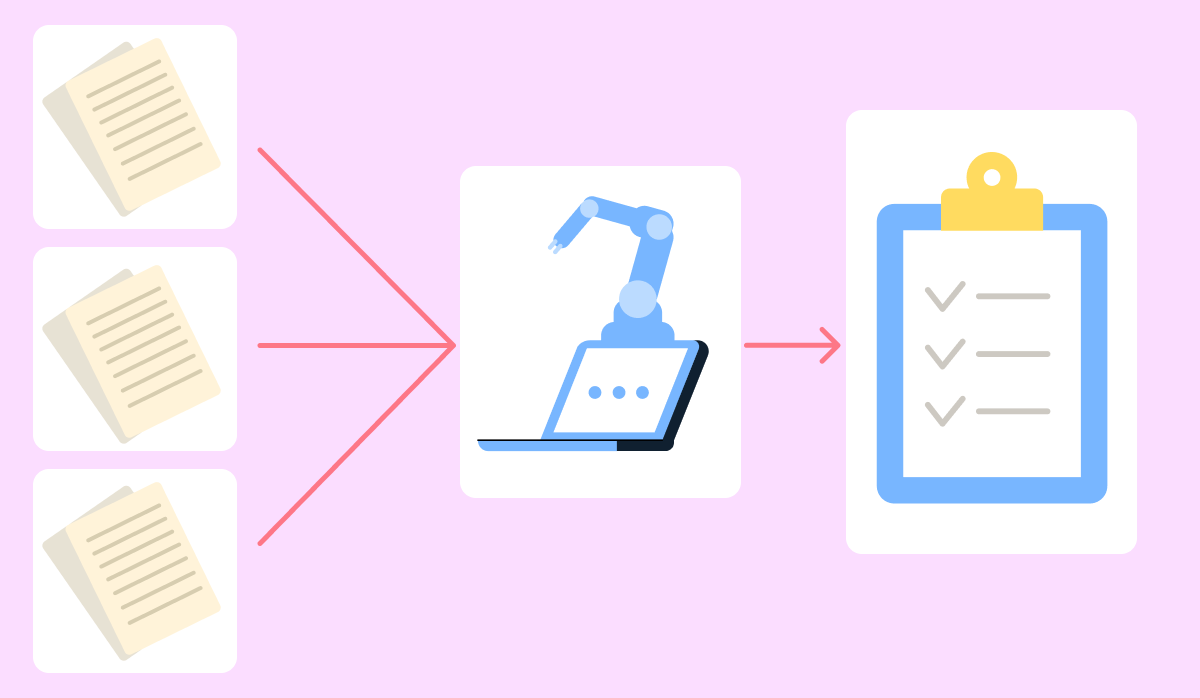
That means output quality is a direct reflection of input quality. Give it a vague request, and it returns the safest, most generic answer it can produce. Give it a specific one, and the response shifts dramatically.
Choose one
You ask an AI tool: "What should I do about my career?" What kind of response should you expect?
This is why AI's answer to vague prompts feels "wrong" and so frustrating. The AI just predicted based on very little. The fix can be choosing the tool, but most importantly, it's in the input.
Three Things That Change Everything
Most prompts that get poor results are missing one or more of these three elements: a role, context, and clear instructions. These work with any conversational AI tool — ChatGPT, Claude, Gemini, DeepSeek — and apply to virtually any task you want to use them for.
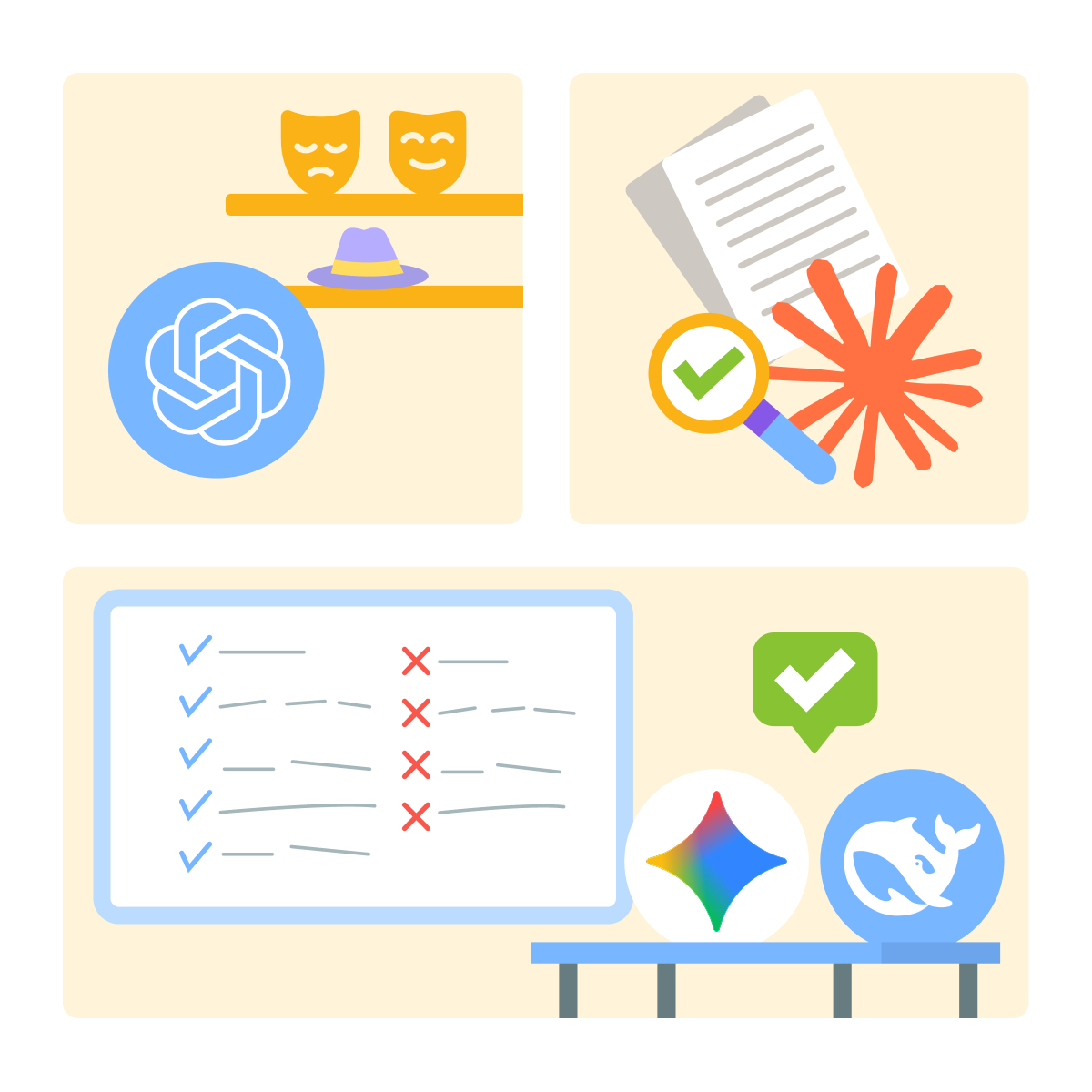
Role: Give AI a Perspective
Telling the AI who to be changes how it frames its answer.
For example, "Act as a career coach" produces a different response than the same question with no role, because the perspective shapes what it focuses on and how it speaks.
Let's see how adding a role to ChatGPT changes the output.
practice preview
Interactive practice
Fill in the blank
Add a role to shift the AI's perspective on your request.
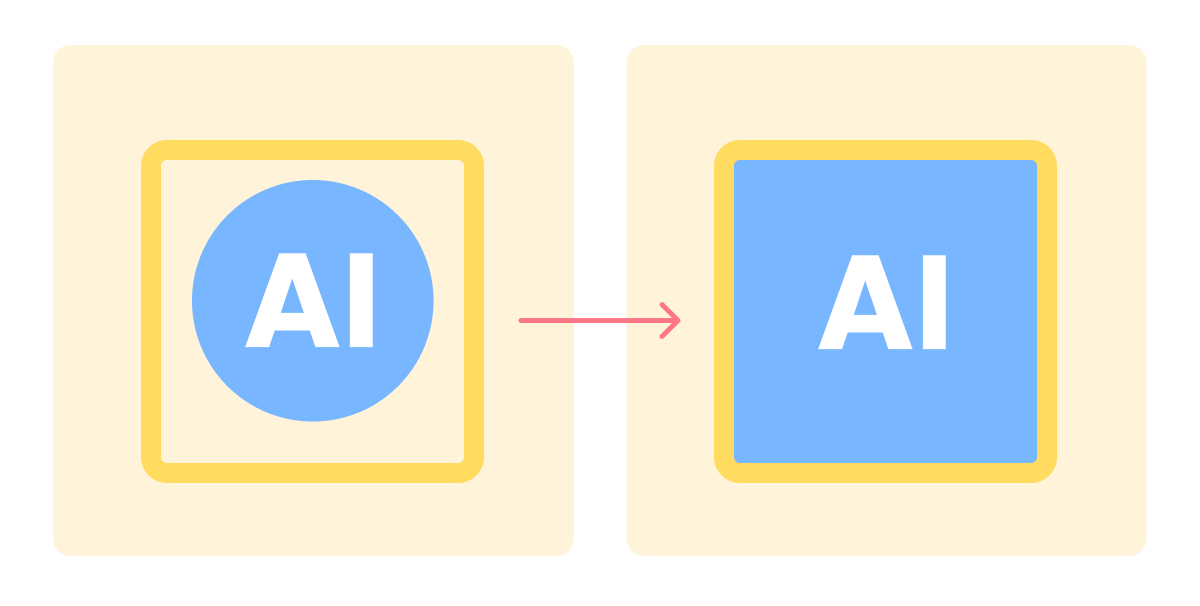
The role shifted the response from a general answer to a focused one built around a specific perspective. That shift happens because conversational AI tools are designed to adapt their reasoning when you give them a frame to work from.
Choose one
You add the role "act as a financial advisor" to a question about saving money. What specifically changes?
Context: What the AI Needs to Know
Even with a role, the AI is still working with limited information. Context fills the gap — details about your situation, goals, constraints, or audience that make a generic answer impossible.
A marketer adding their niche and audience size, a teacher adding their grade level and subject, a job seeker adding their industry and experience — each detail narrows the output toward something that actually fits.
practice preview
Interactive practice
True / False
Decide whether adding this context would meaningfully improve the AI's response.
Instructions: How You Want the Answer
Role and context define what the AI works with. Instructions tell it how to deliver: format, length, structure, and level of detail. Without them, the AI picks a default format that may not match what you need.
A writer asking for three headline options with a one-line rationale each gets something ready to use. A project manager asking for a risk list formatted as a table gets something they can drop straight into a doc. Instructions make the difference.
practice preview
Interactive practice
Fill in the blank
Add a formatting instruction to control how the answer is structured.
The AI already has a vast amount of information to draw from. What Role, Context, and Instructions do is narrow down which part of that knowledge is relevant to you, how to frame it, and how to deliver it. That's the whole game.
These three elements work as layers. You don't always need all three, but each one you add moves the output further from generic and closer to useful in any conversational AI tool and for any task.
Select all that apply
Which of the following additions would most improve the vague prompt "help me write an email"?
- Role sets the perspective: Tell the AI who to be, and it frames the answer from that angle.
- Context rules out the generic: Specific details about your situation push the output toward something that works for you, not everyone.
- Instructions control delivery: Format, length, and structure are yours to define.
- Conversational AI tools — ChatGPT, Claude, Gemini, DeepSeek — all respond to this structure: Pick any one and apply the same approach.
What's Next?
You now have the foundation — role, context, and instructions. In the next lesson, you'll learn how to use these elements to guide AI's reasoning, not just its output.