Build Your AI Assistant · Your Own AI Assistant
Feed More Context
Finish the assistant setup
Giving Your Assistant More Context
You've already decided which tasks you'll work on with your assistant. But before you delegate a single task, you need to give it something more fundamental: a deeper understanding of how you work and what good output looks like for you. That's what this final lesson builds.
Let's get started!
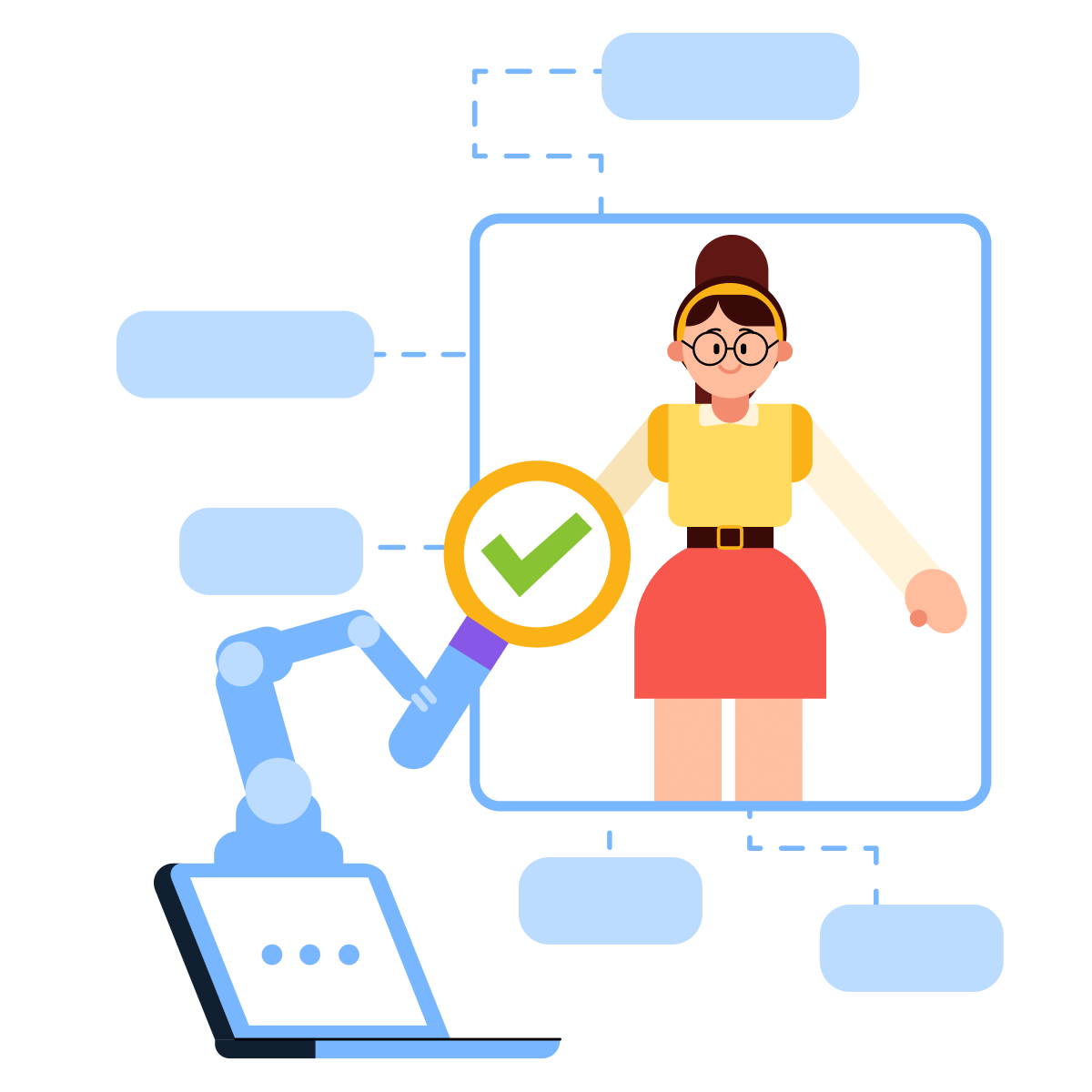
What Context Is
Context is everything your assistant needs to know about you before a task begins — working style, preferences, and tools. Without it, the assistant fills the gaps with assumptions. With it, every response starts from an accurate picture of who it's working for.

Most people jump straight to telling the assistant what to do. Context comes first because it shapes how every rule gets applied. An instruction to "write concisely" means something different for a legal analyst than for a social media manager. Сontext is what makes that distinction clear.
Context vs. Instructions
Context is not the same as instructions. Context describes, and instructions command. "I work in a fast-paced environment and prefer direct, concise communication" is context — it describes you.
"Always respond in bullet points, never exceed 150 words" is a rule — it commands a specific behavior.
In this lesson, you'll set up both context and instructions.
Select all that apply
Which of these belongs to your context?
Build Your Context
Now, let's give your assistant more context. The inputs below help your assistant understand who it's working for.
Context comes in three layers, each serving a different function:
- Personal = who you are: your role, your background, the kind of work you do. This your assistant already has.
- Operational = how you work: your team, your tools, and recurring projects.
- Preferences = how you want outputs delivered: tone, form, level of detail.
The more specific you get, the better the output you receive:
- "I work in marketing" gives your assistant almost nothing to work with.
- "I'm a freelance brand strategist working with founders on positioning and launch copy" gives every task a precise frame. The difference in output quality is immediate.
practice preview
Interactive practice
That's your professional foundation. Now, let's define how your assistant should sound and how it should frame the information when it responds to you.
In the inputs below, you can also provide your actual documents: guidelines, output references, etc.

practice preview
Interactive practice
Great! Your assistant will now reference your context at the start of every task.
Instructions
The next layer is the custom instructions. With them, your assistant becomes reliable since it has clear rules for how to respond, what to prioritize, and what to avoid.
System instructions are the operating rules your assistant follows before running any task. They define how it responds, where it stops, and what it does when it's unsure. They are the constraints.
Think of context as the assistant's background knowledge, and instructions as its working rules.

When you're setting up the instructions, pay attention to the following points:
- Use numbered rules and make the highest-priority constraints explicit.
- Conditional logic explicitly handles edge cases: "If I ask for a timeline, always include a risk column."
- Length caps prevent over-explanation: "Keep all responses under *number of* words unless explicitly asked for more."
Write Your Own Rules
Now it's your turn! This is where your assistant gets its personality and discipline.
You'll write the rules below. Write each one as a direct command, not a description of what you'd like it to do. If you want to add guidelines or reference files, you can do it later in this lesson.
practice preview
Interactive practice
Great Job!
Your assistant can now follow your rules, match your tone, and apply your preferences. The final layer left — your knowledge base.
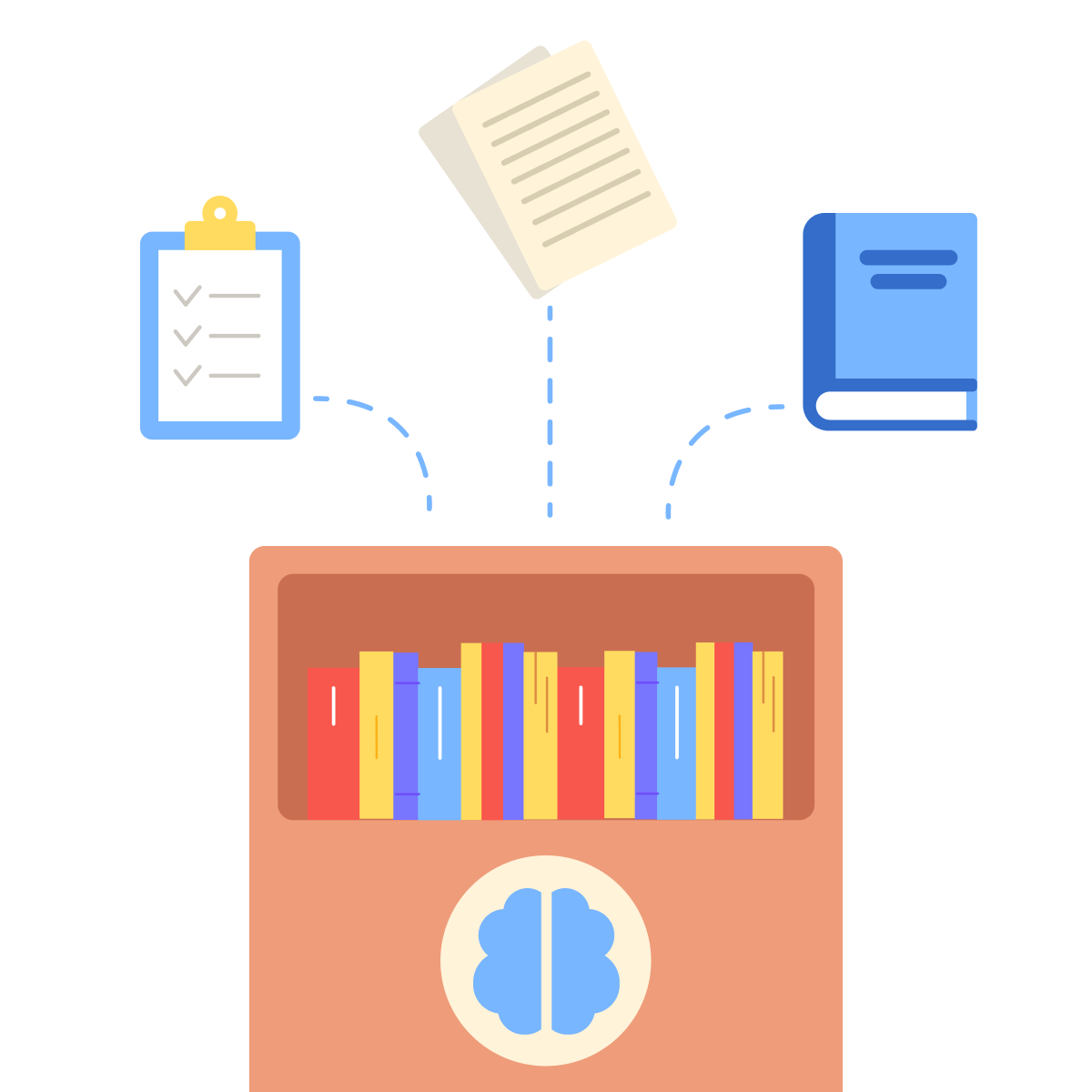
Knowledge is the reference material your assistant needs to do specific work correctly, drawing on your actual sources.
practice preview
Interactive practice
Your Assistant Is Fully Set Up!
Your assistant now has everything it needs to handle real work. Think about what you started with — a blank workspace. Now you have a setup assistant to help with various tasks. That's a system you built from scratch.
Go Use It
Open AI Tools — your assistant is waiting! Start with the task that's been sitting on your to-do list the longest. Send it, see what comes back, and adjust from there. Everything you've built across this course makes that first result better.
You've done the work, and now let it pay off! See you in AI Tools!