Land Jobs With AI · Job Search With AI
Supporting Documents
Create documents that strengthen your application
Stand Out Beyond Your CV
You've sent applications before. Maybe you got silence back. Often the problem isn't the CV — but what's missing around it. The candidates who stand out are the ones who add context — a cover letter or proof-of-work materials. This lesson teaches you how to create both.
Why Supporting Documents Matter
Your CV answers "what have you done?" Your supporting documents answer "why here?" and "can you prove it?" A strong cover letter adds narrative and motivation. Proof of work adds evidence. Neither should repeat what's already on the CV.
Choose one
When does a cover letter add the most value to an application?
When Supporting Documents Matter
Not every application needs a cover letter or a portfolio. But when a job posting asks for one, skipping it signals low effort. And even when it's optional, a tailored cover letter can set you apart — especially for competitive roles or career transitions where your CV alone doesn't tell the full story.
The Cover Letter Structure
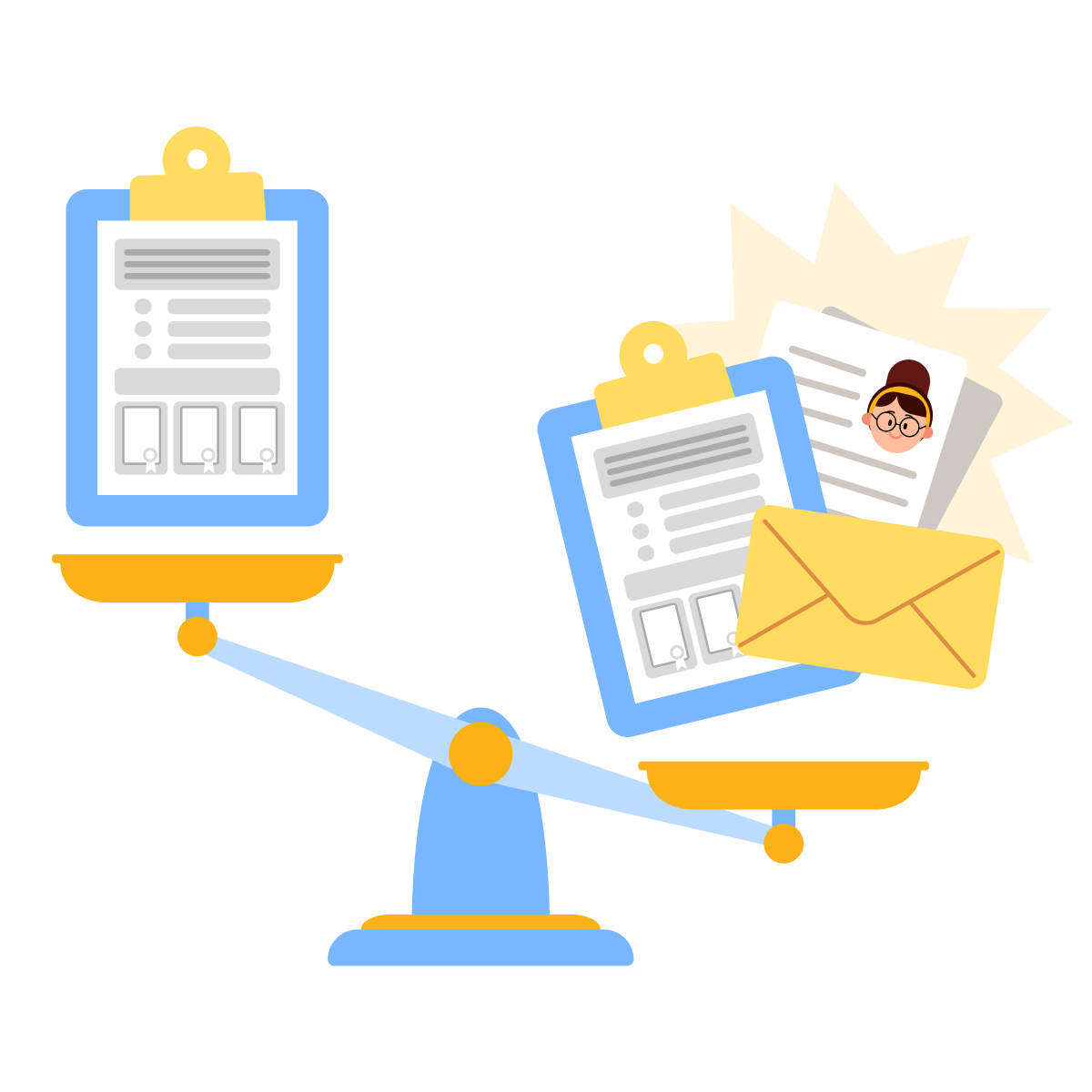
A strong cover letter has three sections, staying under one page (250-400 words across 3-4 paragraphs).
- Who am I = a brief statement of your professional identity and what you do best, connected to the role.
- Why this company = a specific reason this employer stands out, based on their mission, recent work, or strategic direction.
- Why me = the strongest evidence from your experience that proves you can deliver what the role requires.
The body of the cover letter is where you connect specific company priorities to your actual results — not where you summarize your CV.
The intro and closing should be tight and direct. If any section feels like filler, cut it or make it more specific. Generic flattery ("I admire your innovative company culture") does more harm than good, as it signals that you didn't research the company and therefore lack motivation.
Research the Company First
Before you write a single line, you need to know what the company cares about. Perplexity is useful here — it pulls sourced, current information about company news, mission statements, recent product launches, or strategic priorities. This gives your "Why this company" section something real to work with.
practice preview
Interactive practice
Fill in the blank
Help Dip Singh research a company before writing his cover letter.
Now Dip Singh has real, specific details. These are things he can reference directly in his cover letter instead of writing "I'm excited about your company's innovative approach."

Write the Cover Letter With AI
Claude is a strong choice for cover letter drafting. It handles tone well, maintains narrative coherence across sections, and can follow a specific structure without overwriting. The key is giving it your CV context, the company research, and the structure — then letting it draft section by section.
practice preview
Interactive practice
Fill in the blank
Help Dip Singh write a cover letter for Velmix.
Choose one
What makes Dip Singh's cover letter effective?
After drafting your cover letter, prompt Claude to write it section by section, with specific adjustments for the first draft. This iterative approach lets you be as precise as possible and ensures that every section provides useful, relevant information.
practice preview
Interactive practice
True / False
Evaluate this cover letter opening.
Adapt for Career Transitions
Cover letters are especially important when you're changing fields. Your CV might not look like a perfect match, so the letter needs to bridge that gap — connecting transferable skills to the new role's requirements. Let's see how Gabi handles this.
practice preview
Interactive practice
Fill in the blank
Help Gabi write a cover letter section explaining her shift from engineering to project management.
Reframe, Don't Apologize
Gabi's letter doesn't apologize for switching fields — it reframes her engineering experience as PM experience she already has. That's the approach: show the overlap, name it in the new role's language, and let the evidence speak.

Proof of Work: Not Just for Creatives
When most people hear "portfolio," they think of designers and photographers. But proof of work matters across many fields. A marketer can show campaign results. A project manager can present a case study of a successful delivery. An analyst can share a data-driven recommendation that led to a real decision.
The format depends on your field — a simple PDF deck, a personal website, or a shared document with 3-4 case studies. What matters is that each entry is structured, specific, and shows outcomes. AI can help you turn rough project notes into polished proof-of-work entries.

Structure a Proof-of-Work Entry
Every proof-of-work entry should follow a consistent structure:
- Context = what was the situation or challenge
- Action = what did you do
- Result = what was the measurable outcome
Sound familiar? It's the same logic as a strong CV bullet, but with more room to explain the story behind the numbers.
practice preview
Interactive practice
Fill in the blank
Help Gabi turn raw project notes into a structured portfolio entry.
Structure Turns Notes Into Evidence
Gabi's project notes became a clear, credible portfolio entry. ChatGPT added structure and specificity — but notice that Gabi still needed to provide the real details. AI organized the story; it didn't invent it.

Present Your Portfolio Professionally
Once your proof-of-work entries are written, you need a clean way to present them. The format depends on your field and audience. A PDF deck works well as an email attachment. A shared Google Drive folder is fast and practical.
If you want something more polished, Canva offers portfolio templates — both as presentation decks and as simple one-page websites you can publish without any coding.
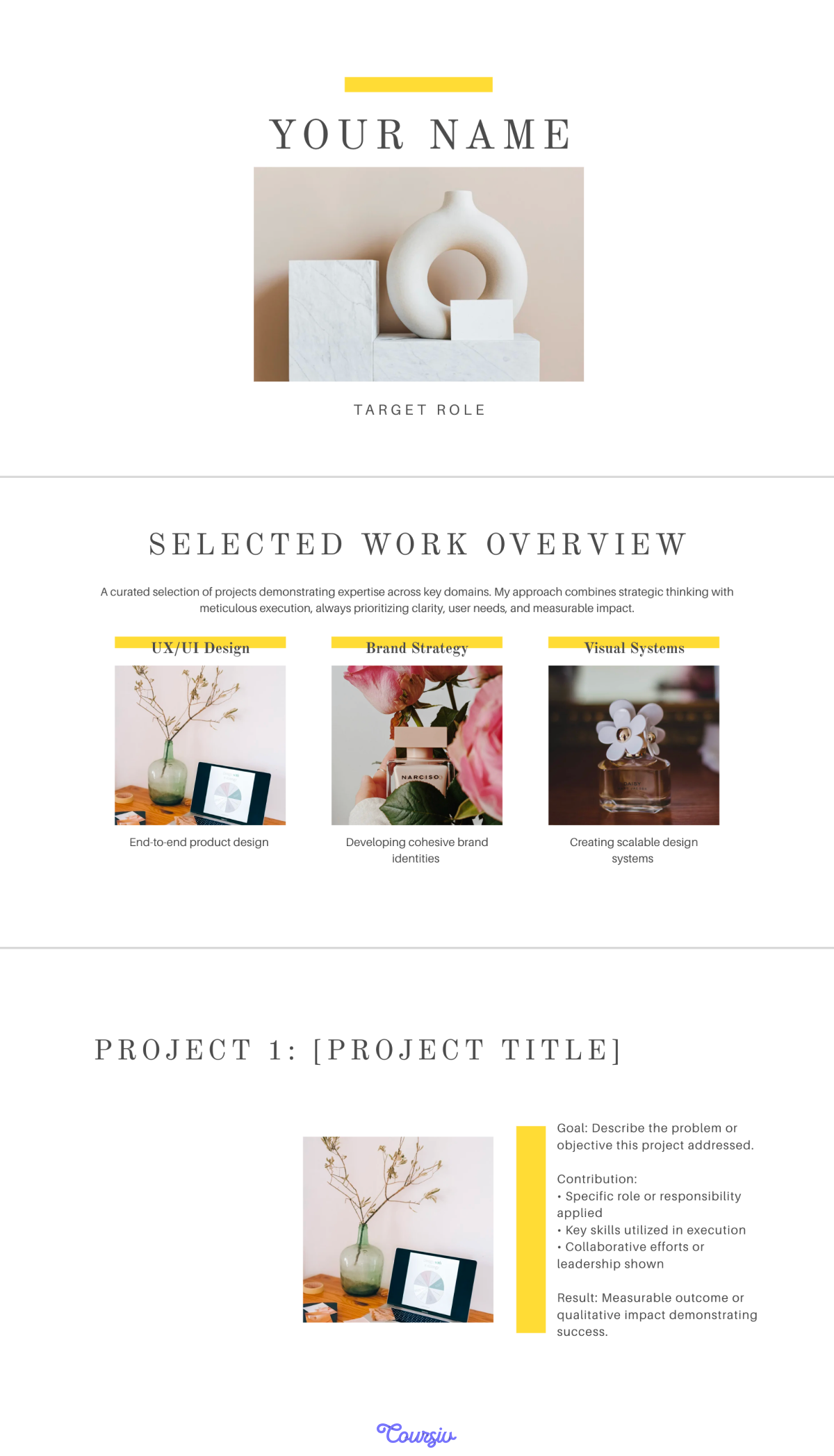
For most job seekers, a 4-6-slide Canva presentation is just right.
- Slide 1: Your name and positioning statement.
- Slides 2-4: One proof-of-work entry each, using the context-action-result structure.
- Final slide: Contact details and a link to your LinkedIn profile.
Export it as a PDF for attachments, or share a direct Canva link that the employer can view without downloading.
Don't overthink the design. A clean template with consistent fonts, plenty of white space, and your actual work matters far more than visual effects.
If your field isn't visual, a well-organized Google Drive folder with clearly named files and a short document works just as well. The point is that the employer can access your work quickly and understand what they're looking at.
practice preview
Interactive practice
Put in order
Arrange the cover letter creation steps in the right order.
- Supporting documents add context, not repetition: A cover letter explains why you and why this company. Proof of work shows what you've delivered. Neither should restate the CV.
- Personalization requires real research: Perplexity gives you sourced company details so your cover letter references actual priorities — not vague praise.
- AI structures the story, you supply the evidence: Claude and ChatGPT can draft polished letters and portfolio entries, but only if you feed them specific experience, results, and context.
- Proof of work isn't just for creatives: Any role where you can show context, action, and result benefits from structured proof-of-work materials.
What's Next
You've got a tailored CV, a personalized cover letter, and proof-of-work entries that show what you can actually deliver. In the next lesson, you'll take that same professional narrative online — building a LinkedIn profile and networking presence that reinforces everything you've built so far.