AI in Design · Design: From Concept to Real Assets
AI Design Workflow
Evaluate and optimize your design workflow
One Workflow
You've generated logos, refined prompts, built a brand kit, edited images, produced social posts, designed a UI screen, and run structured critiques. Right now, those are eight separate skills. This lesson turns them into one connected process — a workflow you can repeat on any project.

Choose one
You're building your personal AI design workflow. What should you define first?
Start With Tasks, Not Tools
Tools are only useful relative to what you're trying to do. The right starting point when building an AI design workflow is your actual recurring tasks.
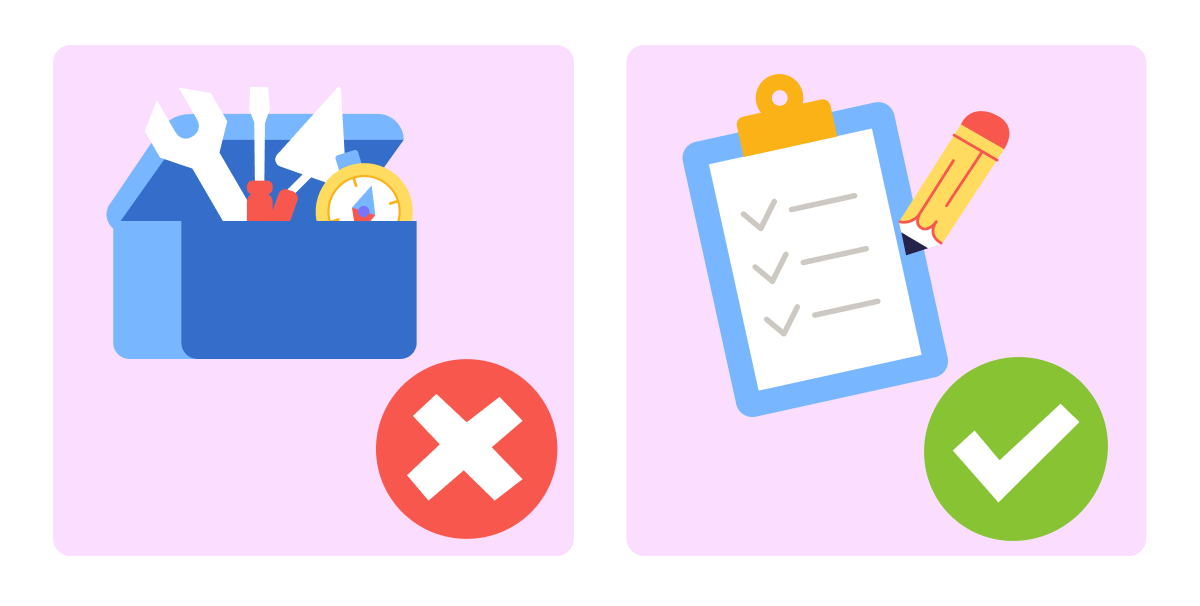
A recurring task is something you do regularly enough that a faster, more reliable process would compound over time. Generating a hero image for a new campaign. Resizing assets for multiple platforms. Writing copy for a landing page update. Those are tasks worth building a workflow around.
A workflow only reduces friction if it's built around what you actually do — not what you plan to do, what looks impressive, or what the guide covered.
Recurring tasks come first. Tools follow.
Build Your Workflow Map
A workflow map is a simple document: your most common design tasks in one column, the tool that handles each one in the second, and a one-line note on when that tool is the right choice in the third.

You don't need to map every task you've ever done. Four to six recurring tasks are enough to build a workflow worth using. More than that, and the map becomes a reference document you never open.
practice preview
Interactive practice
Fill in the blank
Ask ChatGPT to produce a starter workflow map based on your recurring tasks.
Save this map somewhere you'll actually open it during a project — a note, a doc, or a pinned tab. A workflow that lives in a chat history isn't a workflow.
The map is a starting point. The tasks will shift as your work changes, and the tools will update as better ones appear. What stays constant is the habit of matching tool to task deliberately, rather than reaching for whatever is newest.
A workflow you'll actually use is short enough to remember. If every task has a tool and every tool has a clear reason, the map fits on one page. Keep it that way — add only when something genuinely reduces friction on a real task.
The New Tool Problem
New AI design tools appear constantly. Some are meaningfully better than what you're using. Most are variations on what already exists. The challenge is deciding which new tools actually earn a place in a workflow that already works.

practice preview
Interactive practice
True / False
A new AI image generation tool launches with significantly better output quality than Midjourney. Read the statement and decide.
Replacing a tool that works with a new one that also works costs time: learning the interface, rebuilding habits, updating the workflow. That cost is worth paying only when the new tool removes the friction the current one leaves in place.
Let's say you've discovered a new AI image generation tool called Reve.
practice preview
Interactive practice
Fill in the blank
Use this framework to decide whether a new AI design tool belongs in your workflow.
That evaluation takes little time and prevents a tool switch that disrupts a working process for a marginal improvement. Run it every time, for every tool that looks worth adopting.
Test Before You Commit
Before treating the workflow map as final, run it once on a real brief — even a small one. A campaign image, a landing page headline, a single resized asset. The first real use reveals friction points the map didn't predict: a tool that takes longer than expected, a step that's missing, a handoff between tools that breaks the flow. One test run is worth more than a perfectly written map that's never been used.
What You've Built Across This Guide
You've done a lot during this guide! A locked visual direction, a brand kit, an edited product image, a social post set, a refined UI screen, and a critique framework you can apply to any design. You've produced each one with a different tool, at a different stage of the design process.

More importantly, you've built a set of principles that hold regardless of which tools exist next month. Prompt structure, constraint logic, the two-step editing approach, the four-part critique prompt — these are design thinking skills that run through AI tools, not skills tied to any single one.
practice preview
Interactive practice
Put in order
Arrange the steps in the correct order for building a repeatable AI design workflow.
That last step — update when friction is removed, not when something new appears — is what keeps a workflow current without making it unstable. Tools change. The habit of evaluating them deliberately is what keeps the workflow current.
- A workflow serves your tasks: Start with what you do regularly, then match tools to those tasks. A workflow built on real recurring tasks gets used.
- Four to six tasks is a workflow: It's short enough to remember and specific enough to use. Add only when something genuinely reduces friction on something you actually do.
- Test before you commit: Run the map on one real brief before treating it as final. The first real use reveals friction points that no amount of planning predicts.
- A new tool earns its place by removing friction: Evaluate every new tool against task fit and transition cost. "Better quality" alone is not enough to justify the switch.
You're Ready to Build
You started this course with an idea you could picture but couldn't produce. You finish it with a prompt framework, a brand system, a production workflow, and a critique process — tools and principles that work together, not just separately.
The next step is a real project: something you actually need to make, built entirely with the workflow you defined in this lesson. That's where the skills compound. Good luck!