AI in Design · Create: From Idea to Visual Direction
What AI Can Do for Your Designs
Understand AI design capabilities
Your Idea Deserves to Look Good
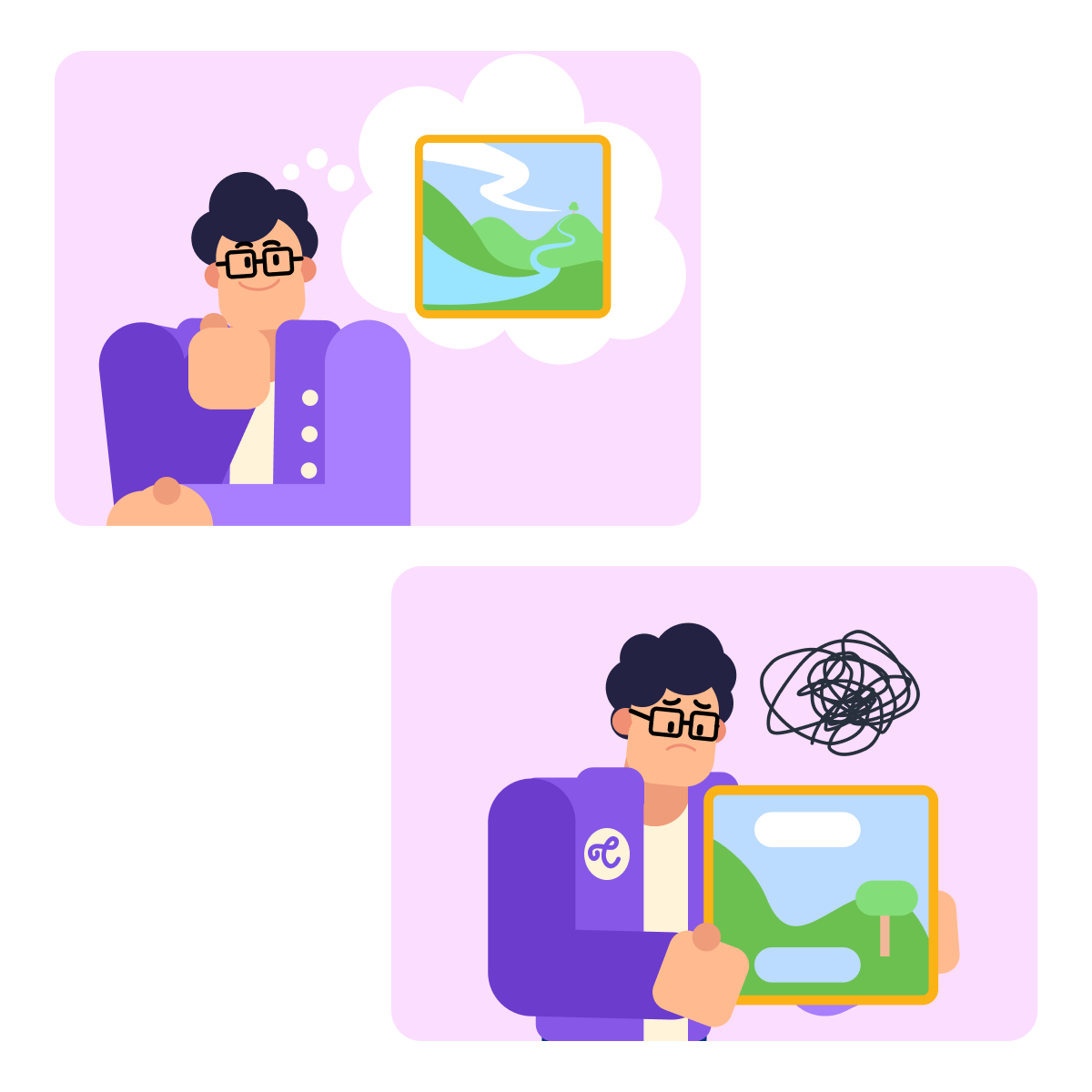
You have an idea — an app for personal productivity, an online shop, a personal brand — that you can picture. You just can't make it look the way it looks in your head. That gap between imagination and execution is exactly what AI design tools close.
Not All AI Design Tools Do the Same Thing
Open a search for "AI design tools" and you'll get dozens of names. The ones worth your time fall into three categories:
- Image generation = creating visuals from text
- Image editing = transforming existing images
- Layout and UI = building screens and page structures
Knowing which is which saves you from wasting time in the wrong place.
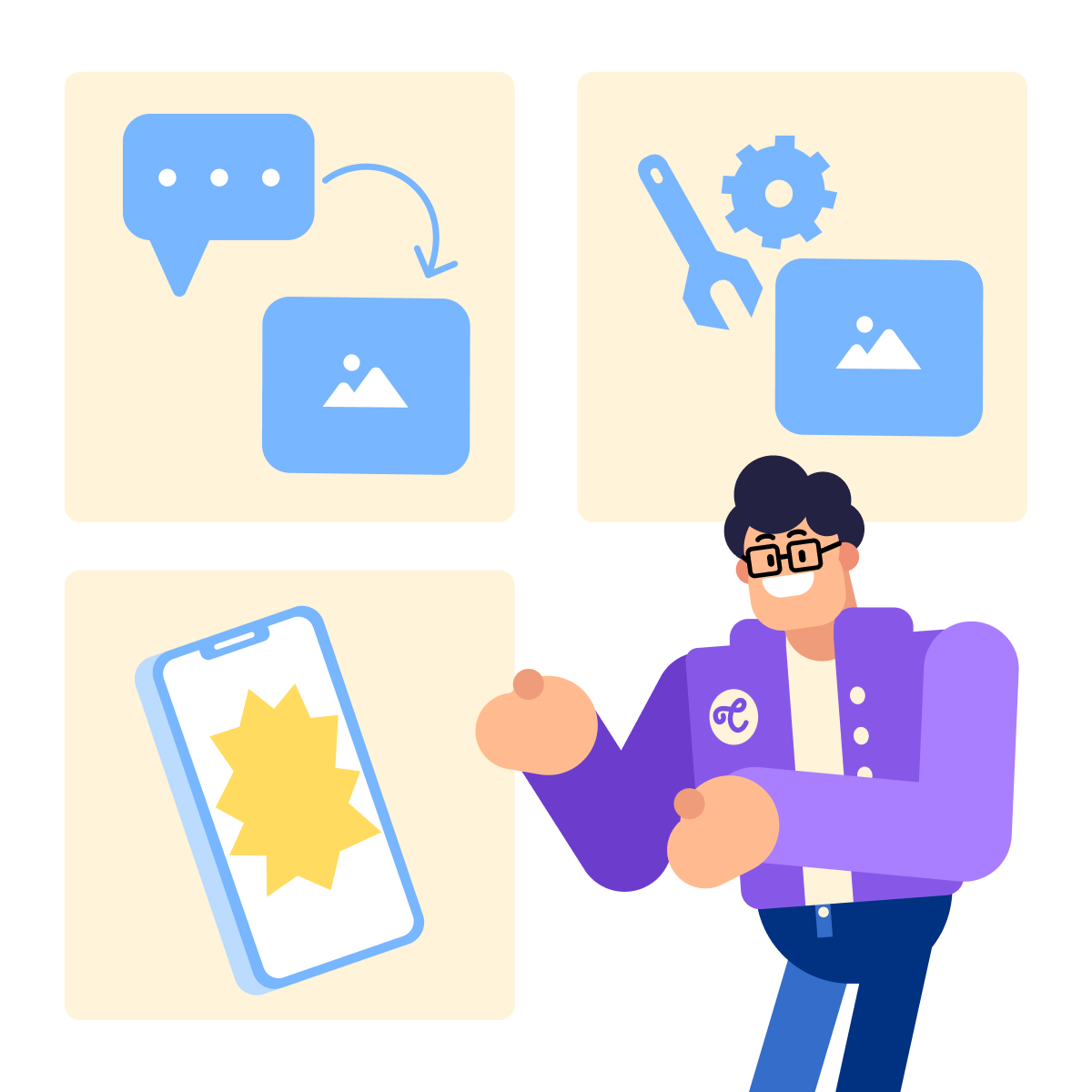
Each category solves a different problem. A tool that generates stunning images from scratch can be of little help in removing a background. A layout tool won't paint a hero image. The match between task and tool is everything.
practice preview
Interactive practice
True / False
Read the design task below. Is this a job for an image generation tool or an image editing tool?
How to Pick the Right Tool
Knowing the three categories is the foundation. Picking between specific tools comes down to one question: what are you going to do with the output?
Are you publishing it commercially — on a website, in an ad, for a client? Or testing an idea privately? That question matters more than the visual quality of the output itself.
Choose one
You're designing a logo for a client's business. They'll use it on their website and product packaging. Which do you think is the most important factor when choosing your image generation tool?
Tool Choice = Task + Intent
Match the tool to the task first, then to what you'll do with the output. Image generation for creating, image editing for transforming, and layout and UI for structuring.
And before generating anything for commercial use, check the tool's licensing page.
Every major AI design tool has a "Terms of Use" or "Licensing" page — usually linked in the footer of their website. Look for the words "commercial use" and check whether it's permitted on your plan.
The Tool Only Does What Your Prompt Tells It
With the right tool selected and licensing checked, there's one more thing between you and a usable result: the prompt. The quality of what you get back is directly tied to how clearly you describe what you want.
Most people start with something like "a logo for my productivity app." That produces something generic. A structured prompt produces something usable.
Let's say you want to create a logo for a productivity app called FocusShift. The app is built for adults aged 40-60.
Use Midjourney to rapidly generate a logo concept. The tool speeds up ideation and gives you a direction.
practice preview
Interactive practice
Fill in the blank
Complete the prompt for a productivity app called FocusShift.
See the difference from "a logo for my productivity app"? Four specific inputs gave the tool enough direction to produce something on-brief.
Every strong design prompt has four components:
- Visual type: What are you making? Hero image, logo, screen mockup.
- Audience: Who is it for? Affects tone and style.
- Style direction: What does it look like? Minimal, bold, editorial.
- Mood/tone: How should it feel? Calm, energetic, premium.
practice preview
Interactive practice
Put in order
Arrange these steps into the correct sequence for generating a usable first visual.
That sequence is what separates a designer using AI from someone just typing prompts and waiting for a random result. The order matters: identify what you need, choose the right tool, then generate.
- Right tool to the right task: Image generation creates, image editing transforms, and layout and UI structures. Knowing the category saves time before you open anything.
- Licensing matters before publishing: Check the tool's Terms of Use page before using outputs commercially. Look for "commercial use" and confirm it's allowed on your plan.
- Four-part prompts produce usable results: Visual type, audience, style, and mood give AI enough direction to produce something on-brief rather than something generic.
What's Next?
You have the framework and your first visual concept. In the next lesson, you'll learn how to use that four-part prompt structure under pressure — when the output isn't what you expected, and you need to fix it without starting over.