Omni · Advanced Omni Tricks
Bringing Photos to Life
Transform images into videos
Bringing Photos to Life
Welcome to Unit 2! You've learned the essentials of video generation, and now time to explore advanced techniques.
In this lesson, you'll learn how to transform still images into moving videos. Let's start!

From Still to Motion
Have you ever had an image you wanted to bring to life? It can be a family photo, an old memory, or a shot of a product you like.
Omni can do exactly that: it doesn't just generate videos from scratch but also animates existing images, adds natural movement, and creates dynamic clips.
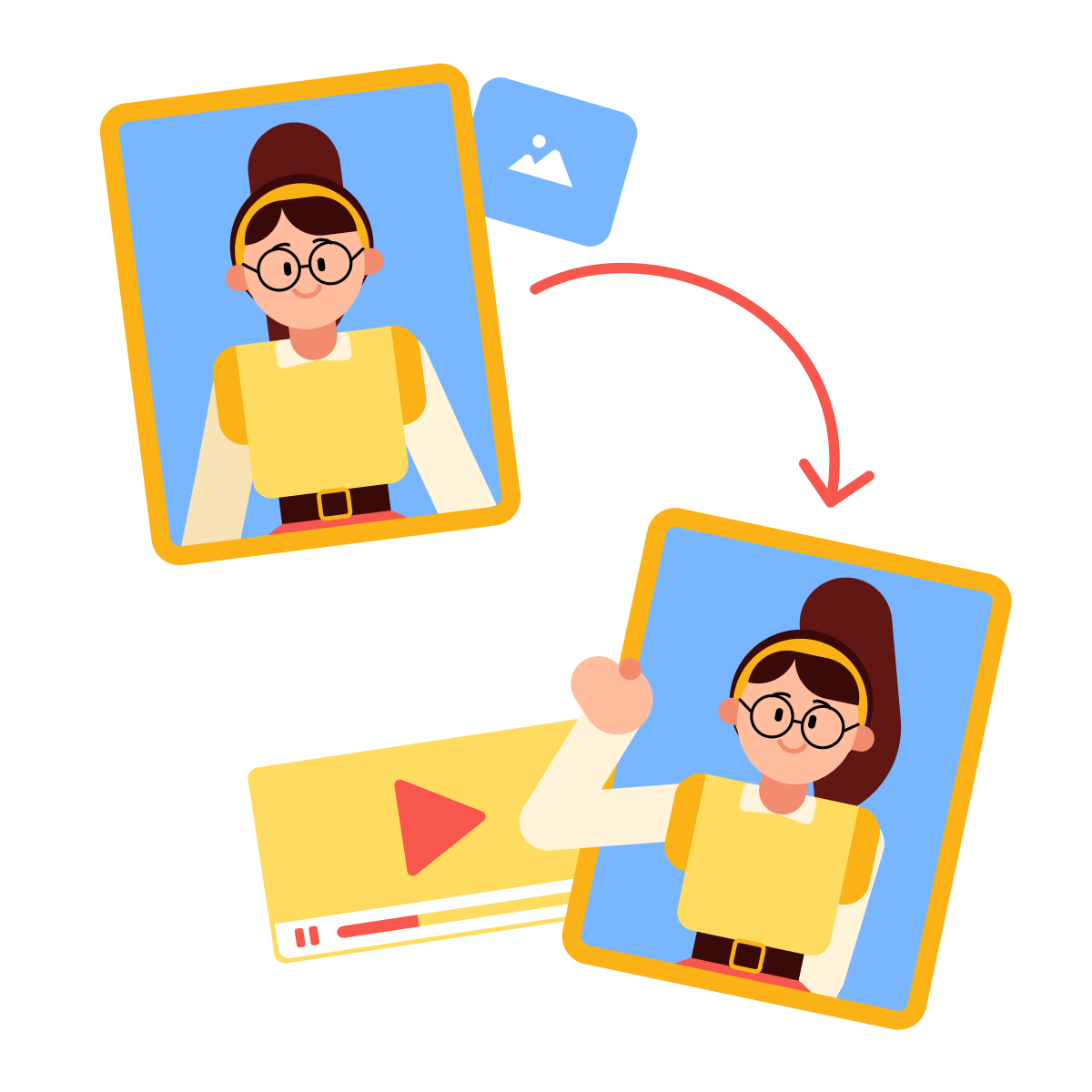
The process is simple:
- Upload your image
- Add a prompt describing the motion you want
- Let Omni animate it
- Refine the result with follow-up prompts
Let's see how it works!
Starting Simple
Imagine you're creating a video greeting for your friend's birthday. You have a photo of yourself at a scenic mountain overlook and want to make it feel personal and warm.
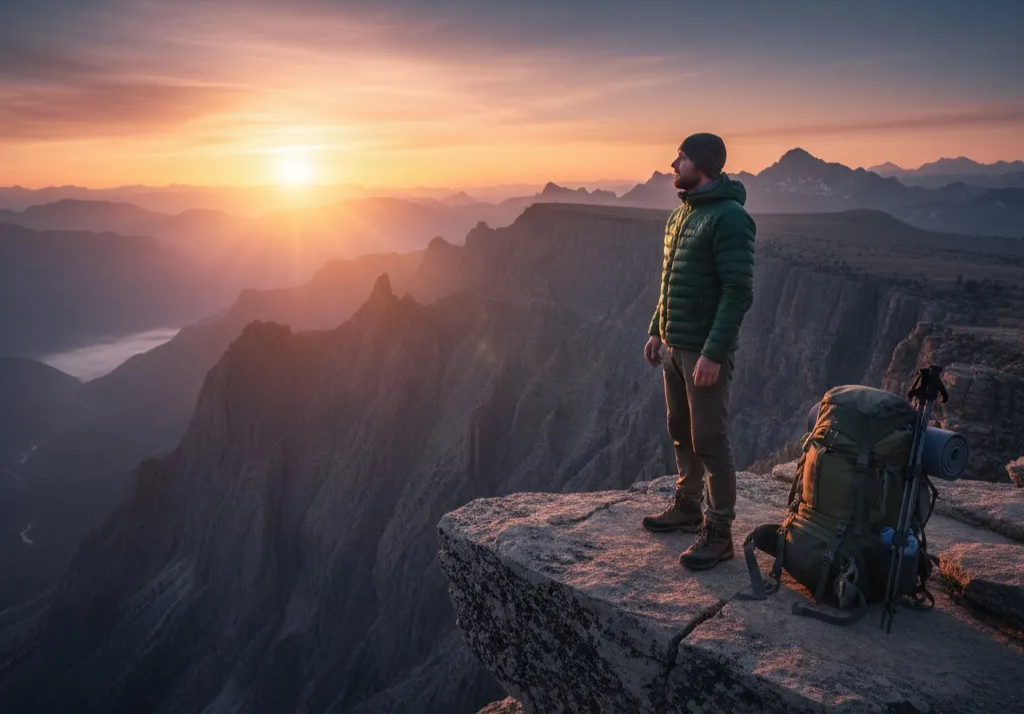
practice preview
Interactive practice
Fill in the blank
Complete this prompt to animate a photo into a birthday message.
Look at the result!
You can use image-to-video to:
- Work with existing visual assets (product photos, portraits).
- Personalize content (birthday messages, family memories).
- Start with anything that's easier to photograph than to generate from scratch.
Also, it's often faster and more precise. When you already have the perfect composition, lighting, or subject in a photo, animating it gives you exactly what you want without multiple generations.
Directing the Motion
Now that you understand basic animation, let's add more control. You can guide not just what moves, but how it moves.
This is where you combine what you learned about camera movement with image animation.
When animating landscapes, environments, or establishing shots, camera motion adds depth and energy.
Remember: techniques like pan, dolly, and tracking also work with image-to-video.
Let's try it with this image.
practice preview
Interactive practice
Fill in the blank
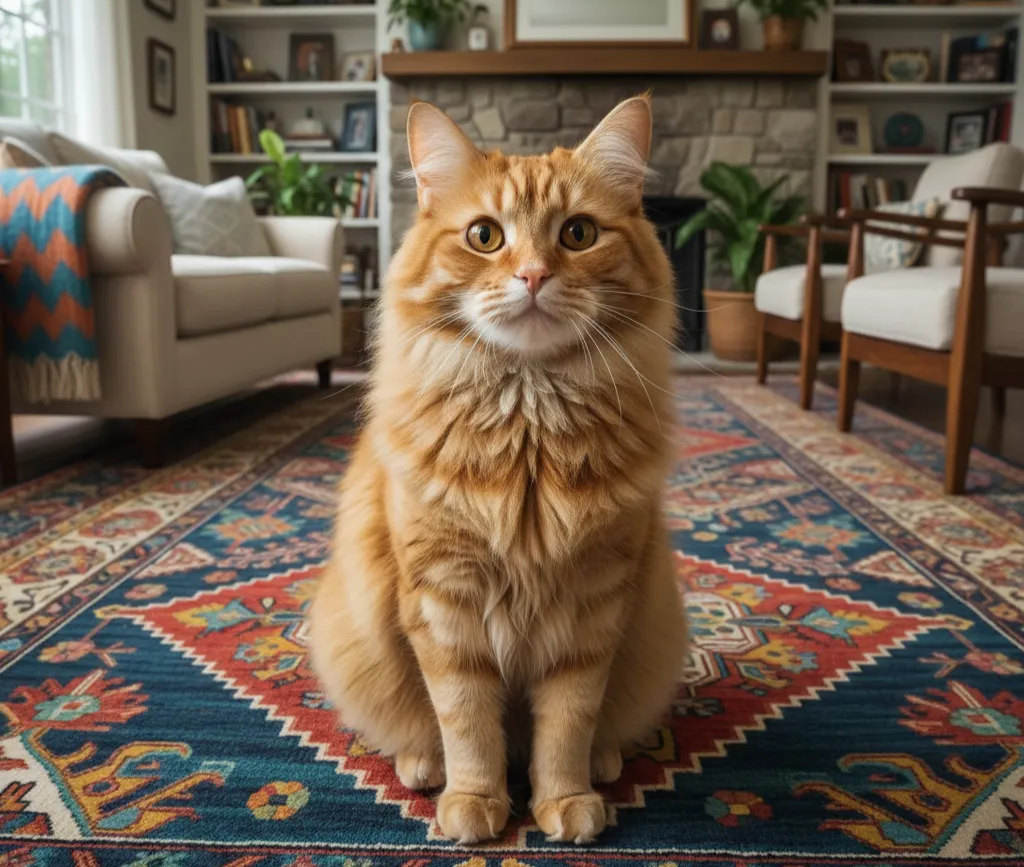
Upload a photo of your pet and complete this prompt to create something fun.
See how camera movement affects the result? A simple pet photo now feels like fun, shareable content — perfect for social media or just making people smile.
This technique works beautifully for personal moments, creative projects, or lighthearted content.
Animating Memories
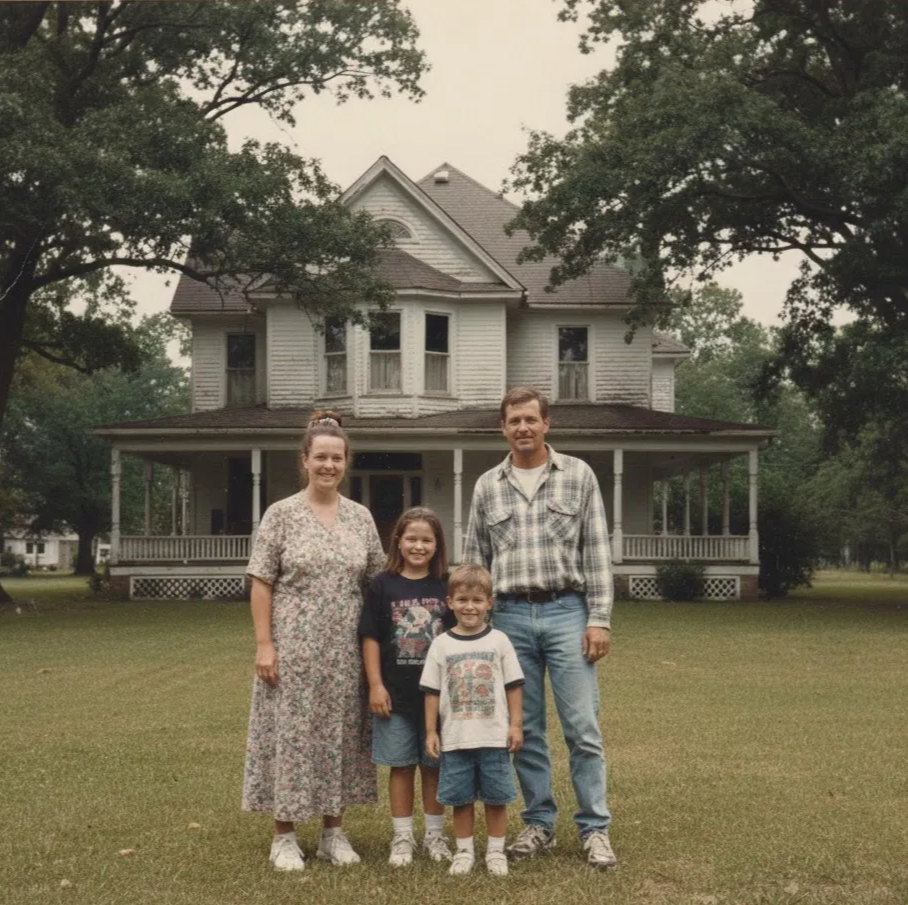
One of the most powerful uses of image-to-video is bringing old photos to life — family archives, historical images, or moments captured long ago.
This requires a slightly different approach: you want to add motion while preserving a photo's authenticity.
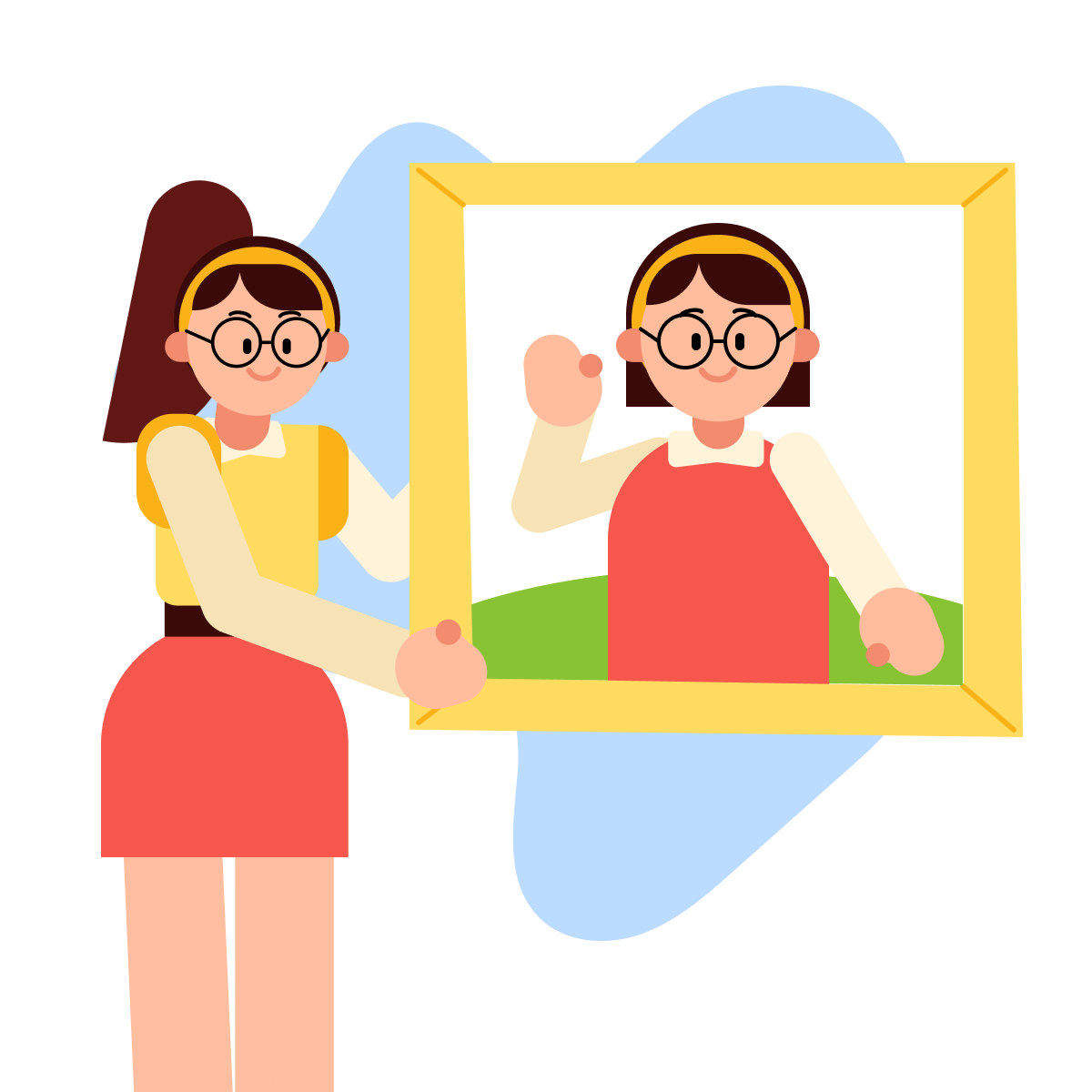
The key is subtle animation that respects the original image:
- A gentle head movement
- A slight smile
- Soft background motion
These will be just enough to bring photos to life.
Let's see how it works with this image!
practice preview
Interactive practice
Fill in the blank
Complete this prompt to animate the old photo authentically.
Noticed the phrase "maintaining vintage photograph grain and texture"? That instruction tells Omni to preserve the photo's authentic character.
Without it, Omni might "modernize" the image — smoothing textures or changing contrast — which can erase what makes the photo meaningful.
Professional Applications
Image-to-video isn't limited to animating family. It's also effective for business and marketing:
- Product photos become dynamic social media content.
- Headshots gain depth for testimonials.
- Real estate photos turn into virtual tours.
- Brand visuals feel more alive.
The principles stay the same: subtle motion, clear direction, appropriate atmosphere. The difference is your intent: you're creating marketing assets.
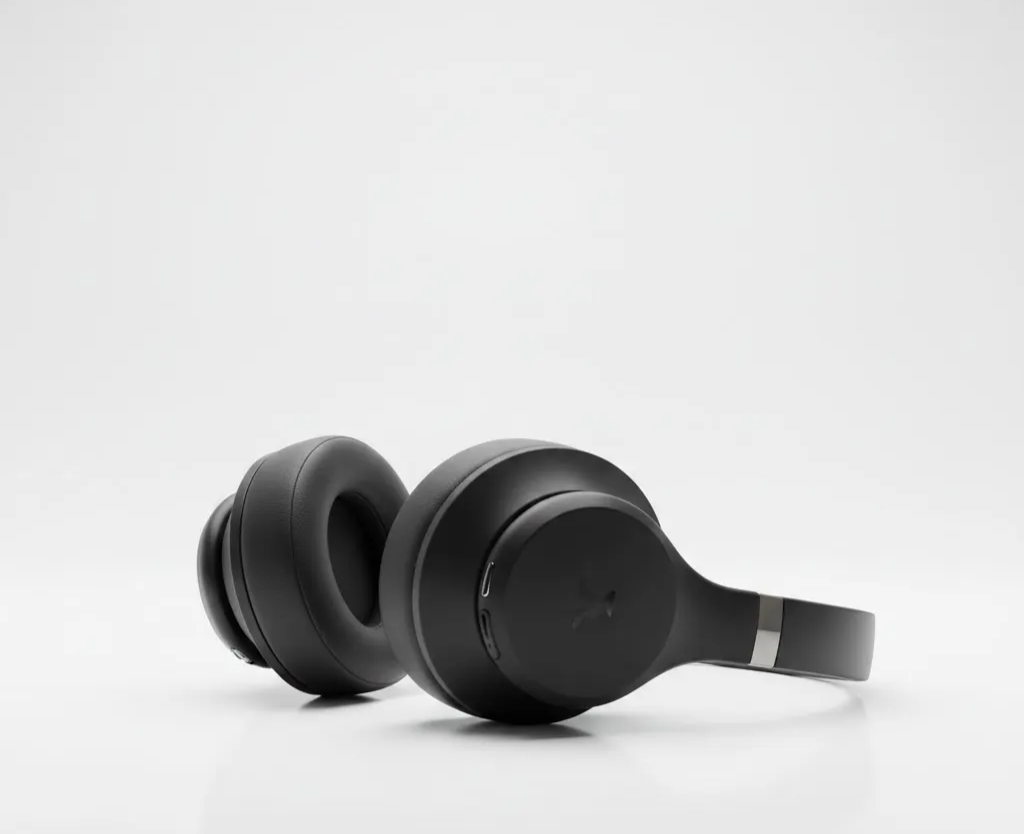
For example, a product photo paired with "slow dolly-in, studio lighting, professional polish" can become compelling ad content in seconds.
Let's try a professional scenario. You need to create engaging ad content, and you have an image of these headphones.
practice preview
Interactive practice
Fill in the blank
Complete this prompt to transform a static product photo into dynamic ad content.
The same image-to-video logic applies, whether you're animating memories or marketing assets.
Subtle motion, clear camera direction, and appropriate lighting produce great results.
practice preview
Interactive practice
True / False
Now, choose the effective prompt based on what you've learned
Choose one
You've generated a birthday greeting video, but the movement feels too fast. What's the best next step?
- Keep movements subtle: Realism comes from restraint.
- Specify camera movement: Works especially well for landscapes and establishing shots.
- Preserve original style: Mention grain, texture, or aesthetic for vintage photos.
- Refine conversationally: If the result isn't right, send a follow-up prompt.
What's Next?
In the next lesson, you'll learn how to control the audio in your videos — adding dialogue, sound effects, and ambient sound to complete the experience.
You're building real control now. Keep up the good work!