Omni · Advanced Omni Tricks
Keeping Subjects Consistent
Same subject, different scenes
Keeping Subjects Consistent
Imagine you're creating a series of videos featuring the same person — a product demo host, a character in a story, or yourself in different scenarios.
With Omni, you can keep the subjects consistent so that they don't look different each time. Let's learn how!

The Consistency Problem
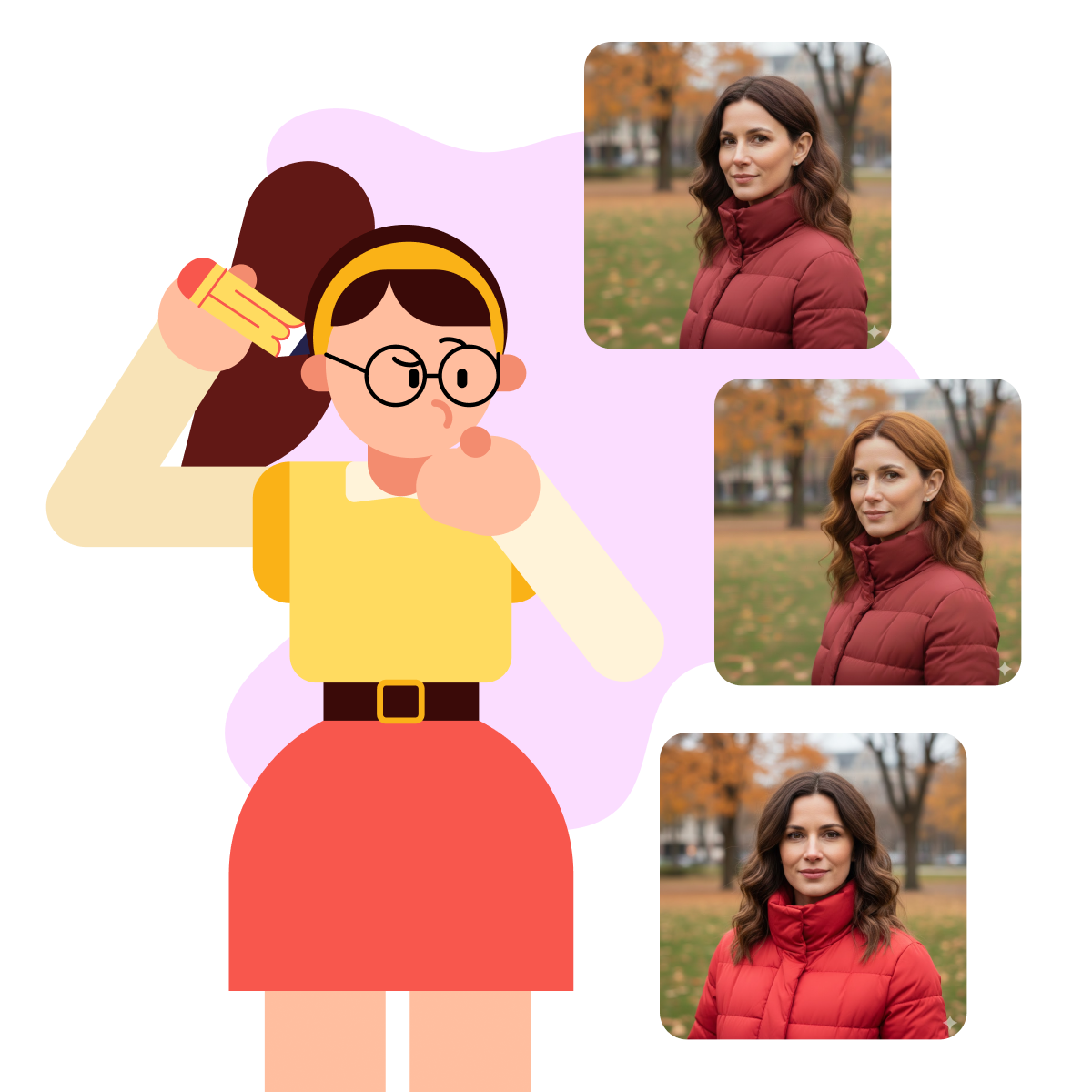
Without guidance, generating the same-looking person across separate sessions is surprisingly tricky — even with identical descriptions.
But within a single session, Omni keeps your character consistent automatically.

Choose one
Why do you think maintaining visual consistency matters for a video series?
You might describe "a woman in her 30s with brown hair wearing a red jacket," but each video shows someone slightly different — a different face, hair length, or jacket shade.
This breaks the continuity and makes your content feel disconnected.
The Solution
Omni solves this in two ways: through session continuity and reference images.
Stay in the same session and Omni anchors your character from the first generation — no extra steps needed. If you start a new session or notice drift, upload a reference photo to re-anchor.
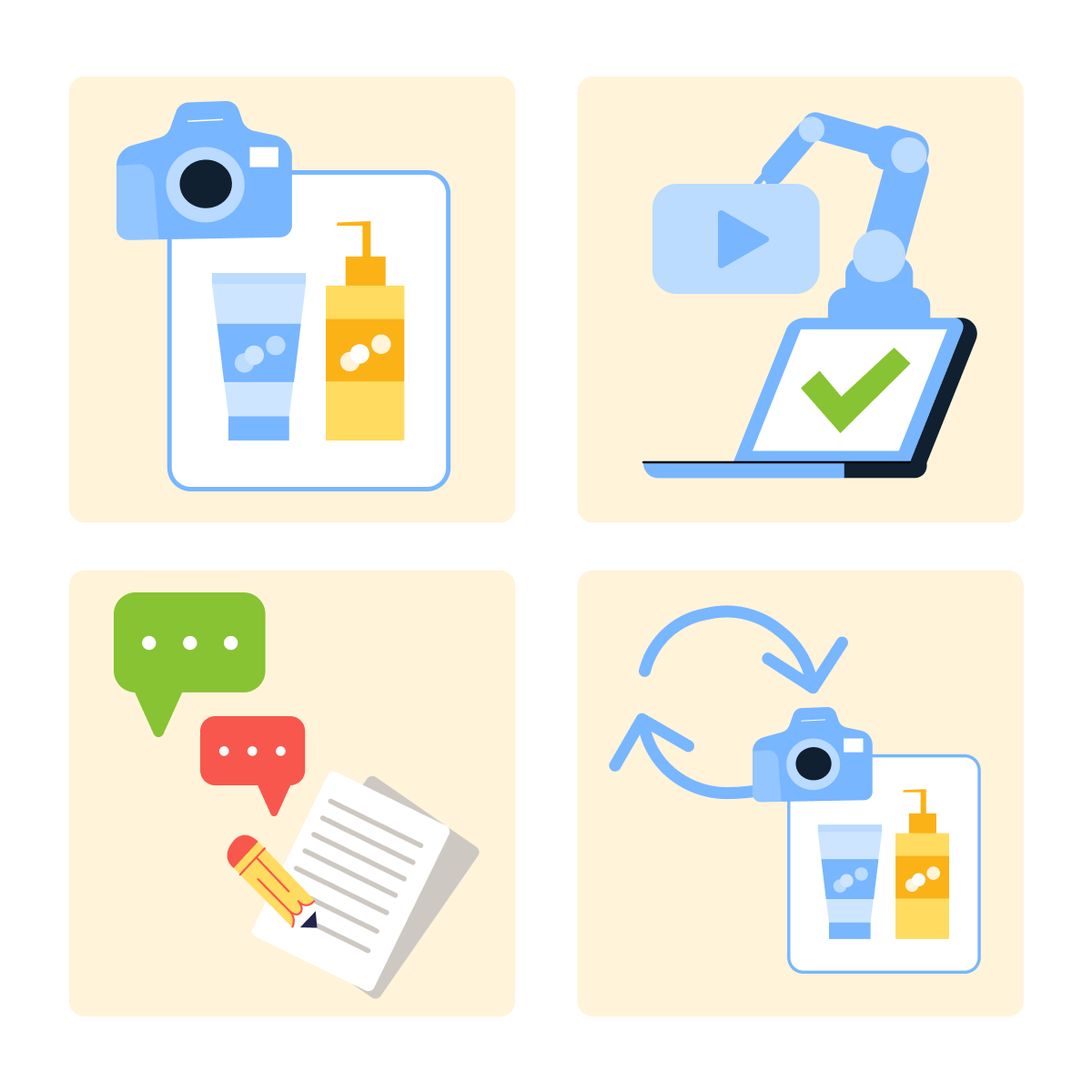
The workflow looks like this:
- Upload a clear photo of the person or product — or describe them in your first prompt.
- Generate your first video.
- Continue in the same session with follow-up prompts.
- If drift occurs or you start a new session, re-upload the reference image.
Using this approach feels similar to image-to-video, but the purpose is different.
You're not animating the photo. You're using it to re-anchor Omni to who or what should appear — especially useful across sessions or when consistency slips.
Let's take this image as a reference.
We'll use it to create multiple videos featuring the same person in different scenarios.

practice preview
Interactive practice
Fill in the blank
Complete this prompt to generate a video with a specific person.
Look at the first clip!
practice preview
Interactive practice
Fill in the blank
Now, run this prompt in the same session.
See? The same person appears in both videos.
Locations, actions, and lighting changed, but the character remained consistent. That's session continuity at work — and reference images as your safety net when it drifts.
What Makes a Good Reference
However, not all reference photos work equally well. To get the best results, your image should follow certain guidelines.
Select all that apply
What do you think makes a good reference image?
The easier it is to see details, the more reliably Omni can reproduce them.
Always choose simple, clear, and well-lit over artistic.

Using References for Products
References aren't only for people. They work just as well for products.
Imagine you're creating a series of videos showcasing the same product in different settings: on a desk, in a bag, being used outdoors.
The process is the same:
- Upload a clear product photo as your reference.
- Generate videos showing that exact product in various contexts.
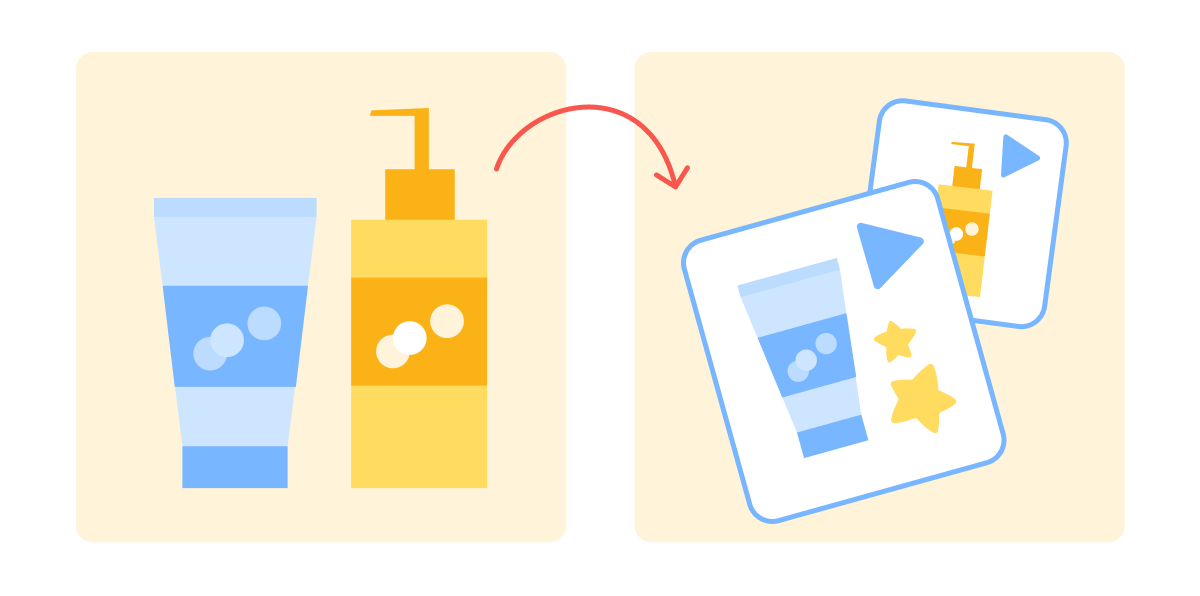
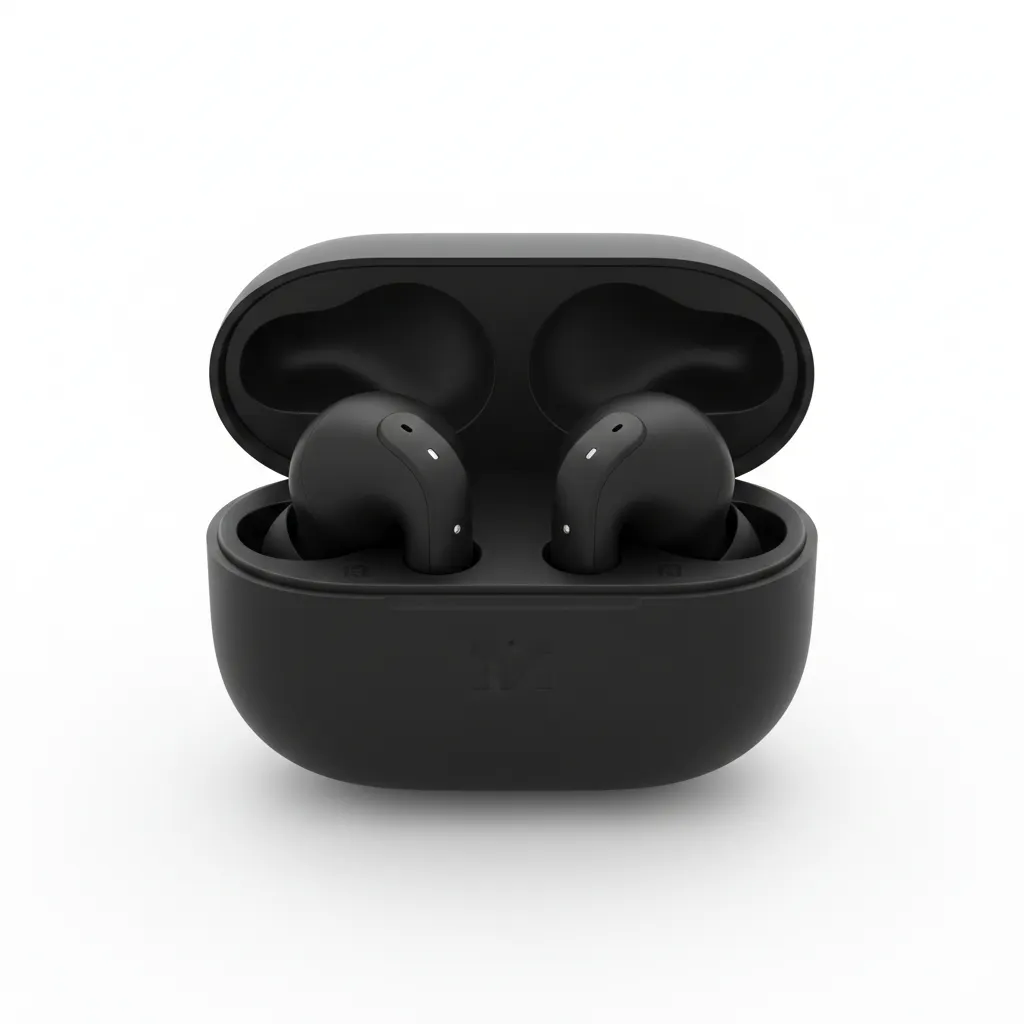
Let's try it with this product example.
We'll create multiple videos showcasing the same earbuds in different settings.
practice preview
Interactive practice
Fill in the blank
Complete this prompt to generate a product video.
Here's the result:
practice preview
Interactive practice
Fill in the blank
Complete this prompt in the same session.
See? The product stays consistent in both settings.
This lets you show your product in different scenarios without needing constant shoots.
You've seen how references work for both people and products.
Now let's test your understanding of when and how to use them effectively.
Choose one
Evaluate which scenario benefits most from using reference images.
Choose one
Next, identify a reference image that will produce better consistency.
- Stay in the same session: Omni anchors your character from the first generation and maintains consistency through follow-up prompts.
- Use a reference image as a fallback: Re-upload if consistency drifts or you're starting a new session.
- Use clear, well-lit images where features are fully visible.
- References work for both people and products — the same principles apply.
- Perfect for series where recognition and continuity matter.
What's Next?
You now know how to keep characters and products consistent across videos.
Next, you'll learn how to control how your videos begin and end using start and end frames — a key tool for smooth transitions between scenes.