Omni · Getting Started With Omni
From Description to Direction
Director's Blueprint for effective video prompts
The Director's Script
You've seen how simple prompts transform into videos. Now let's look at how to actually build them — and what really makes a prompt work in Omni.

The Common Mistake
When most people first try Omni, they type something simple like "A cat in the garden."
And Omni creates an aimless video. A cat appears, but there's no control over the result. The cat might sit, stand, or walk randomly. The camera angle is unpredictable. The lighting could go anywhere.
Choose one
Why do you think such simple prompts produce unfocused results?
So, the problem here is that "a cat in the garden" isn't a direction, it's just a description.
Think about it: if you hired a film crew and said, "Film a cat in the garden," they'd ask a dozen questions:
- What's the cat doing?
- Where exactly?
- What's the lighting?
- How should we frame the shot?
Omni needs the same information.
The Director's Blueprint
Great video prompts tend to cover a set of core elements — your blueprint that gives Omni what it needs to create a focused, intentional video:
Camera Shot + Subject + Action + Setting + Lighting
This isn't a rigid formula with a mandatory order. Omni is flexible — you can arrange these naturally, the way you'd describe a scene to someone.
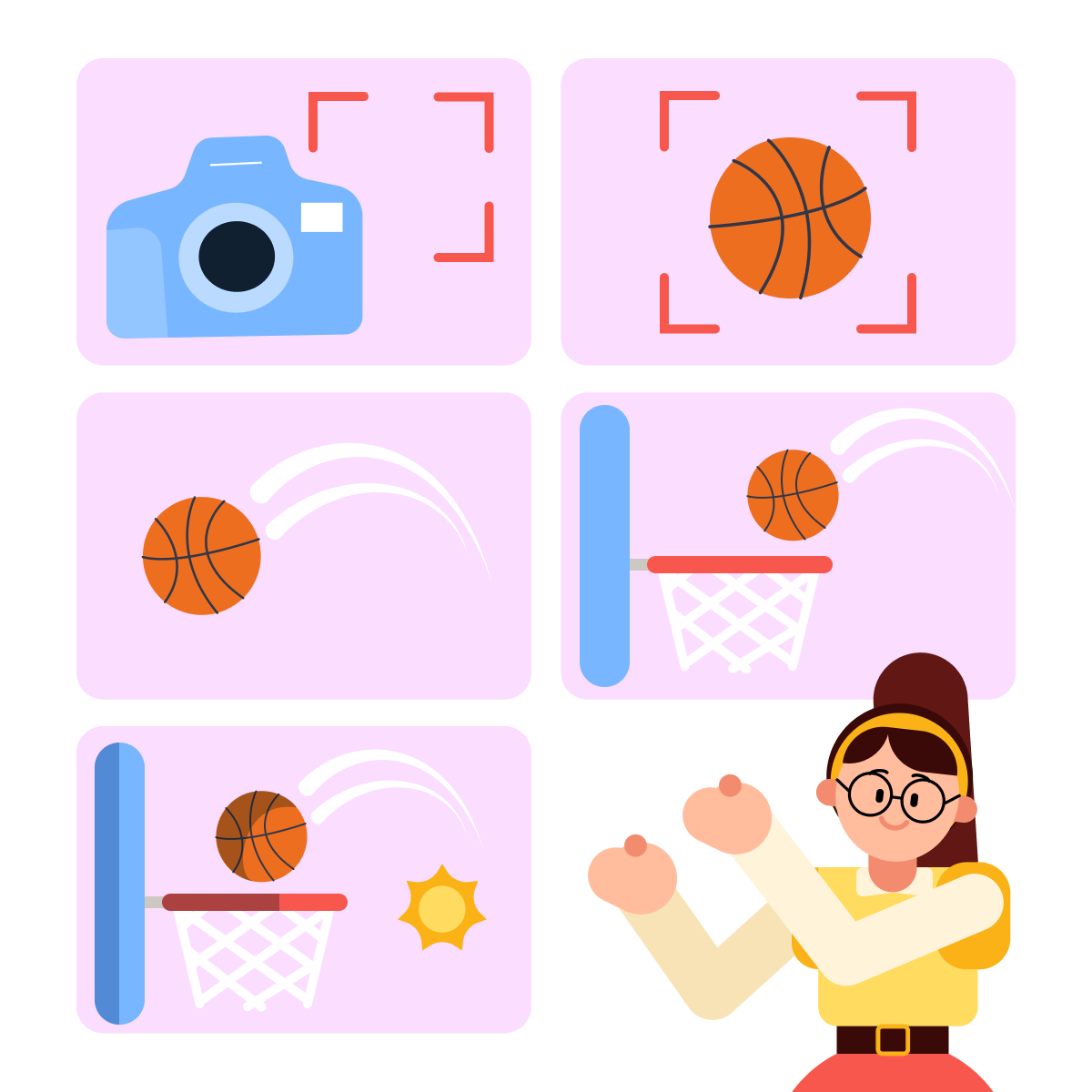
What matters is completeness, not sequence. A prompt that covers all five elements gives Omni enough to work with. A prompt that skips half of them leaves too much to chance.
practice preview
Interactive practice
Match pairs
Tap a left item, then a right item to match.
Now that you know all the components, you can see the difference in action.
Let's try it!
practice preview
Interactive practice
Fill in the blank
Complete the prompt using the Director's Blueprint elements.
Look at how every element came together. Camera position, the subject's actions, the setting, and lighting — it all feels real and sets the mood.
This is how the blueprint works.
Now that you know the elements, let's test your understanding of each.
We'll go through a few quick exercises to help you use them effectively.

Camera shots tell Omni how to frame your subject. Here are some common options:
- Wide shot: Full setting — ideal for establishing location
- Medium shot: Waist-up view — good for action and dialogue
- Close-up: Tight on a face or object — great for emotion or detail
- Extreme close-up: Very tight (eyes, hands) — for dramatic emphasis
practice preview
Interactive practice
True / False
Evaluate this subject and action combination.
The subject is who or what your video features. But without action, there's nothing to animate.
Static actions like "sitting" or "standing" give Omni little to work with. Dynamic actions create movement:
- Weak: "A chef standing in a kitchen"
- Strong: "A chef tossing vegetables in a sizzling pan"
practice preview
Interactive practice
True / False
Now, decide which lighting works best.
Lighting tells the viewer how to feel. For example:
- Golden hour: warm, romantic, nostalgic
- Soft window light: natural, cozy, intimate
- Cinematic lighting: dramatic shadows, film-like contrast
- Neon lights: urban, vibrant, energetic
- Harsh overhead: clinical, tense, exposed
practice preview
Interactive practice
True / False
Evaluate whether this prompt follows the Director's Blueprint.
Putting It All Together
Now it's your turn. Let's build a complete prompt using everything you've learned.
Remember: include Camera Shot + Subject + Action + Setting + Lighting — in whatever order feels natural.

practice preview
Interactive practice
Fill in the blank
Create a prompt using five elements of the Director's Blueprint.
Great! Every component plays its role. The tracking shot created dynamic movement; the action gave Omni something to animate; and the setting and lighting made it feel cinematic.
This is how you go from "a dog at the beach" to a video that looks professionally shot.
- Descriptions aren't directions: Omni needs action, setting, and camera guidance to create focused videos.
- Use the Director's Blueprint: Camera Shot + Subject + Action + Setting + Lighting.
- Order is flexible: Omni is conversational — include all five elements in whatever order feels natural.
- Lighting sets the mood: Never leave it out; it shapes how the whole scene feels.
What's Next?
You now have a solid framework for building effective prompts. Next, we'll explore each element in depth.
We'll start chronologically, from camera movement. In the next lesson, you'll learn how to move the camera — panning, tracking, dollying — to make your videos feel truly cinematic.