AI-Powered Creative Income · Create Profitable Content
Impressive Presentations
Build investor-ready decks quickly
Creating Professional Presentations
Presentations are one of the most in-demand freelance services. A polished 10-15 slide deck sells for $200-$500, and with the right tool, you can produce one in under two hours!
In this lesson, you'll use Canva AI to create professional, client-ready presentations — fast, branded, and designed to close deals.

Select all that apply
A startup founder asks you to create a pitch deck for their investor meeting. Before you open any tool, which capabilities matter most for delivering client-quality work under a tight deadline?
Canva fits all three requirements — and you already remember the interface from Lesson 1.
For presentations, the key feature is Magic Design for Presentations: type a description of your deck, and Canva generates a complete multi-slide draft with content, layouts, and visuals.

The free plan gives you a limited number of Magic Design generations per month. Canva Pro unlocks Brand Kit integration, PPTX export, and premium templates — but you can build and deliver professional decks without it.
Canva's presentation editor works the same way as the design editor you've used before, with one major addition: slide management. You get a slide panel, presenter notes at the bottom, and access to all of Canva's design elements on a per-slide basis.
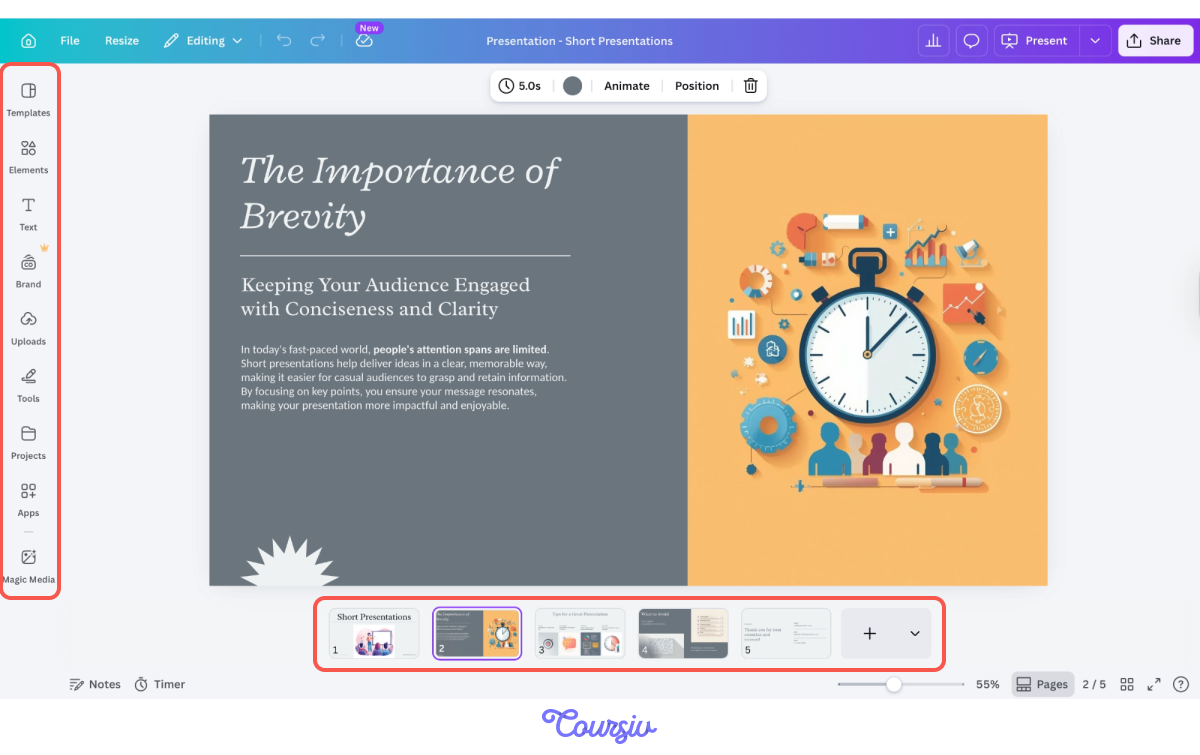
Choose one
You're starting a client's pitch deck in Canva. What's the fastest way to get a professional foundation?
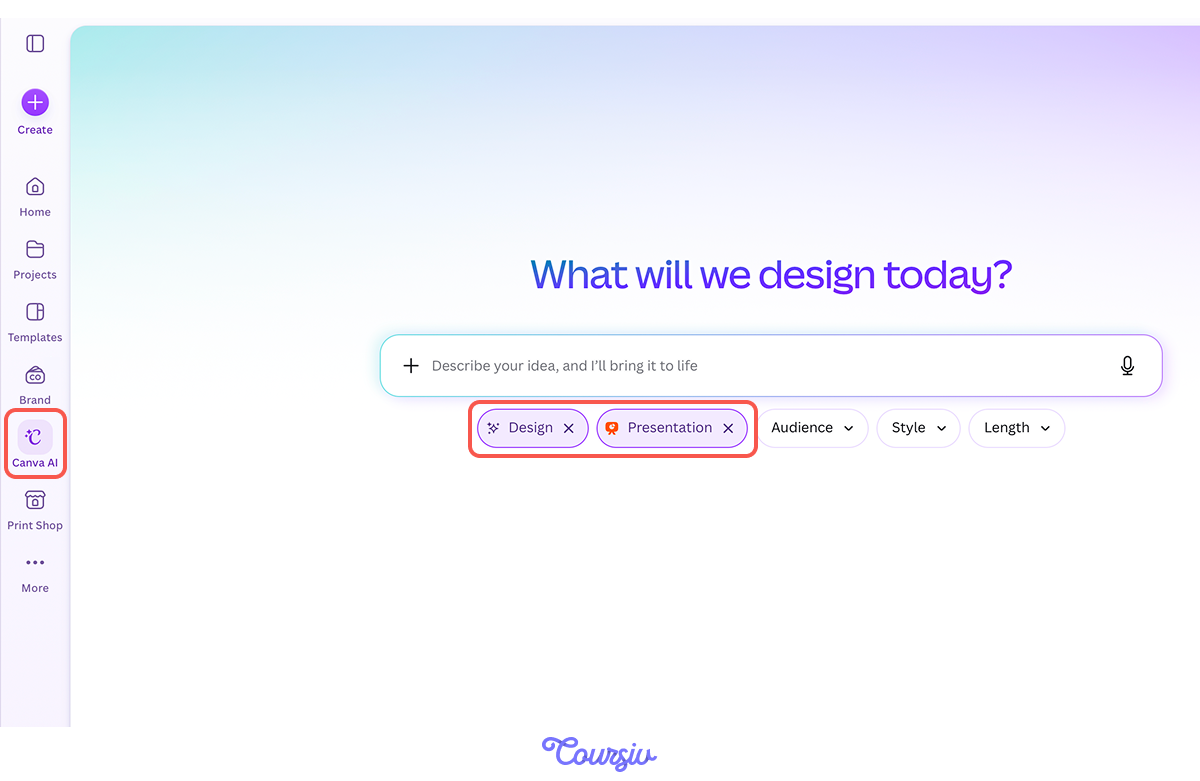
To use Magic Design, open a new Presentation in Canva, go to the Canva AI tab on the left panel, and enter a description of your deck's purpose and audience. Canva generates multiple layout options — select the one closest to your vision and begin customizing.
practice preview
Interactive practice
Fill in the blank
Your client is a health-tech startup. Complete the prompt to generate their investor pitch deck.
In the output, Canva AI asked you additional questions and suggested an outline before generating the presentation. You can edit each stage of the outline to make sure the output will match your goal.
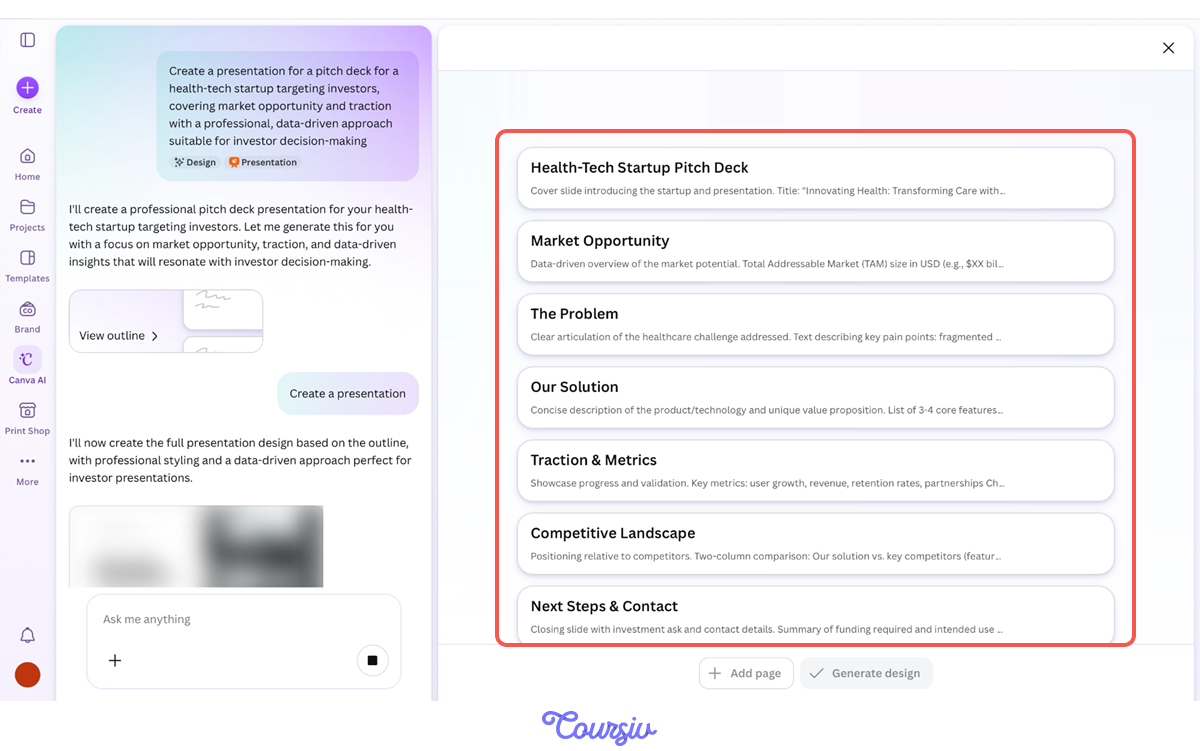
Here's what you got!

practice preview
Interactive practice
Match pairs
Tap a left item, then a right item to match.
Change the placeholder content with the client's actual data. Click on any text element to edit it directly.
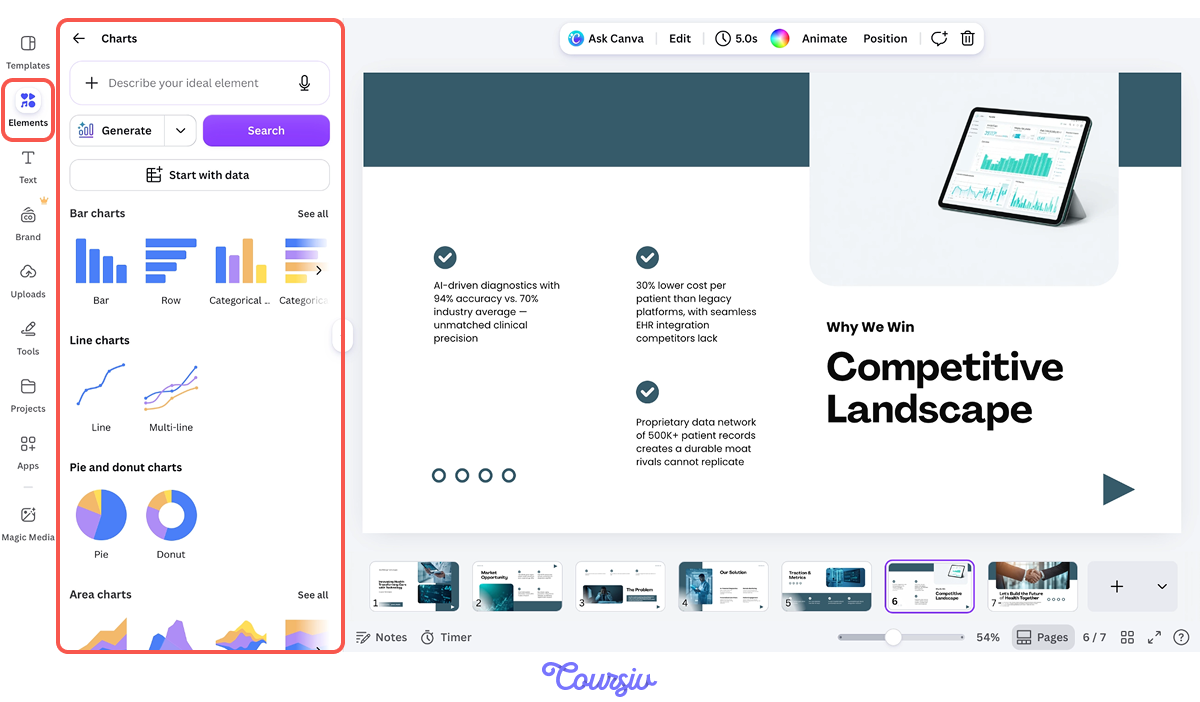
For charts, go to Elements → Charts and select the type that fits: bar, line, pie, or donut. Canva lets you input data directly into the chart editor or import from a spreadsheet.
Choose one
Several slides have long paragraphs of AI-generated text that overwhelm the layout. What's the most effective fix?
Replace placeholder text and images slide by slide. If the AI-generated copy is too long, use Magic Write to condense it. Select the text, open Magic Write, and prompt it to shorten while keeping the key message.
Remember: Presentation copy needs a headline under 8 words and no more than 1-2 supporting sentences per slide.
For slides that need the client's product visuals, upload images through the Uploads panel and drag them onto the slide.
Remember, you've created product images in earlier lessons? This is where they become portfolio proof. Drop in your best AI-generated visuals — they double as both content and credibility.
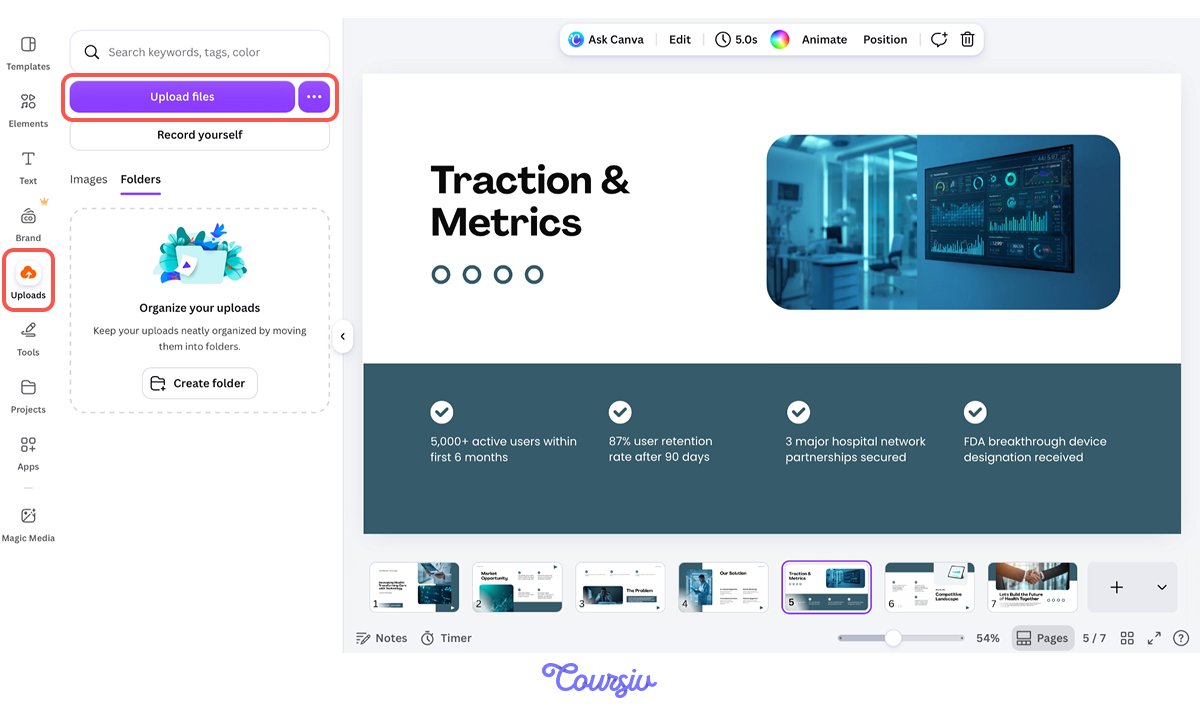
Now apply the client's branding. If you're on Canva Pro, open Design → Styles, select the client's Brand Kit, and Canva applies their colors, fonts, and logo across the entire deck in one click.
On the free plan, manually set colors and fonts using the toolbar. Save the finished branded deck as a template for future projects with the same client.
Select all that apply
Before delivering the deck to your client, which steps add the most professional value?
Great Work!
You've turned a client request into a polished, investor-ready deck. That speed and quality are exactly what make presentation design a profitable freelance service: high perceived value, fast production time, and a deliverable that directly impacts the client's business outcomes.
practice preview
Interactive practice
Put in order
Arrange these steps in the correct order for delivering a polished client presentation.
Pricing Presentation Services
Here's what the pricing landscape looks like for deck work:
- A 10-15 slide branded pitch deck typically sells for $200-$500 as a one-off project.
- Investor decks and high-stakes sales presentations can command $500-$1000+ because the client's ROI on the deck far exceeds your fee.
- For ongoing work, offer a monthly retainer — 4-6 decks per month at $800-$1500.
Your Canva workflow means each deck takes 1-2 hours, making this one of the highest hourly-rate services in your toolkit.

- Canva's Magic Design for Presentations generates a complete draft from a text prompt: Customize from there, never build from scratch.
- Magic Write condenses AI-generated text to fit slide layouts: Presentation copy needs headlines under 8 words and 1-2 supporting sentences max.
- Brand Kit (Canva Pro) applies client branding across an entire deck in one click: Save branded templates for repeat clients.
- Presentation design is a high-margin service: $200-$500 per deck, with retainers reaching $800-$1500/month for ongoing work.
Next Up — Managing Your AI Creative Business
You can now create every type of content a client needs — and present it professionally. As projects and clients multiply, you need a system to keep everything organized.
In the next unit, you'll build the project management infrastructure that turns scattered freelance work into a business. Let's keep going!