AI for SEO · Building and Scaling SEO With AI
Local & Mobile SEO
Optimize your site for local and mobile search
Rank Where Your Customers Are
Imagine someone nearby is searching for a home decor store. There are two options at equal distance — your store and a competitor's. Which one shows up first in their search results?
That's exactly what Local SEO and Mobile SEO determine. Let's make sure it's your store they find!

What Is Local SEO?
Local SEO means optimizing your site to show up when people search for businesses near them. Searches like "home decor stores near me" or "bedroom furniture in New York" trigger local results — Google shows businesses close to the searcher.
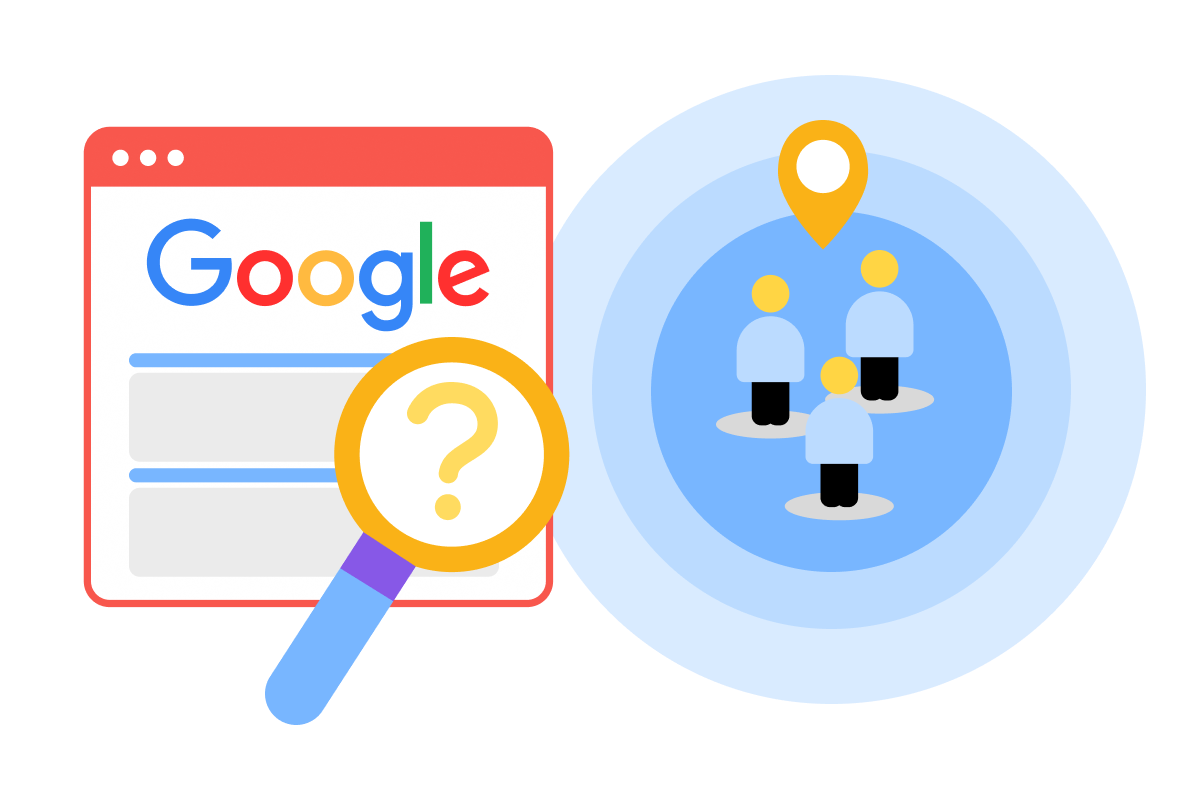
When someone searches "bedroom furniture in New York," Google shows a map with three local businesses at the top — before any regular search results. This is called the Local Pack, and it's prime real estate: most people click one of these three results and never scroll further.
Local SEO is what gets your store into that map. Without it, nearby customers who are ready to buy simply won't find you.
Choose one
How do you think Google prioritizes which businesses appear in local search results?
Here's what each factor means in practice:
- Relevance: Your business category, description, and the products you mention tell Google what you sell and who to show you to.
- Distance: Your address is what Google uses to calculate how close you are to someone searching nearby. If it's wrong or missing, you lose distance-based ranking.
- Prominence: Your reviews, star rating, photos, and how complete your profile is all signal trust. A business with 200 reviews and a fully filled-out profile will outrank a competitor across the street with three reviews and no photos.
All three ranking factors connect directly to one thing: your Google Business Profile. This is the free listing that controls how your business appears in Google Search and Google Maps, and it's where Google pulls most of the information it needs to rank you locally.
Setting Up Your Google Business Profile
Since your profile drives all three ranking factors, getting it right is the single most important step in local SEO. Every missing field is a missed signal — so let's make sure yours is complete.
Your profile needs:
- Accurate business name
- Complete address and phone number
- Business category (e.g., "Home Decor Store")
- Business hours, including holidays
- High-quality photos of your store and products
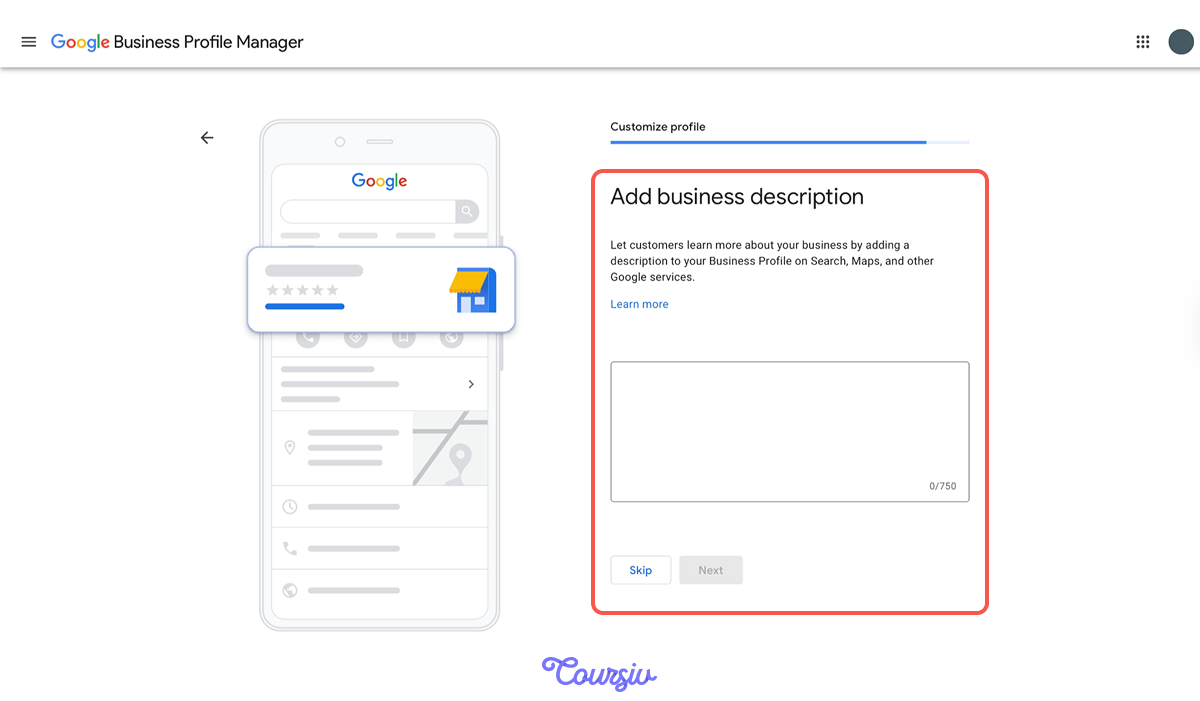
- A detailed business description
Incomplete profiles rank lower. Let's try writing the description with Claude.
practice preview
Interactive practice
Fill in the blank
Use Claude to write a local SEO-optimized business description.
Great Work!
You've created a business description optimized for local search. Claude included your city naturally, mentioned specific products — all signals Google uses to match your business to local searches.
Now that your profile is set up, let's tackle the second factor: making sure your site works for the mobile users who find you.
What Is Mobile SEO?
In the previous lesson, you learned that over 60% of searches happen on mobile. Now we're going deeper — into Mobile SEO.
For local searches, the percentage jumps to 80%+. So, if your site doesn't work on phones, you're losing most of your local customers before they even see your content.
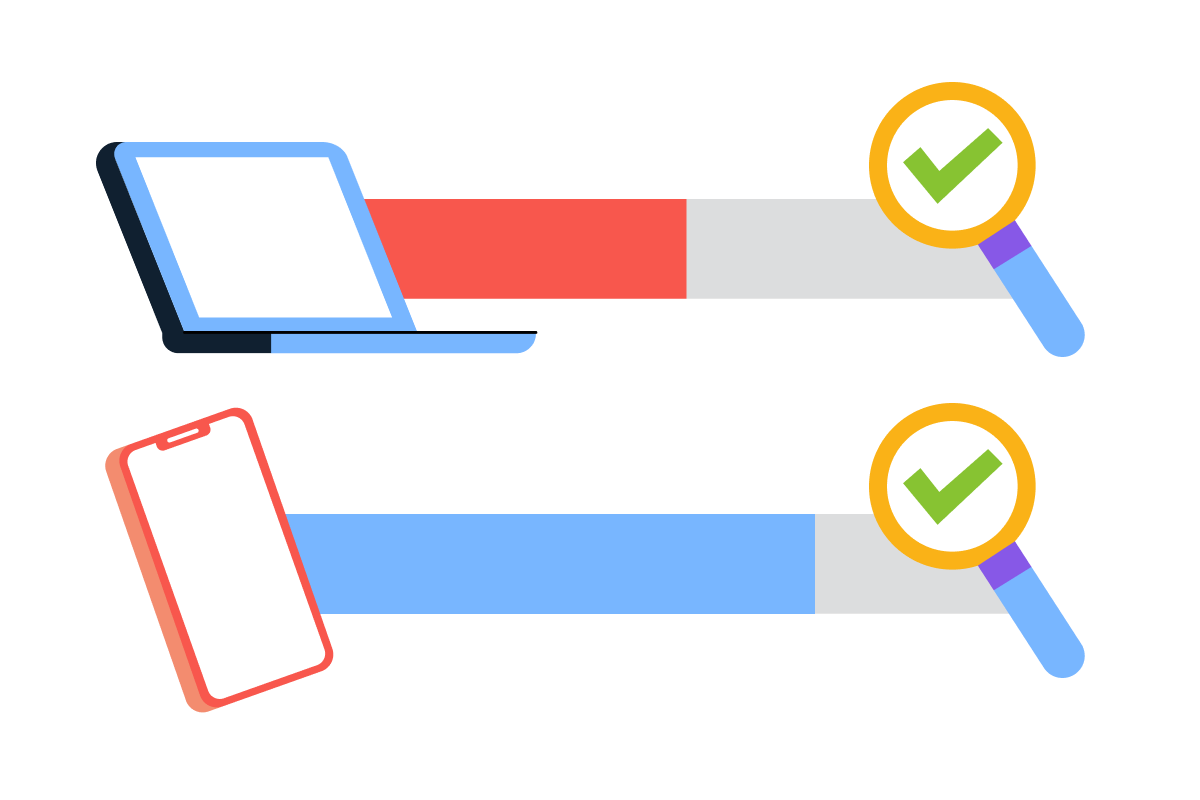
Mobile SEO builds on fast loading, no tap delays, no layout shifts — and adds two more priorities:
- Readability: text large enough to read without zooming, good contrast, clear headings
- Usability: buttons easy to tap, no horizontal scrolling, and simple navigation
Poor mobile experience makes users leave before they even see what you're offering.
Analyzing Mobile Performance
You already know PageSpeed Insights — now let's apply it specifically to mobile.
Take IKEA's mobile score of 73 from the previous lesson as an example. It's dragged down by slow content load, usually caused by large images and scripts that overwhelm mobile processors. Left unfixed, this means higher bounce rates and lost customers. Let's see what needs fixing.

To interpret this data, we're switching to Gemini — it's stronger at analyzing performance scores and turning them into clear, prioritized action steps.
practice preview
Interactive practice
Fill in the blank
Use Gemini to prioritize mobile fixes for local searchers.
Perfect!
Gemini analyzed IKEA's mobile performance for local searchers — people who need to call or visit. Apply the same priorities to your own site. Now let's fix the most critical issue: making it easy for mobile users to contact you.
Right now, IKEA's phone number isn't tappable — users have to manually copy and dial it. For a local business, that's a real barrier. Let's fix it with a "Click-to-Call" button — ChatGPT generates the code, you just paste it in. No technical knowledge needed.
practice preview
Interactive practice
Fill in the blank
Use ChatGPT to create mobile-optimized HTML code for a tappable phone button.
Perfect!
Copy this code and paste it into your website — homepage, contact page, or product pages. Instead of hunting for a number and dialing manually, mobile users now tap once to call.
Let's move on to the second issue Gemini found: making sure local customers can find the answers they need without having to call at all.
Creating Local Mobile Content
Gemini's second recommendation was making sure key information is immediately visible on your page — not buried or hidden behind extra clicks.
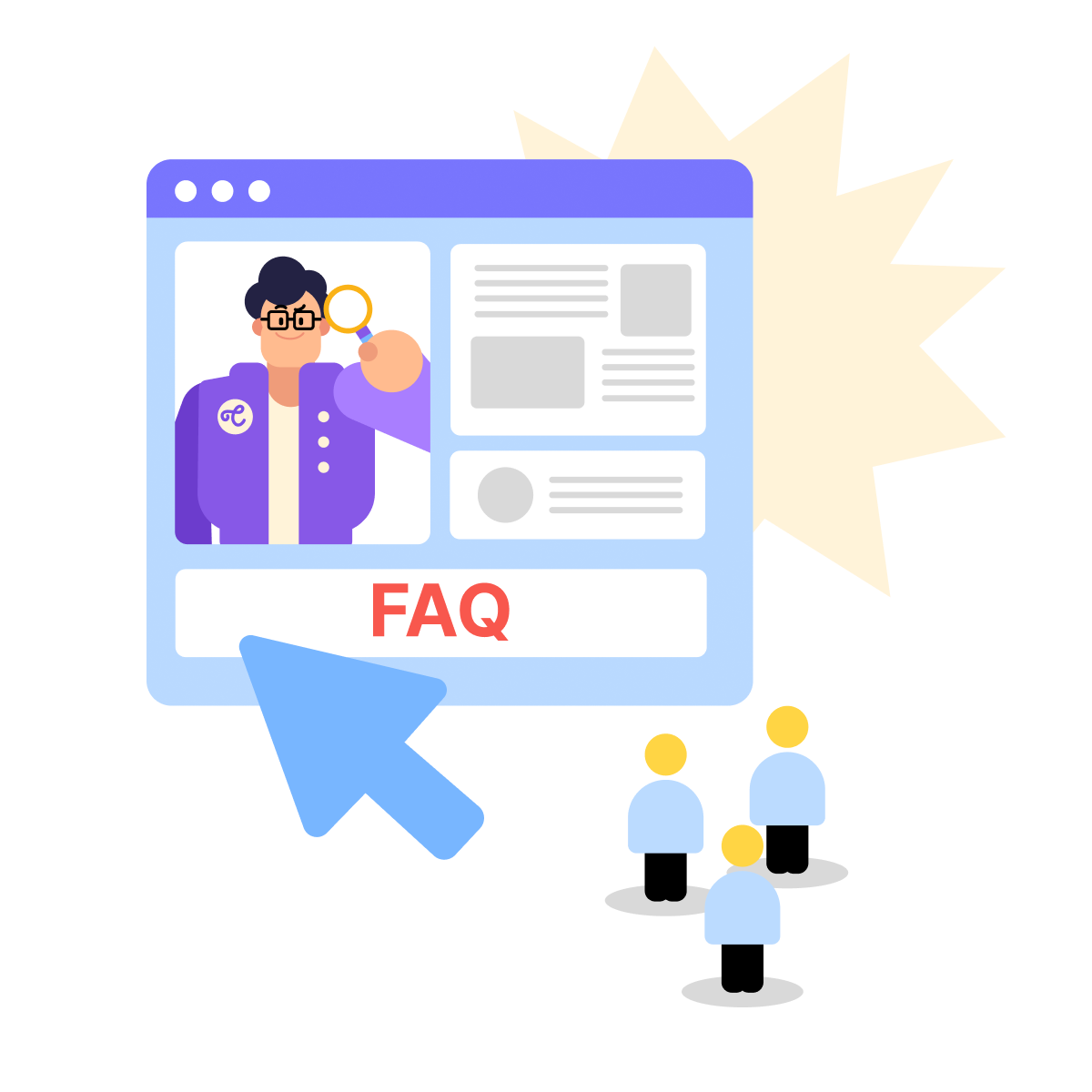
A good homepage and a ready FAQ section help local customers get quick answers to common questions — without needing to call or wait for a response. The goal is a site so complete that users never have to go looking elsewhere.
For this, we're switching back to Claude — writing FAQ content that sounds natural and covers real customer concerns is a writing task, and Claude handles it best.
practice preview
Interactive practice
Fill in the blank
Use Claude to create FAQ content that answers local mobile searchers' questions.
Excellent!
You created FAQ content that answers what local mobile searchers want to know — what's in stock today, delivery areas, and return policies.
This content helps in two ways: Google matches your business to local queries (someone searching "bedroom furniture delivery Brooklyn" sees you rank), and users get answers immediately without needing to call. Add these FAQs to your website and Google Business Profile.
Select all that apply
Which factors most improve local and mobile SEO together?
Good Job!
You used three AI tools in this lesson: Claude for business descriptions and FAQs, Gemini for mobile performance analysis, and ChatGPT for click-to-call code. Each handles different tasks based on their strengths.
- Google ranks local businesses on three factors: Relevance (does your business match the search?), Distance (how close are you to the searcher?), and Prominence (how trusted and well-known are you?).
- Your Google Business Profile is the foundation — complete it fully: accurate address, hours, photos, category, and a clear description.
- Mobile SEO priorities: fast load times, readable text, and tappable buttons. Use Gemini to diagnose issues and ChatGPT to generate fixes.
- Use Claude to write local content — business descriptions and FAQs that answer real customer questions upfront.
See you in the next lesson, where you'll learn how to measure overall SEO performance and refine your strategy over time!