Stable Diffusion · Stable Diffusions Techniques
Image-to-Image Creation & Character Creation
Master image creation and character design
Beyond Text-Only Prompts
You've mastered crafting prompts with subject, medium, style, color, and lighting.
Now it's time to level up: you'll learn how to use existing images as your foundation, transforming them into something new while maintaining complete control. This is how you create consistent characters and tell visual stories with AI!
What Is Image-to-Image Generation?
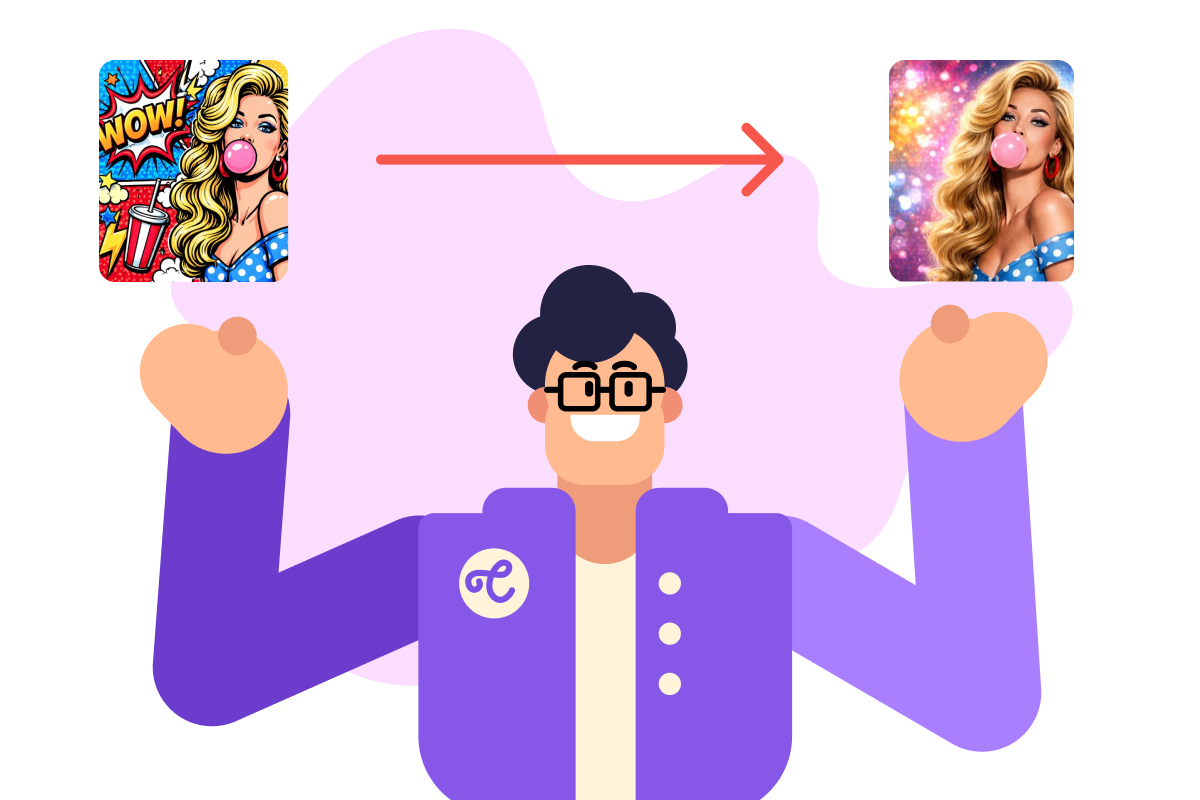
Image-to-image generation uses an existing image as a starting point. Instead of creating from scratch, you provide a reference image and guide the AI to transform it — keeping some elements while changing others. This gives you more control and consistency than text-only prompts.
practice preview
Interactive practice
Fill in the blank
Start by creating a simple sketch to use as your reference image.
Transform the Sketch
Now you have your sketch. Let's transform it into something completely different while keeping the same composition.
practice preview
Interactive practice
Fill in the blank
Upload a simple sketch to "Image Variations" and complete the prompt to transform it into a finished image.
Choose one
What happened in that transformation?
From Sketch to Scene
You've just seen the core principle in action: the reference image provides the structure, and your prompt drives the transformation. The AI doesn't ignore your sketch or copy it — it builds on it.
This is what makes image-to-image so useful for storytelling. Once you have a character or composition you like, you can reuse it as a foundation and take it somewhere new. Let's try that now.
Creating Consistent Characters
Let’s explore how image-to-image becomes powerful for storytelling. You'll create a character once, then use that image as a reference to generate the same character in different scenes.
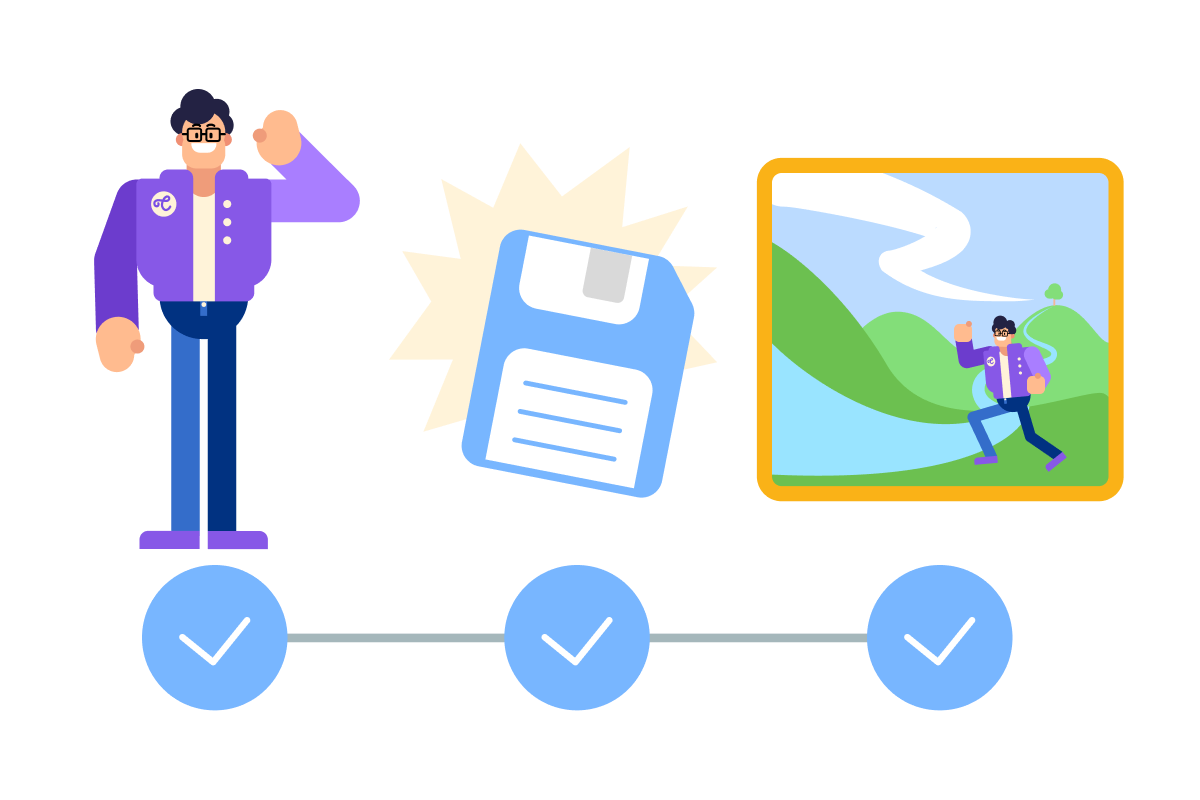
The workflow: Create initial character → Save that image → Use it as a reference for every new scene.
Creating Your First Character
Let's start simple. You'll create a basic character with clear, straightforward details.
practice preview
Interactive practice
Fill in the blank
Design a simple character with essential details.
Now Add Complexity
That was straightforward — simple character with clear features. It’s time to create something more complex with multiple detailed elements!
practice preview
Interactive practice
Fill in the blank
Design a more detailed character with layered elements.
Choose one
What made the queen character more complex than the knight?
Character Complexity Principle
Simple characters work for quick concepts. Complex characters require more detail but give you precise control. You can choose based on your needs!
practice preview
Interactive practice
True / False
Decide which approach fits the scenario.
- Reference images provide structure and composition — the AI maintains pose and placement while transforming style and details based on your prompt.
- Use Image Variations in OpenArt to start an image-to-image workflow: upload your reference, then guide the transformation with a prompt.
- Simple characters need basic details — type, clothing, medium. Complex characters need layered elements: facial features, props, color palette, lighting.
- Match character complexity to its role: main characters earn the detail, background characters don't need it.
Great Job!
You now know how to use existing images as a foundation, transform them with prompts, and build characters at whatever level of detail your project needs.
In the next lesson, you'll take those characters further — using them as references to build complete visual stories across multiple scenes.