Stable Diffusion · Stable Diffusion Essentials
Introduction to Stable Diffusion
Transform ideas into visuals with AI
Turn Words into Images
The world of digital art is huge, and you've probably seen a ton of AI-generated images online. But did you know that you can actually learn to create such images yourself?
Stable Diffusion is a magic engine that turns words into digital art, and you will discover how to command it here. Let's dive in!
What Is Stable Diffusion?
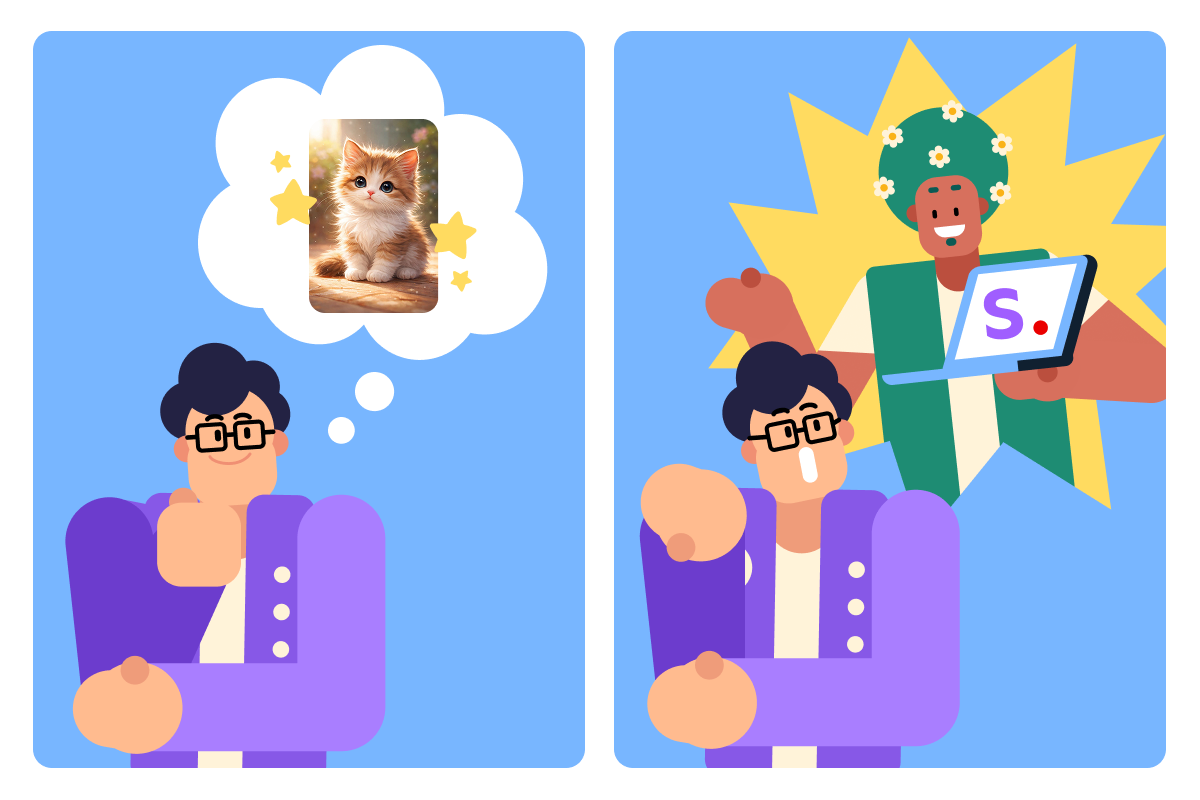
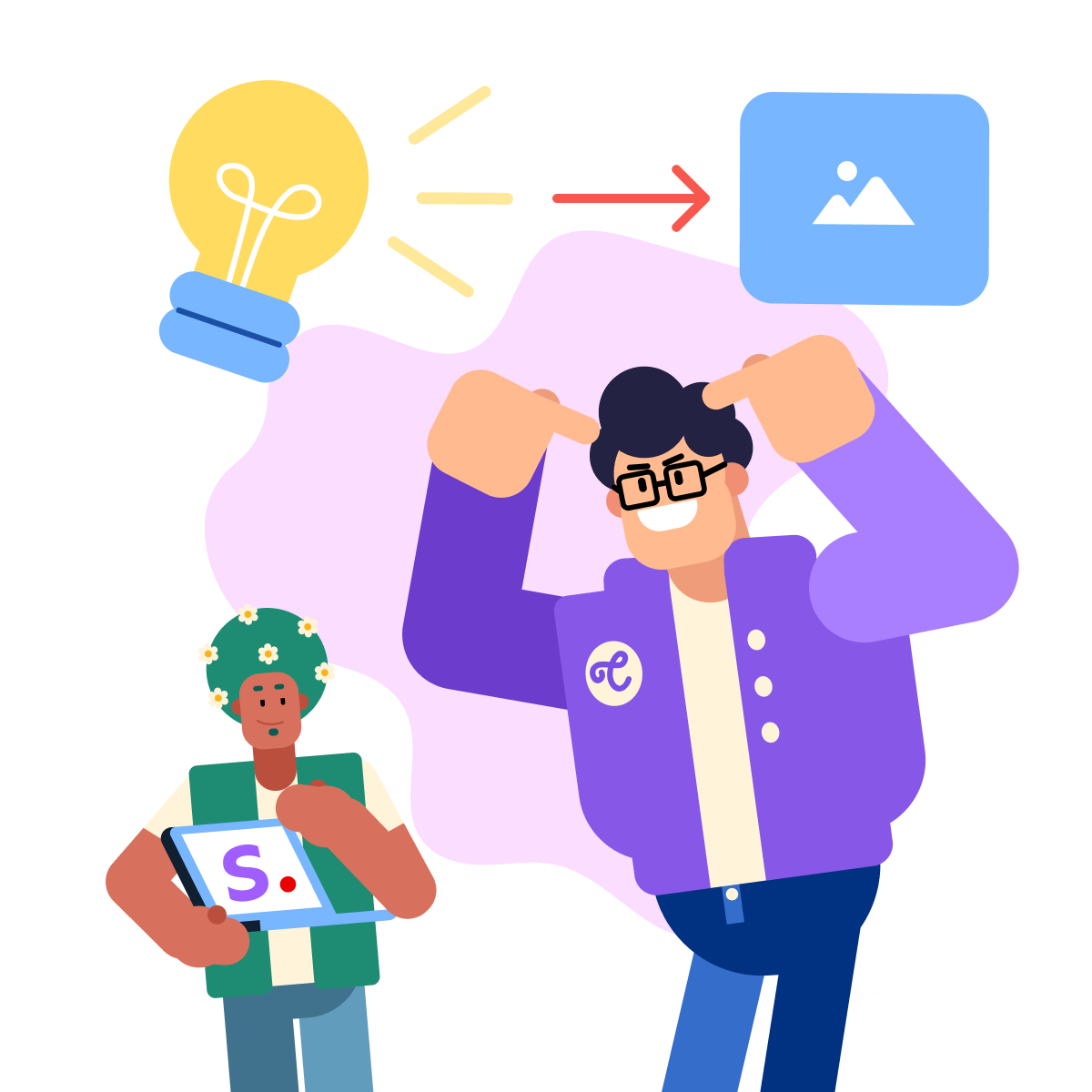
Stable Diffusion is an AI model that turns your ideas into images — no design skills required. You type a description, and it generates a matching visual.
Stable Diffusion can generate images in a wide range of styles.
From photorealistic portraits to abstract art, from anime-style characters to oil painting landscapes — if you can describe it, Stable Diffusion can create it.
So, in this guide, you'll learn how to:
- Craft prompts that translate your vision precisely
- Adjust Stable Diffusion modes for different effects
- Blend artistic styles
And many more!
Moreover, because learning isn't just about theory, you'll get plenty of chances to put your new skills into action throughout the course.
Let's start with navigation.
Navigating Through Stable Diffusion
You can use Stable Diffusion through different tools and platforms. One of the platforms is OpenArt (which uses newer versions such as SDXL).
To start creating, click on the "Image" in the left-hand menu, and you'll find your image creation workspace!
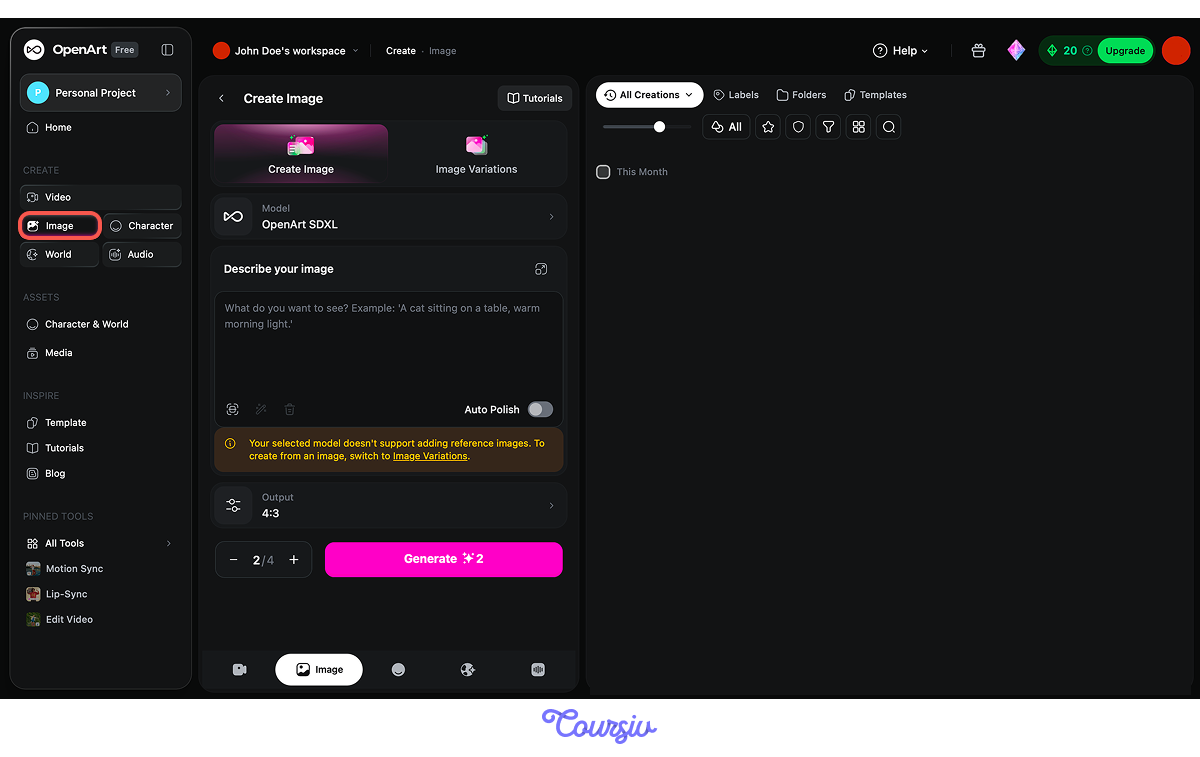
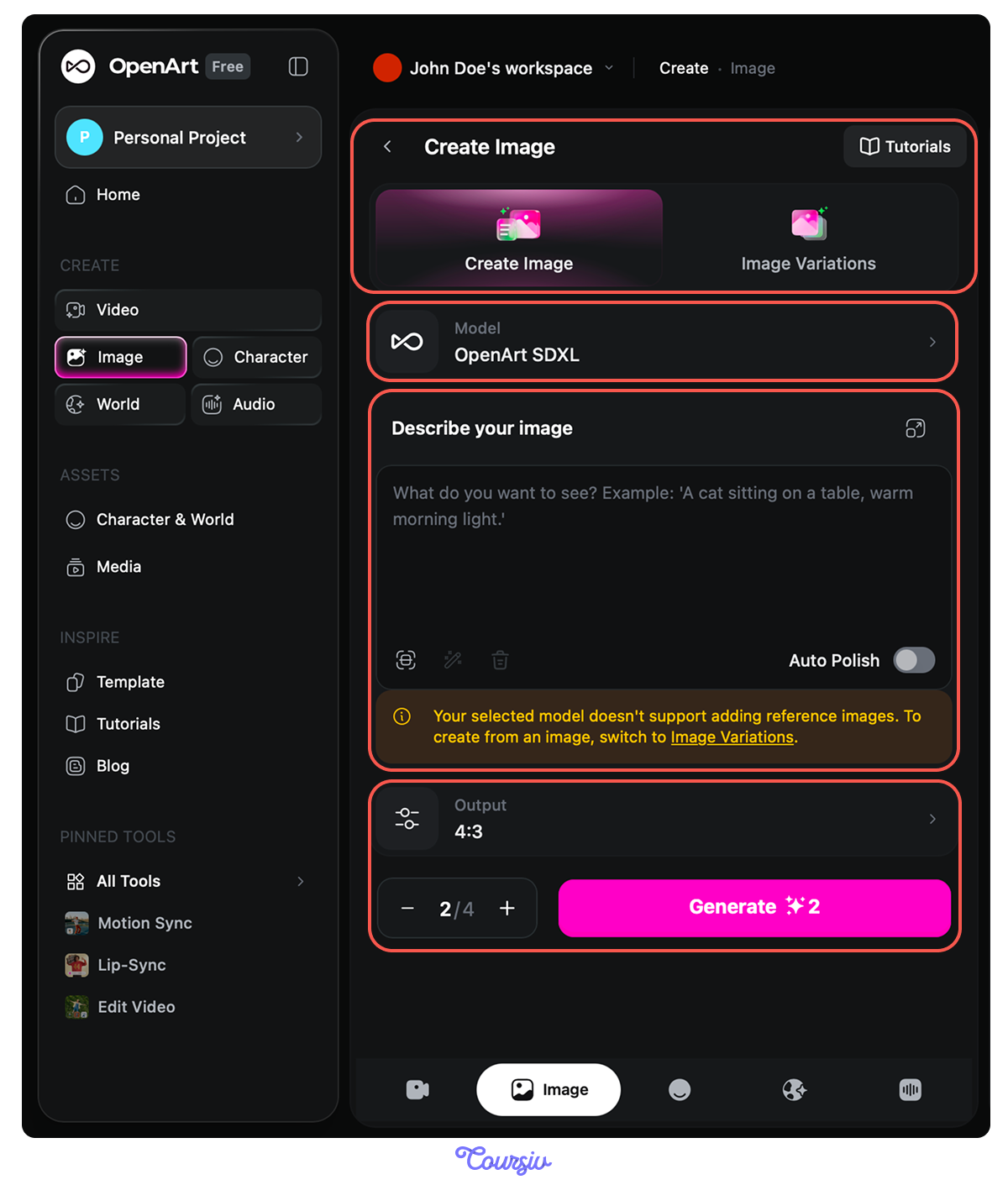
In the workspace, you'll see several key areas:
- Two modes: Create Image and Image Variations (the latter lets you create an image from a reference)
- Model selector: choose OpenArt SDXL
- Prompt box: where you type your idea — it also includes Prompt from Image, Enhance Prompt, and Clear Prompt options
- Output settings: control the aspect ratio and number of generations
Let's begin writing your first creative prompt!
practice preview
Interactive practice
Fill in the blank
Fill in the missing parts of this AI art prompt to complete the scene.
Cool, right? But that's just the beginning. How about something more fantastical?
practice preview
Interactive practice
Fill in the blank
Fill in the missing detail to complete this AI image prompt.
See how a few well-chosen words shape something entirely different each time? Every detail you add — creature, setting, mood — shifts what the AI creates. That's what prompt crafting is: directing the AI like an artist directing a scene.
In the following lessons, you'll learn even more:
- Defining subject and medium
- Controlling the color schemes and lighting
- Image-to-image techniques
As a result, from photorealistic portraits to surreal landscapes, by the end of this course, you'll generate the art you envision.
Ready to start transforming ideas into visual masterpieces?
Let's dive into the world of Stable Diffusion!