Stable Diffusion · Stable Diffusion Essentials
Practice Newly Acquired Skills
Review key Stable Diffusion skills and techniques
Wrapping Up Your Journey So Far
You've unlocked the power of Stable Diffusion — and it's time to see just how far you've come.
Let's put your skills to the test!

The Foundations of Stable Diffusion
We began our journey by exploring the core concepts of Stable Diffusion.
Choose one
Going back, which of the following best describes how Stable Diffusion generates images?
The Art of Prompt Crafting
Also, you've learned that the key to great AI-generated art lies in crafting effective prompts.
A well-structured prompt can make the difference between a mediocre image and a masterpiece.
Choose one
Which of these prompts is likely to produce the most specific and detailed image?
Choosing the Right Model
You've learned that the model you choose shapes your output before you write your prompt. Different Stable Diffusion versions are designed for different results, and picking the wrong one can work against your prompt, no matter how well it's written.
Imagine you're creating a series of product mockups for a skincare brand. The images need to look clean, realistic, and detailed — not illustrated or stylized.

Choose one
Which model would you choose for this project?
Using Negative Prompts
You've also learned how negative prompts help you exclude unwanted elements from your images.
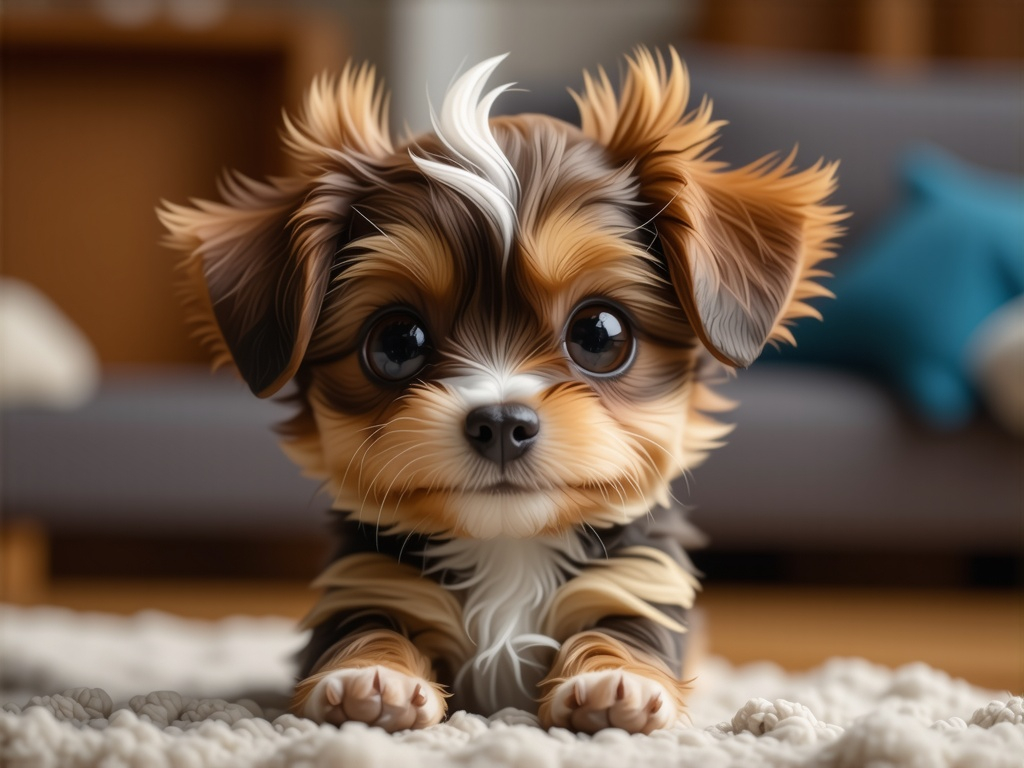
Let's say you're generating a cute cartoon puppy, but the AI keeps making it look too realistic and photographic when you want a simple, stylized illustration.
Choose one
What's the best way to fix this issue?
Working From a Reference
Sometimes you have a clear visual in mind but struggle to describe it in words. That's where Prompt from Image comes in — you upload a reference image and Stable Diffusion generates a prompt that describes it, which you can then use or tweak.
Imagine you've found an illustration online that captures exactly the mood you want for a project, but you're not sure how to translate it into a prompt.
Choose one
What's the best way to use that reference image in OpenArt?
Choosing the Right Sampler
Finally, you've learned that samplers control how the AI takes each step toward your final image.
Let's say you're experimenting with ideas for a fantasy book cover and want to see varied interpretations of the same prompt.
Choose one
Which sampler would be most useful for this exploration phase?
practice preview
Interactive practice
Put in order
Arrange these steps in the correct order for creating a polished image of a cozy reading nook with fairy lights.
Well done! You've solidified the workflow of how prompts, settings, and samplers work together to create the images you envision.
Continuing Stable Diffusion Journey
You've built a solid foundation — prompts, models, negative prompts, samplers. That's the full toolkit for Unit 1.
In the next unit, we'll go deeper into more advanced techniques and push what you can create even further.
Keep experimenting — swap a sampler, flip a negative prompt, try a different model with the same prompt. Small changes teach you more than starting over.