Jasper AI · Marketing Tasks You Can Solve with Jasper
Writing Content for Your Website & Blog
From outline to polished post efficiently
From Blank Page to Published Post
In the previous lesson, you started a consulting service. Now, you've built a website for it, and you need a blog post that would show expertise, attract the right leads, and rank well in search.
The topic is clear: "How to Know When Your Sales Process Needs Restructuring." But sitting at your keyboard, you face the classic issue: how do you organize all your insights without spending hours staring at a blank page?

The Long-Form Content Challenge
Long-form content (like blog posts and website content) works differently from emails or social posts.
With short content, you can often write your way into clarity. With long formats, that approach usually gets messy fast. Most people start writing and hope the structure emerges naturally — and it rarely does.
Select all that apply
What makes writing long-form blog content particularly challenging?
This is where Jasper's approach to long-form content becomes powerful: structure first, then write.
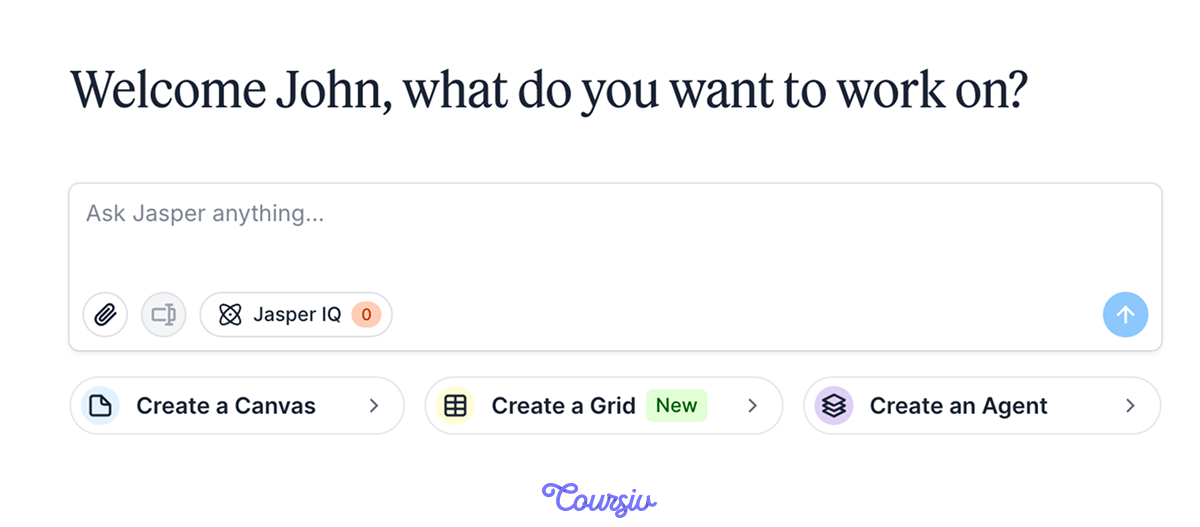
Start with Chat. It will help you map out your post's structure before writing a single paragraph.
practice preview
Interactive practice
Fill in the blank
Ask Chat to structure your post by filling in the gaps.
See what happened? Instead of brainstorming for hours, you now have a clear roadmap: five main sections with an introduction and a conclusion, a logical flow, and specific points to cover.
This outline can become your writing blueprint.

Now that you have a structure, it's time to turn this outline into actual content.
For this purpose, you can use the "Blog Post" Agent and paste your outline as context.
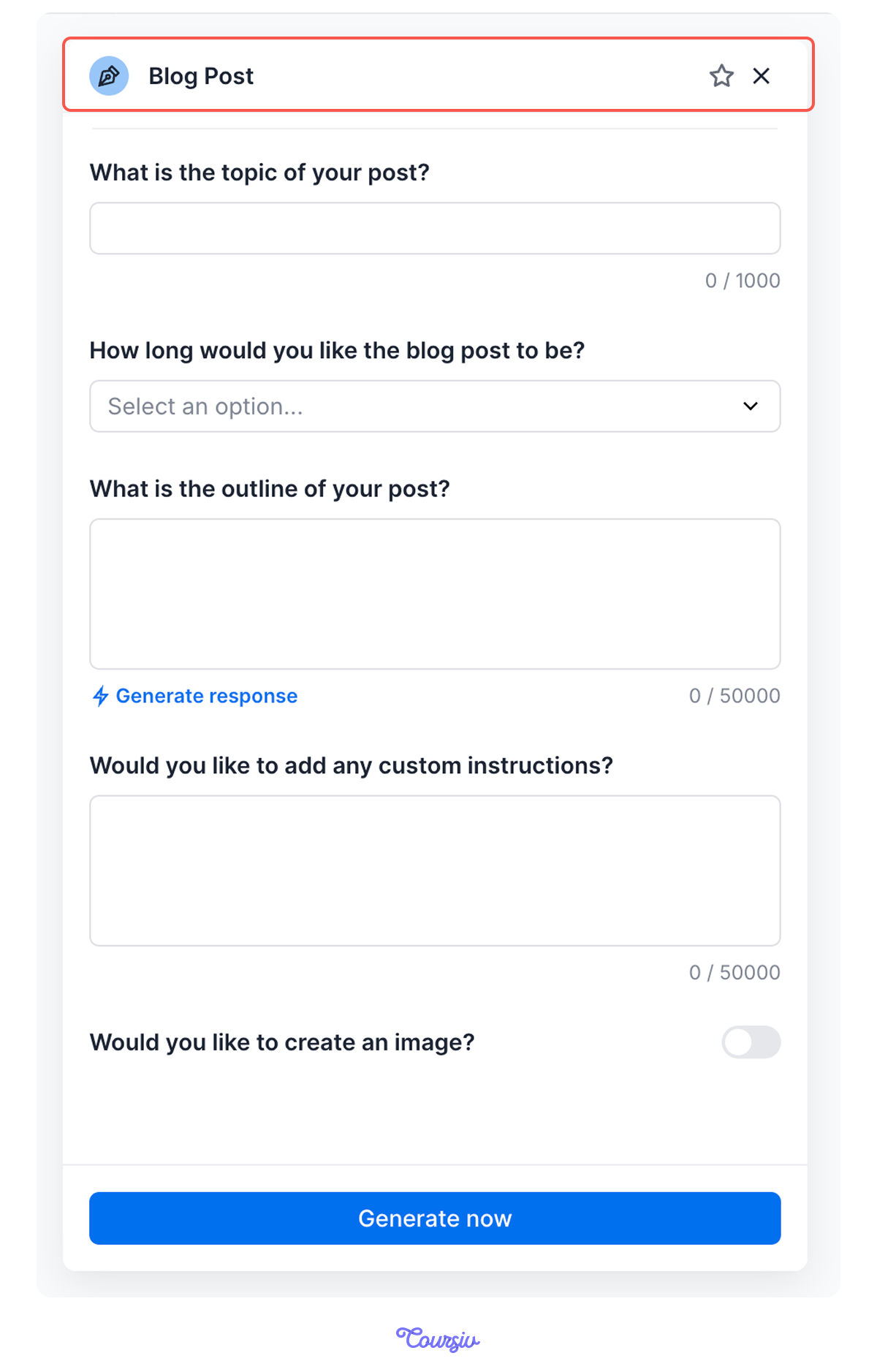
The Agent expands your outline into full sections, grounded in your Jasper IQ context, and opens the draft in Canvas — Jasper's writing workspace.
Here, you can edit and add details, but you're shaping a complete draft instead of inventing the sequence from scratch.

practice preview
Interactive practice
Fill in the blank
Fill in the Blog Post Agent's fields to draft your post.
Great! You now have a complete post with clear, specific warning signs.
Choose one
But why do you think creating an outline first makes writing the full post easier?
Cool. You now have your blog post with a solid structure and clear points. But reading through it, you notice that Section 2 doesn't go deep enough to really convince readers.
That's a normal thing in long-form writing. Time to refine — without leaving Canvas.

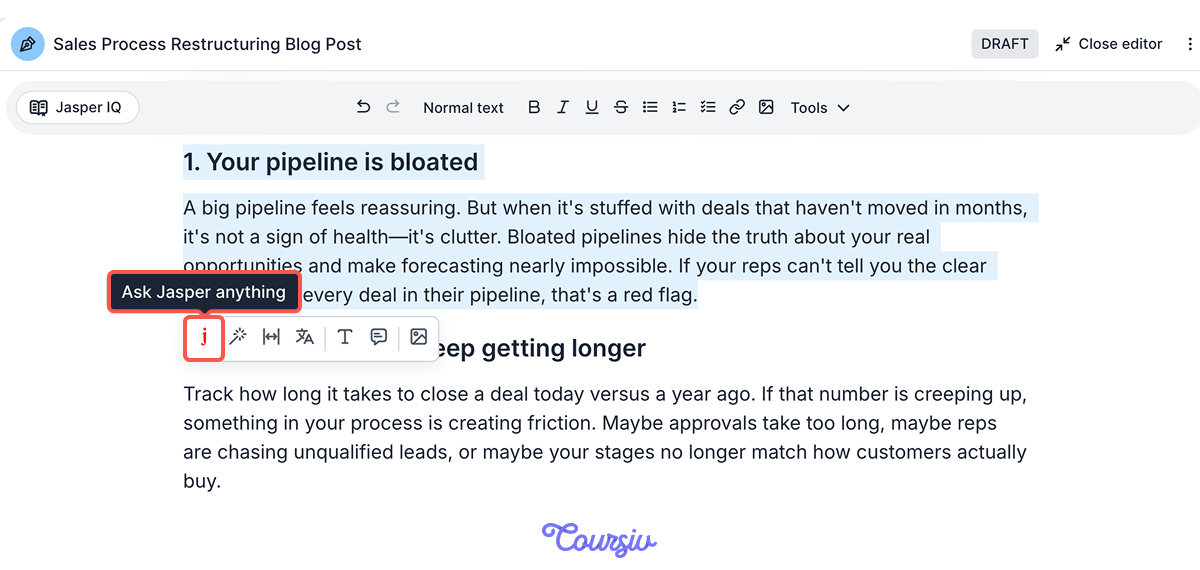
In Canvas, you highlight the weak section right in the draft and tell Jasper how you want to refine your text.
Type what you want — "expand this with concrete causes" — and Jasper rewrites that part in place, leaving the rest of your post untouched.
practice preview
Interactive practice
Fill in the blank
Highlight Section 2 in Canvas and prompt Jasper to strengthen it.
Great! Highlighting took your basic point and rebuilt it with concrete examples — and the rest of the post stayed exactly as it was.
This is the long-form rhythm in Jasper: the Blog Post Agent drafts, and Canvas is where you refine, section by section.
practice preview
Interactive practice
True / False
Now, given what you learned, choose the best tool for the task.
practice preview
Interactive practice
True / False
Your conclusion feels flat. Choose the better way to sharpen it.
Choose one
After using Agents and Canvas to create your blog post, what do you think is the final step before publishing?
Here's the full workflow for blog and website content:
- Outline first: Map the structure in Chat, or with the Blog Outline Agent.
- Draft from the outline: Paste it into the Blog Post Agent to generate the full post.
- Refine in Canvas: Highlight weak sections and prompt Jasper to expand or reshape them in place.
- Make it yours: Add your examples, voice, and final adjustments.
Well Done!
You've learned how to create a structured blog post without getting stuck at the blank page stage.
Remember: This workflow works for any long-form content: service pages, case studies, resource guides, or thought leadership posts. So, keep it in mind for the future!
Next, you'll learn how to use Jasper for email marketing — promotional emails, newsletters, and campaigns that drive action.
Let's continue!