Claude · Claude in Practice
Using Claude Alongside Other Tools
Design smarter AI workflows
Building Multi-Tool Workflows
Real work happens in steps — researching, thinking through ideas, testing them, and communicating results. The skill is knowing which tool to use at each stage and how to move work smoothly between them.
Claude can now handle many of these steps on its own. But this lesson is about judgment: knowing when Claude is enough, when another tool is a better fit, and how to combine them into an effective workflow.
Scenario: Choosing a Health Insurance Plan
Let's say, you need to pick a health insurance plan during open enrollment. Therefore, you need to:
- Understand what the different plans actually cover
- Figure out which matters for your situation
- Compare the real costs
- Make sure you're not missing something important
Each step needs something different.
practice preview
Interactive practice
True / False
Decide which approach you'd take to search for information in this case.
You could use Google for a traditional search, or — if you'd rather have it pulled together for you — just turn on Claude's web search and let it gather and cite sources in the same place you'll do the thinking.
For this run, you decide to browse yourself, so you have a feel for the raw documents.

You decide to go traditional and use Google to search for information about the plan options. This is what you find:
- Comparison charts
- Coverage details
- Explanations of terms like "deductible" and "out-of-pocket maximum"
Within 15 minutes, you have the information. But it's dense and confusing.
Choose one
What do you need at this point?
practice preview
Interactive practice
True / False
Now, decide which tool should be used for this step.
So, bring everything to Claude by pasting the details of three different plans, and it will help you understand the differences.
practice preview
Interactive practice
Fill in the blank
Ask Claude to explain technical differences in practical terms.
Now you understand what these differences actually mean for your situation.
That's synthesis that you learned: Claude took complex information and made it relevant to you.
Checking Your Thinking
You're leaning toward Plan B.
But you want to make sure you're not overlooking something. What if you end up needing more care than usual next year?
You're leaning toward Plan B. You could stress-test this with Claude directly — but here's a deliberate move: ask a different model.
A second AI gives you an independent take, one that isn't anchored to the conversation you've already had. That independence is the whole point.
You open ChatGPT, describe the context, and ask: "I'm choosing Plan B because I only see doctors 2-3 times yearly. What am I not considering?"
It responds quickly with general considerations — unexpected health events, specialist visits, prescription differences, major life changes, dependents. Useful prompts, though not yet analyzed for your specific situation.
Next, you bring ChatGPT's list back to Claude along with your plan details.
Choose one
But why bring ChatGPT's output to Claude instead of just asking ChatGPT to analyze further?
practice preview
Interactive practice
Fill in the blank
Use one tool to generate considerations, then another to evaluate them.
Notice the real skill in that last step — it wasn't the tools, it was the handoff.
When you move work from one tool to another, what you carry forward decides whether the next step works. Too little context and the receiving tool guesses; too much and the signal gets buried.
Select all that apply
You're moving from a search tool's raw results to Claude for analysis. Which pieces should you carry forward so Claude can actually help?
This is strategic thinking you practiced earlier: Claude evaluated which considerations actually matter for your specific situation.
You have a confident decision now: Plan B.
Communicating Your Decision
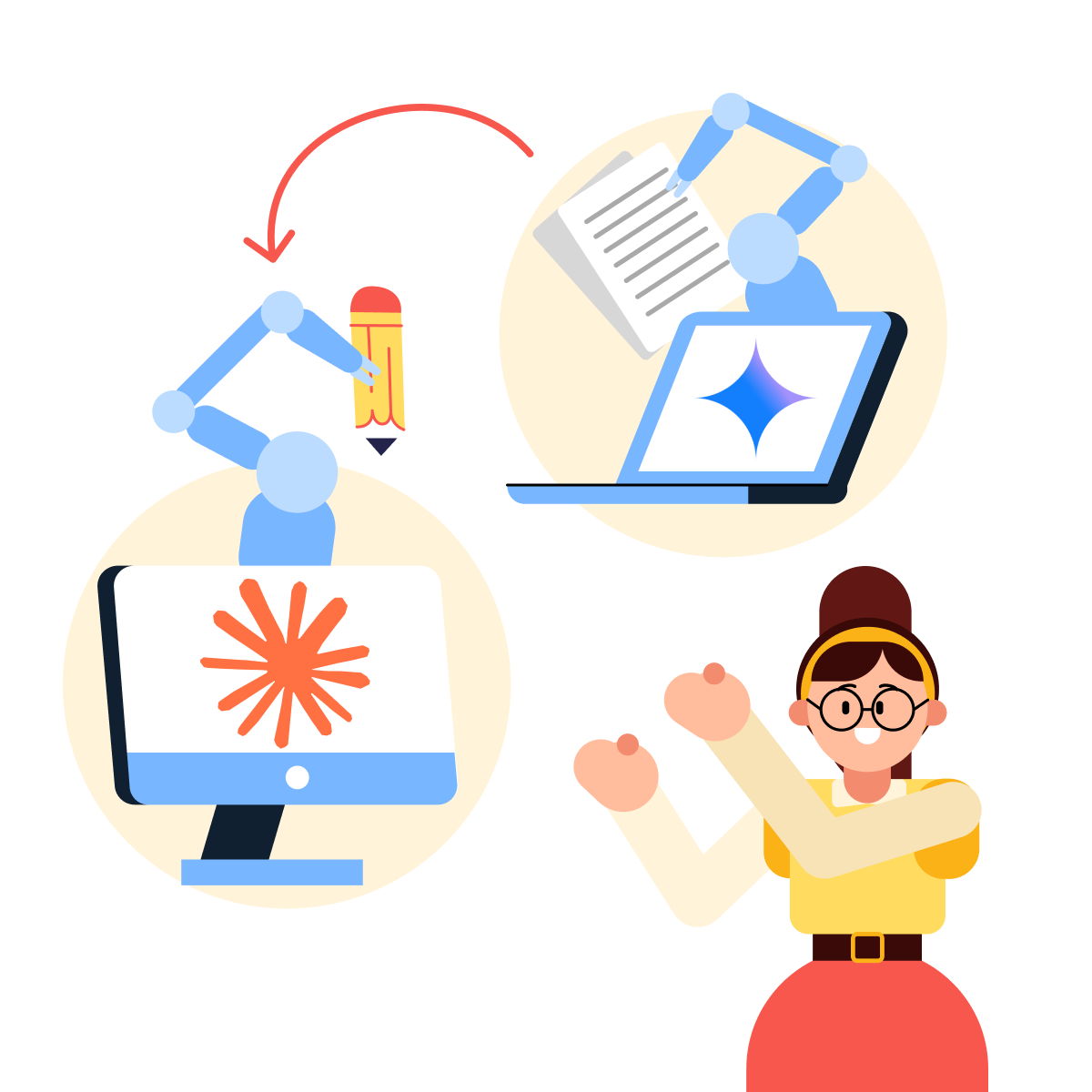
Now you need to email HR to confirm your enrollment. Claude can draft this directly — but say you've already got a serviceable draft from another tool, like Gemini, sitting in your notes. No need to start over; the move is to bring it to Claude and refine it.
practice preview
Interactive practice
Fill in the blank
Use another AI tool for rapid content generation.
This draft has all the information. But reading it back, it sounds stiff and overly formal for your workplace culture.
Choose one
What do you need now?
practice preview
Interactive practice
Fill in the blank
Bring drafts from other tools to Claude to improve tone.
See? That's writing and editing in action! Claude refined what another tool drafted.
Each tool played its role.

The honest up-to-date picture of how tools fit together:
- Search engines: when you want to browse and judge sources yourself
- A second AI model (ChatGPT, Gemini): a fast, independent take — useful as a check precisely because it isn't anchored to your Claude conversation
- Claude: searching, deep understanding, strategic evaluation, and careful refinement — often the whole workflow in one place
You've learned when Claude adds the most value: when you need to understand, evaluate, or refine — the moments where careful thinking matters more than speed.
Your Turn: Design the Workflow
One last challenge — and this time you design it, not follow along. New situation: you're choosing a project management tool for your 8-person team. You need to gather options, understand which features actually matter for your team, pressure-test your leaning choice, and write a recommendation for your manager.
Choose one
Here's a proposed workflow for that task. One tool assignment is wrong — which step, and why?
Step 1: Have Claude search and summarize the main PM tool options.
Step 2: Use a second AI model to independently stress-test your leaning choice.
Step 3: Use a search engine to decide which features matter for your specific team.
Step 4: Bring it all to Claude to write the recommendation.
Farewell
Good job! You've completed the Claude guide!
You understand how Claude thinks, when to use it, and how to combine it with other tools for better results. The real skill comes from practice — using Claude for your actual work and building workflows that fit how you think.
Now go use it. You're ready!