AI for Business Operations · Leading Smarter with AI
Powerful Presentations & Storytelling
From ideas into visual presentations instantly
The Last-Minute Deck Problem
It's 2 p.m. Your presentation to the C-suite is in two hours. You have the data, strategy, and insights, but you're still not ready. You don't have the slides.
Does that sound familiar? This is where AI transforms panic into polish. Let's see how!

The Blank Slide Problem
If you create a presentation the traditional way, you start from scratch.
An hour later, you're still fiddling with layouts, searching for stock images, and trying to make charts that don't look embarrassing.

But presentations aren't only about making pretty slides — they're about communicating strategy clearly under time pressure.
You need something that handles the visual work while you focus on the narrative.
Select all that apply
Given what you know about AI, which presentation tasks could it handle to save you time?
Meet Beautiful.ai
Beautiful.ai is an AI-powered presentation tool designed specifically for these tasks:
- You give it your rough structure and key points.
- It generates a complete presentation with layouts, visuals, and design consistency.

To see this in action, imagine you're a Sales Director who needs to present a Q3 Pipeline Review to the C-suite in one hour.
You have these notes scattered across documents:
- Current pipeline value: $4.2M
- Top 3 deals in the final stages
- New lead sources that are performing well
- One major deal at risk
Instead of copy-pasting these into slide templates one by one, you'll feed them to Beautiful.ai and let it draft populated slides — data, framing, and layout in one pass.
practice preview
Interactive practice
Fill in the blank
Give Beautiful.ai your rough outline and let it structure the presentation.
Beautiful.ai drafted a 10-slide deck with your data already in place — pipeline value on the opener, top deals on their own slide, and the at-risk deal flagged.
But when you scroll through it, most slides are heavy on bullet points. Beautiful.ai used what you gave it, and you didn't tell it where a visual would land better than text.

The pattern for fast presentation generation:
- List your key sections (3-6 main points).
- Specify the theme/tone (professional, creative, technical).
- Let AI generate structure and layouts.
- Spend your time refining content and narrative.
Creating Custom Diagrams
Beautiful.ai defaults to bullets when you don't specify visuals. But some of your points — the sales pipeline flow, the deal stages — land faster as diagrams than as text lists.
Choose one
What's the main reason visual diagrams matter so much in presentations?
Designing a presentation layout isn't the only thing that Beautiful.ai can do. It also creates visual diagrams, so you don't have to switch tools.
When creating a prompt for a presentation, include a specific description of what you want to show, and it will generate the visual — simple as that.

practice preview
Interactive practice
Fill in the blank
Ask Beautiful.ai to create a visual that explains a complex workflow.
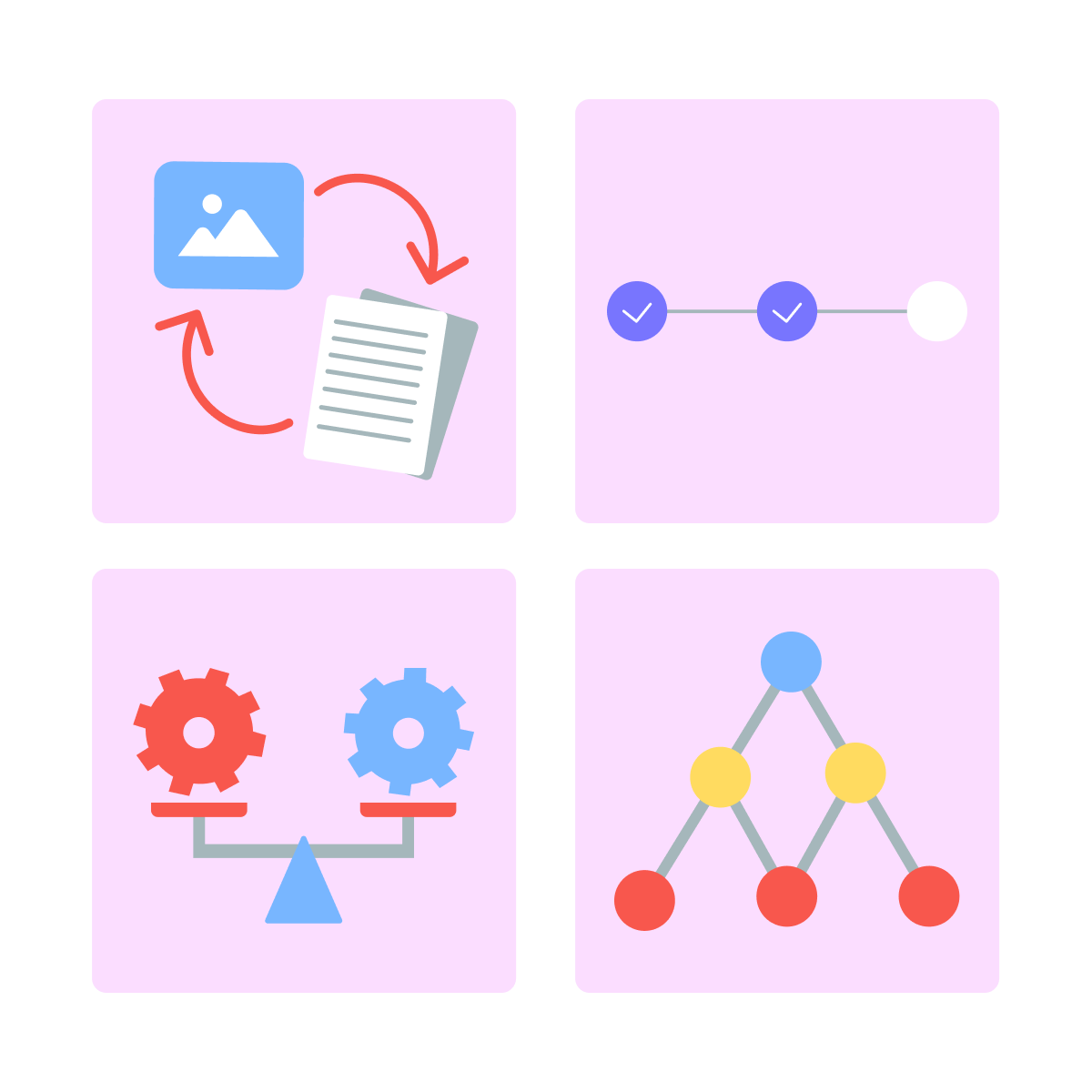
This principle applies beyond process flows. Use AI with minimum effort to create diagrams that show:
- Relationships between elements
- Stages in a workflow
- Comparisons between options
- Organizational structure
Refining Your AI-Generated Deck
Structure, data, and diagrams are in place. What's left is the narrative: framing, emphasis, and story that connects the slides for your specific audience.
This is where your judgment matters.
Select all that apply
What do you think AI doesn't know when refining presentations?
Select all that apply
Given AI's limitations, which elements need your strategic input during the refinement process?
Follow these steps to polish your AI-generated deck:
- Review the draft — does the slide order make sense?
- Check that data and diagrams are placed correctly.
- Adjust emphasis to match audience priorities.
- Strengthen your recommendation slide.
- Practice delivery.
Now that you understand how to build and refine AI-generated presentations, let's test your grasp of when and how to use this approach effectively.
practice preview
Interactive practice
True / False
Decide if this statement about AI-assisted presentations is true or false.
practice preview
Interactive practice
True / False
Evaluate this statement about diagrams in presentations.
Excellent Work!
You just learned how Beautiful.ai transforms scattered notes into polished presentations in minutes — a skill that saves time-pressed leaders hours every week.
Thus, you have a tool for visual storytelling that doesn't require design expertise or hours of slide-building.
- Beautiful.ai turns outlines into structured decks instantly, saving hours of building slides.
- AI generates diagrams that visualize complex processes.
- Spend your time on strategic refinement, not infrastructure.
In the next lesson, you'll learn how to use AI for high-impact communications — writing emails, memos, and messages that sound like you, not like a robot.
Time to master AI-assisted communication!