Build a Strong Portfolio with AI · Creating an Effective Portfolio
The Deep Dive: Case Study Pages
Prove expertise with dedicated project pages
Your Work Needs Space to Breathe
Your homepage shows thumbnails and brief descriptions. That's enough to catch attention — but not enough to prove expertise.
For that, you need dedicated case study pages where each project gets the space it deserves. Let's see how it's done in this lesson!

Choose one
First, why do you think dedicated case study pages are more effective than just listing projects on your homepage?
Why Case Studies Matter
A thumbnail and a two-sentence description tell people you did something.
A full case study page shows them how you think, how you work, and what results you deliver.

The Case Study Structure
Every effective case study follows a similar pattern, regardless of your field.
Select all that apply
In your opinion, which elements make a case study page effective?
Building Your First Case Study Page
With what you learned so far, let's see how you can create a case study page in Lovable.
Note that the prompt you'll use is a reusable template structure that you can duplicate for each project.
practice preview
Interactive practice
Fill in the blank
See how you can prompt Lovable to create a dedicated page for one of your projects.
See? You described the page structure (banner, text sections, gallery), and Lovable built it with your content areas ready to fill!
Choose one
Looking at this case study structure, what makes it effective?
What we just added to the case study for this page to work:
- Banner image — the project's main visual
- The challenge — what problem you were solving
- Your approach — how you tackled it
- The outcome — what results you delivered
- Visual evidence — screenshots, photos, or graphics showing the work
Adding Your Content
Time to populate your case study page with the descriptions and visuals you've already prepared.

Do the following things:
- Upload your banner image
- Paste your Claude-written project description into the "Challenge" section
- Add your approach details
- Insert your gallery images
Lovable will handle the formatting and layout — you provide the content.
practice preview
Interactive practice
Fill in the blank
Complete the prompt to tell Lovable how to populate the content sections.
Setting Up Navigation
Your first case study is done. Now you need to make sure people can actually find it from your homepage.

Choose one
Why is proper navigation critical for portfolio sites?
practice preview
Interactive practice
Fill in the blank
Prompt Lovable to create navigation between your homepage and case study.
Now your portfolio actually works as a website. Visitors can click through to your projects and return to browse more — exactly how a professional portfolio should function.
What Just Happened?
We created two types of links:
- Homepage to case study — clicking a project thumbnail takes visitors to the full page
- Case study back to homepage — a clear way to return without using the browser's back button
This creates a smooth browsing experience.
Last Tip: Creating Your Template
You've built one case study page. Now you need to create the rest without starting from scratch each time.
The smart approach: use your first case study as a template. Duplicate its structure for each remaining project, then swap in different content.
This keeps all your case studies visually consistent while saving time.
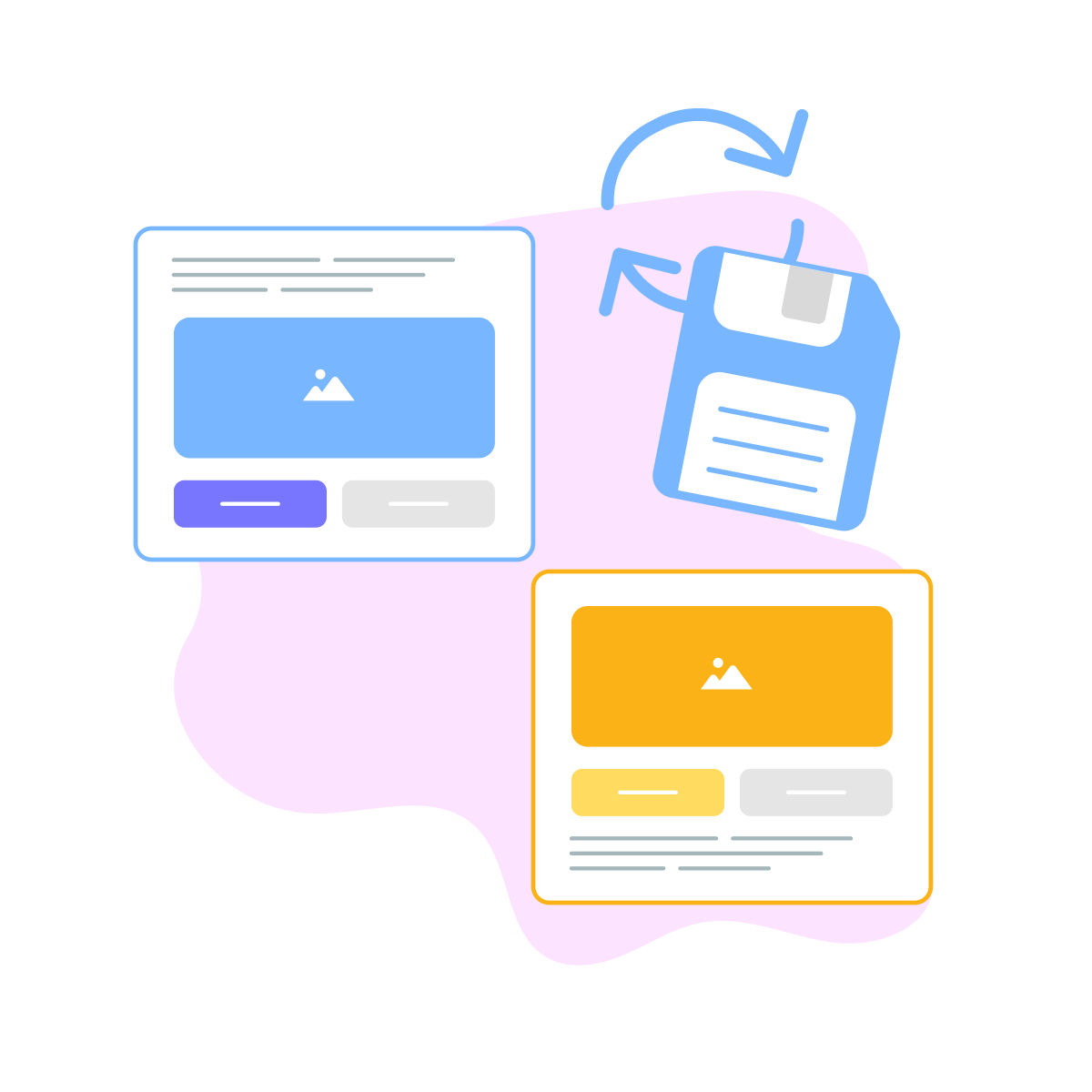
So, duplicate your case study structure 3-5 times (matching your number of projects), then populate each with its unique content.
Same format, different stories.
Your Work Has Its Space!
You just learned how to create dedicated case study pages that give your projects room to demonstrate your expertise fully.
Your portfolio can now have depth — a homepage for overview, case studies for proof.

In the next lesson, you'll learn how to write your "About" and "Contact" sections — the content that transforms curious visitors into actual clients who want to hire you.
Almost there!
- Case study pages provide space to explain your process and demonstrate value.
- Follow a consistent structure: Challenge → Approach → Outcome → Visuals.
- Proper navigation is critical — visitors must move between pages smoothly.
- Result: dedicated pages that prove your expertise in detail!