Build a Strong Portfolio with AI · Creating an Effective Portfolio
About & Contact: Turning Visitors Into Clients
From stranger to "let's talk" easily
Telling Clients About Yourself
One thing you must not forget: clients don't just hire skills — they hire people.
This means your "About" section is where strangers decide if they want to work with you — let's make sure it converts!
Choose one
First, why do you think the "About" section is critical for converting visitors into clients?
Why About Sections Matter
In other words, people want to know: Who are you? What drives you? Why should they trust you with their project?
A strong "About" section answers these questions warmly and authentically — without sounding like a corporate bio.
In this sense, you should think of your "About" section as the moment someone asks, "So, what do you do?" at a networking event.
You wouldn't recite your résumé. You'd tell your story in a way that's interesting, authentic, and makes people want to keep talking.
What Makes a Strong "About" Section
Good "About" sections usually follow a specific pattern that works across industries and experience levels.
Select all that apply
Which elements do you think this pattern includes?
Now that you know what makes a strong "About" section, you can start writing yours.
This is where Claude comes in to help turn your raw information into polished, authentic copy.

practice preview
Interactive practice
Fill in the blank
Give Claude your background information and ask it to write "About" copy.
Choose one
Looking at this "About" section, do you think it's effective?
practice preview
Interactive practice
Fill in the blank
Ask Claude to rewrite the "About" section with better length and formatting.
See? Now it's better.
The content stayed strong, but the length became manageable. People will actually read this version instead of skimming past it.
Keep your "About" section to 3-4 short paragraphs — always include this in your Claude prompt.
A warm, professional, human tone gives people a sense of who you are without losing their attention.
Adding Your "About" Page
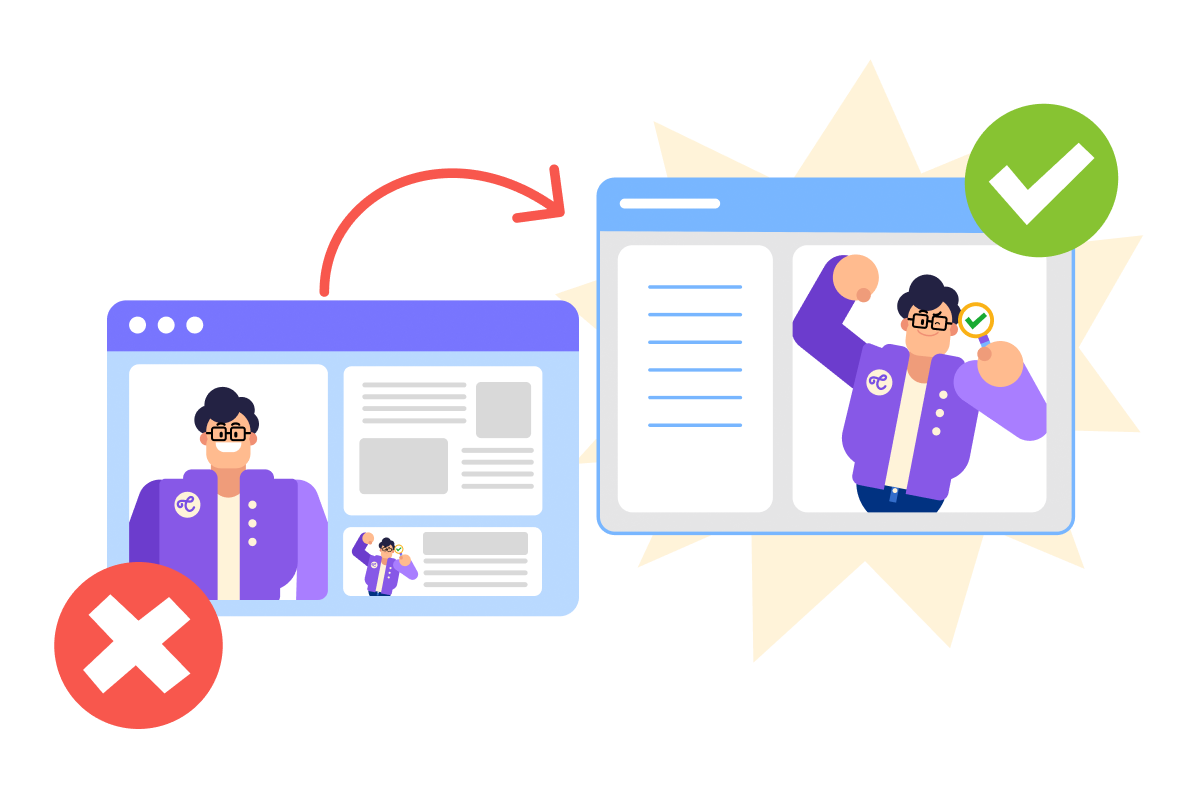
Your "About" section deserves its own page — not cramped into a small homepage section.
This gives it space to breathe and signals that you take personal connection seriously.
practice preview
Interactive practice
Fill in the blank
Build a dedicated "About" page in Lovable with your Claude-written copy.
Your "About" page is ready, well done!
Now, visitors can learn who you are beyond your work samples — the human element that turns interest into action.
Adding a Contact Method
You've shown your work. You've introduced yourself. Next up — you need to make it easy for people to actually reach you.
Choose one
Why do you think having a clear contact method is critical for portfolio sites?
Choose one
Next, where should you add your contact information?
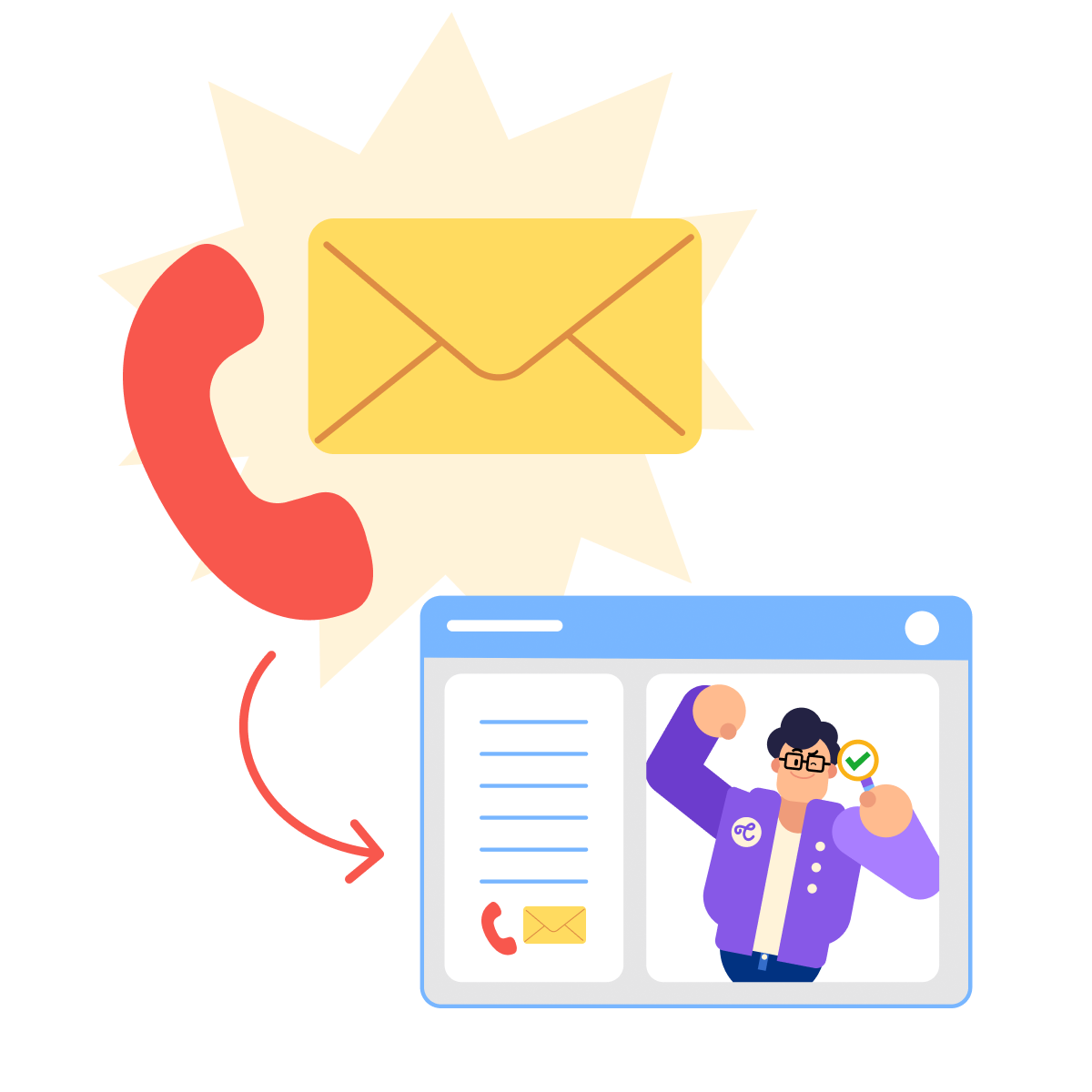
Let's start by adding a simple contact section to your "About" page with your email and phone number.
This gives people a direct way to reach you without any extra steps.
practice preview
Interactive practice
Fill in the blank
Add a contact section to your About page with your details.
Choose one
You've added your email and phone number. What do you think is still missing?
Well, to fix this moment, Lovable can also generate a working form that collects information and sends it directly to your email — no backend setup or technical configuration required!
practice preview
Interactive practice
Fill in the blank
Add a functional contact form below your contact information.
See? Just like that, you can add two crucial elements to your portfolio!
The only remaining thing is to test your contact form by submitting a test message and seeing how it works.
Almost Ready to Connect!
You just added the two elements that transform your portfolio from a showcase into a client-generation tool: an "About" section that builds connection and a contact form that makes reaching you effortless.
Your portfolio can now have personality and accessibility — the final pieces needed to convert visitors into clients.
In the next lesson, you'll learn how to optimize your portfolio for mobile devices and publish it live — ensuring it works flawlessly on phones and goes live for the world to see.
Time to launch!

- About sections humanize your expertise and help visitors decide if they want to work with you.
- Keep About copy to 3-4 short paragraphs — always specify length when prompting Claude.
- Add contact information and a form to your About page for easy, frictionless outreach.
- Result: a portfolio that builds connections and makes taking the next step easy.