Build a Strong Portfolio with AI · Creating an Effective Portfolio
Creating Visual Assets
Create a visual package of your expertise
Words Aren't Enough
Remember: portfolios are visual. People scan images before they read text.
If your visuals look inconsistent, low-quality, or generic, they'll assume your work is too — no matter how good your descriptions are.
The solution? Create professional visual assets before you start building your portfolio site.
The Visual Asset Problem
When you start building a portfolio, you need images. Lots of them: project thumbnails, a professional headshot, background graphics, icons, charts, and process diagrams.
But what if you don't have screenshots of your work? What if you're a writer, consultant, or strategist whose deliverables aren't inherently visual?
This is where AI tools help.

Choose one
Why do you think visual assets matter even if your work isn't design-focused?
Visual assets are your packaging. You could have the best product in the world, but if it's presented poorly, people won't take it seriously.
Your portfolio works the same way.
What Visual Assets Do You Need?
Before you start creating, let's identify what assets most portfolios require.
Select all that apply
Which visual assets do you think are essential for a professional portfolio?
You don't need dozens of images. You need a few high-quality, consistent assets that work together visually.
Quality and consistency beat quantity every time.
Creating Project Thumbnails
Project thumbnails are the first thing people see when they land on your portfolio. They need to look professional and consistent.
But, returning to the issue that was mentioned above, what if your work doesn't produce images? What if you're a copywriter, strategist, or consultant?
Canva solves this by letting you create visual mockups — screenshots of your work displayed on devices, documents styled as professional layouts, or simple branded cards.
Using Canva for Mockups
Canva has built-in templates for creating professional-looking mockups without design skills.
Want to show your copywriting work? Place your text on a laptop screen mockup. Need to display a strategy document? Use a clean document template with your content.
The key is consistency — all your thumbnails should use the same style, size, and visual approach.
practice preview
Interactive practice
Fill in the blank
Try creating a project thumbnail mockup with this prompt.
Choose one
Looking at this mockup, is it good enough for your portfolio?
practice preview
Interactive practice
Fill in the blank
Now add the missing details to create a professional mockup.
Choose one
What changed between the first and second mockups that made such a difference?
Creating Custom Graphics with Midjourney
You've created consistent project thumbnails. Next up: custom graphics that make your portfolio feel unique instead of template-based.
Midjourney can handle this.

Need a header background? An abstract graphic for your About section? Custom icons that match your style?
Midjourney creates unique visuals that nobody else has, making your portfolio feel original and intentional.
Select all that apply
When creating custom graphics in Midjourney, which details should you include in your prompt?
practice preview
Interactive practice
Fill in the blank
Now, use your knowledge and complete the prompt to create a unique background graphic for your portfolio.
To sum everything up, less detailed prompts produce worse results. In turn, good visual prompts include details that are tailored to your goals:
- Style descriptors (minimalist, bold)
- Color details (teal and orange tones)
- Context (portfolio header)
Preparing Your Headshot
Next, your portfolio needs a professional photo of you. Not a casual selfie — a clean, well-lit headshot.
Choose one
But why do you think your portfolio needs a professional headshot?
So, if you don't have a professional photo, use your smartphone in good natural light. Then, use Canva to crop, adjust brightness, and remove distracting backgrounds.
The goal isn't perfection — it's professionalism. A clean, well-framed photo builds trust.
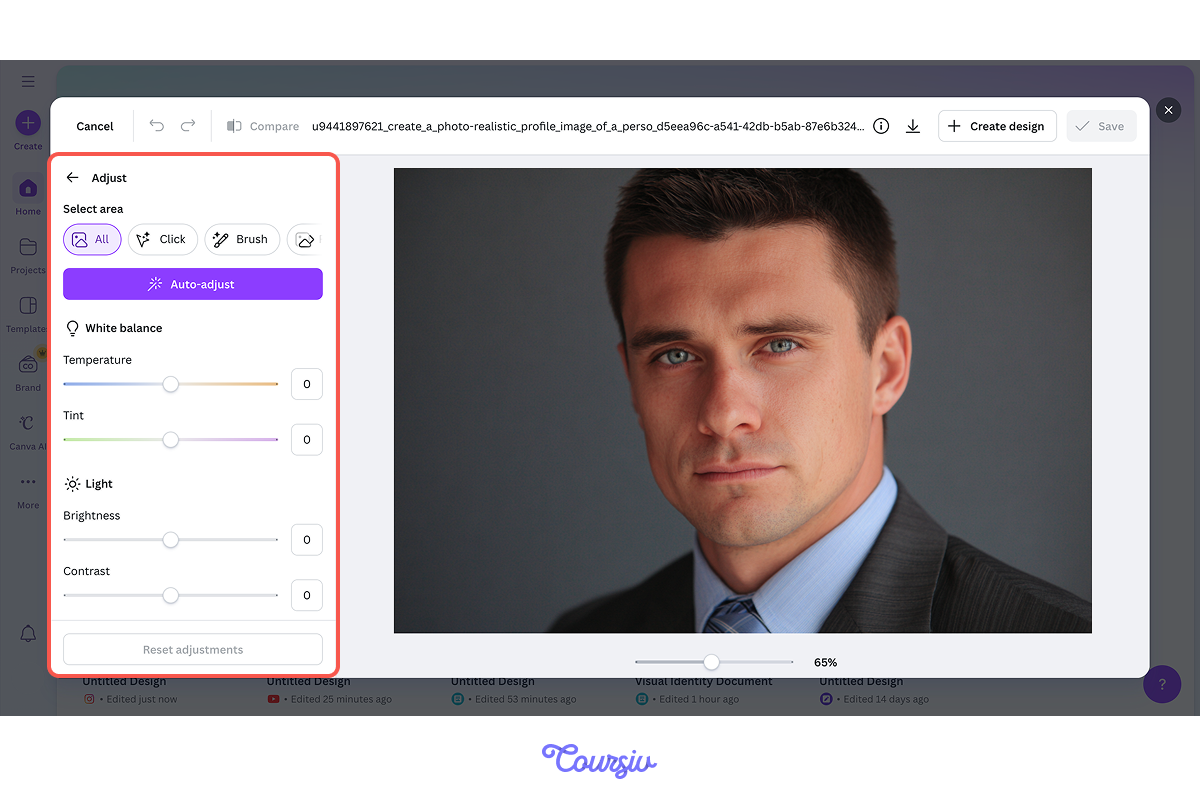
With thumbnails, custom graphics, and your headshot ready, your visual preparation is complete. Now let's make sure you've internalized the key principles.
practice preview
Interactive practice
True / False
Decide which approach creates a more professional portfolio.
practice preview
Interactive practice
True / False
Evaluate this choice for your portfolio header.
Good Job!
You learned how to create professional visual assets even if your work isn't design-focused.
Now, you can have consistent thumbnails, custom graphics, and a professional headshot — the visual building blocks of your portfolio.
In the next lesson, you'll learn how to build your homepage structure using AI — taking all these visual assets and assembling them into a working portfolio site without writing code.
Let's keep building!

- Visual assets matter in every field — they signal professionalism regardless of your expertise.
- Canva creates mockups for non-visual work; Midjourney generates custom graphics.
- Consistency in thumbnail style and dimensions creates visual cohesion.