AI Essentials for Project Managers · AI Project Management
Keep Everyone in the Loop
Stop answering 'what was decided' repeatedly
Stop Repeating Yourself
Project managers spend hours every week answering the same questions: "What was decided?" "Who's doing what?" "What's the status?"
The problem isn't your team — it's that information lives in your head, not in a system everyone can access. Let's fix team communication once and for all!
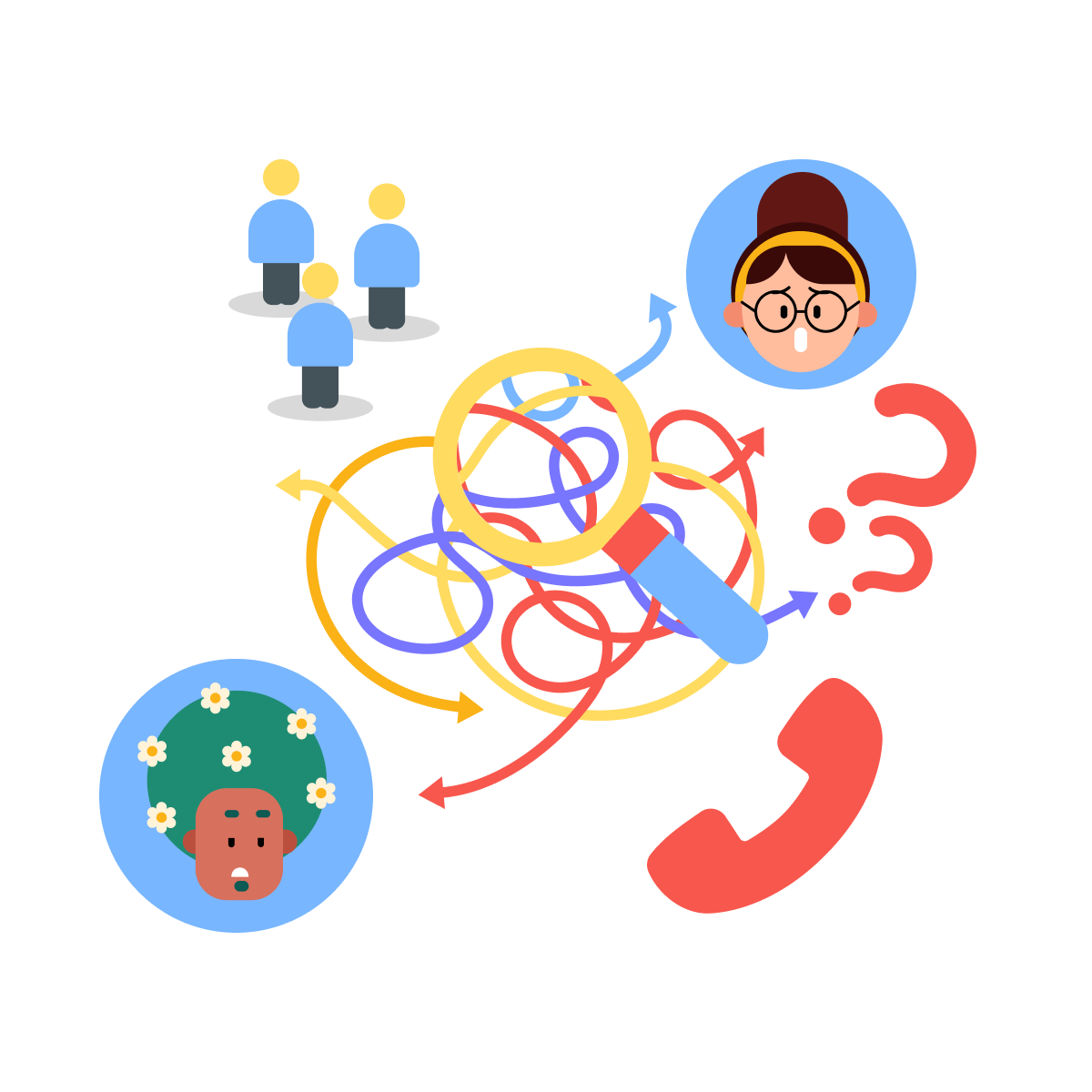
The Communication Black Hole
The usual pattern: you have meetings, make decisions, assign tasks. Then everyone forgets or interprets differently.
By Wednesday, half the team is confused. By Friday, you're re-explaining everything.

This happens because:
- Meeting notes are messy or incomplete
- Updates live in your head, not written down
- People miss meetings and never catch up
- No single source of truth for "what's happening"
You can't align a team that doesn't have the same information.
Choose one
What's the real reason why misalignment keeps happening?
Meanwhile, you could turn every meeting or update into a clear summary, share it automatically where your team already works, and never answer "what was decided?" again!
That's what we're doing today.
Creating Clear Summaries
Let's start with the core problem: imagine you have messy meeting notes and you want to transform them into something everyone can understand.
You could spend 20 minutes cleaning up your notes... or ask ChatGPT to do it in 30 seconds.

practice preview
Interactive practice
Fill in the blank
Give ChatGPT your raw meeting notes and ask for a clear summary.
Choose one
Imagine your typical meeting notes and compare them with this summary. What's the key difference?
What Just Happened
ChatGPT turned scattered notes into a scannable summary with clear categories.
Your team can now find what matters to them in 10 seconds instead of reading paragraphs or asking you directly.
Choose one
Now you have the perfect summary. What's your next move?
Meet Slack for Team Updates
Slack is your team's communication hub — where conversations, updates, and decisions already happen.

Why Slack Works for Communication
- Everyone's already there — no need to check another tool
- Channel organization: #project-updates for announcements, #general for casual chat
- Threaded system: the team can ask questions directly under your update
- Search and pins help simple info discovery
The bottom line: posting summaries in Slack means 100% visibility with zero extra effort from your team.
Posting Updates in Slack
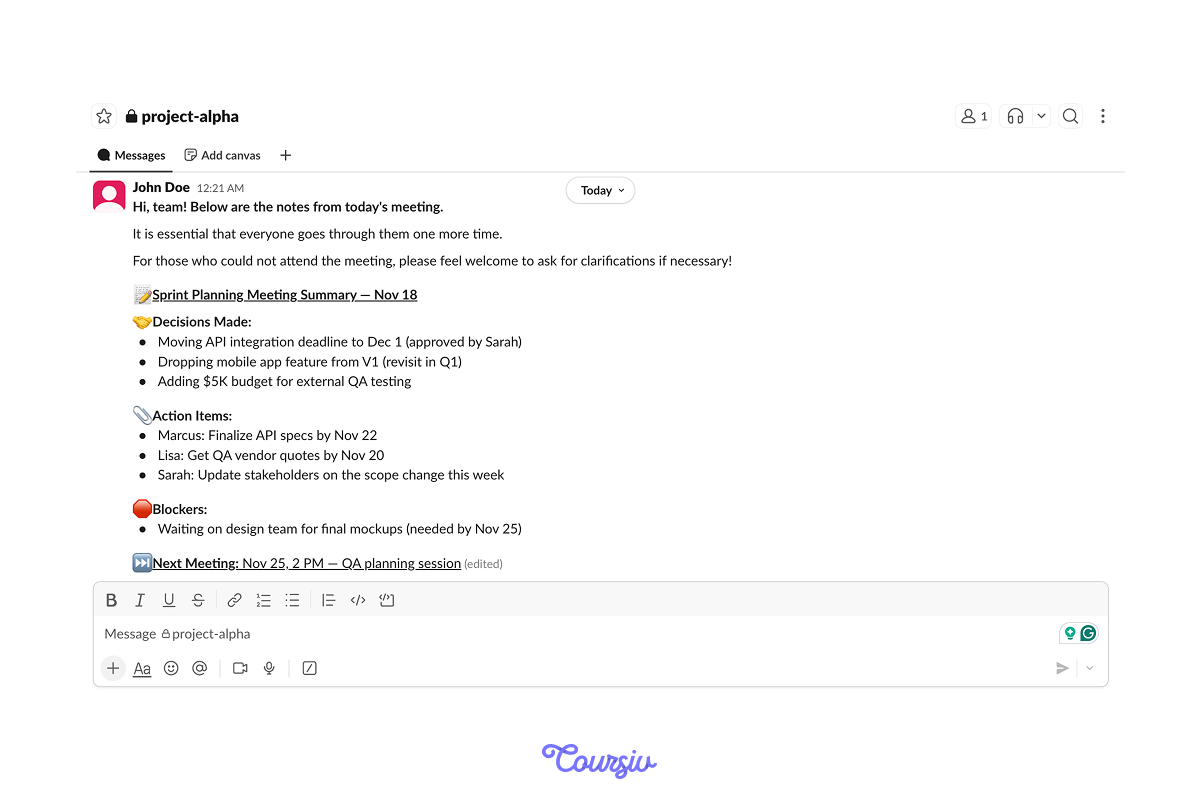
Now, let's share your summary with the team in Slack:
- Copy your summary from ChatGPT.
- Open Slack and go to your project channel (e.g., #project-alpha).
- Paste the summary into the message box.
- Add a quick intro line like: "Quick recap from today's sprint planning:" and click Send.
Optional: click the pin icon to keep it at the top of the channel for easy reference.
Choose one
Next thing, why do you think it is important to post summaries immediately after meetings, not later in the day?
So, with ChatGPT and Slack, you can easily and immediately let your team see the summary without having to ask, check email, or dig through notes.
Another advantage is that anyone who missed the meeting can catch up up in 30 seconds!
Building a Communication Rhythm
One summary is helpful. A consistent pattern is transformative.
Weekly Communication Routine
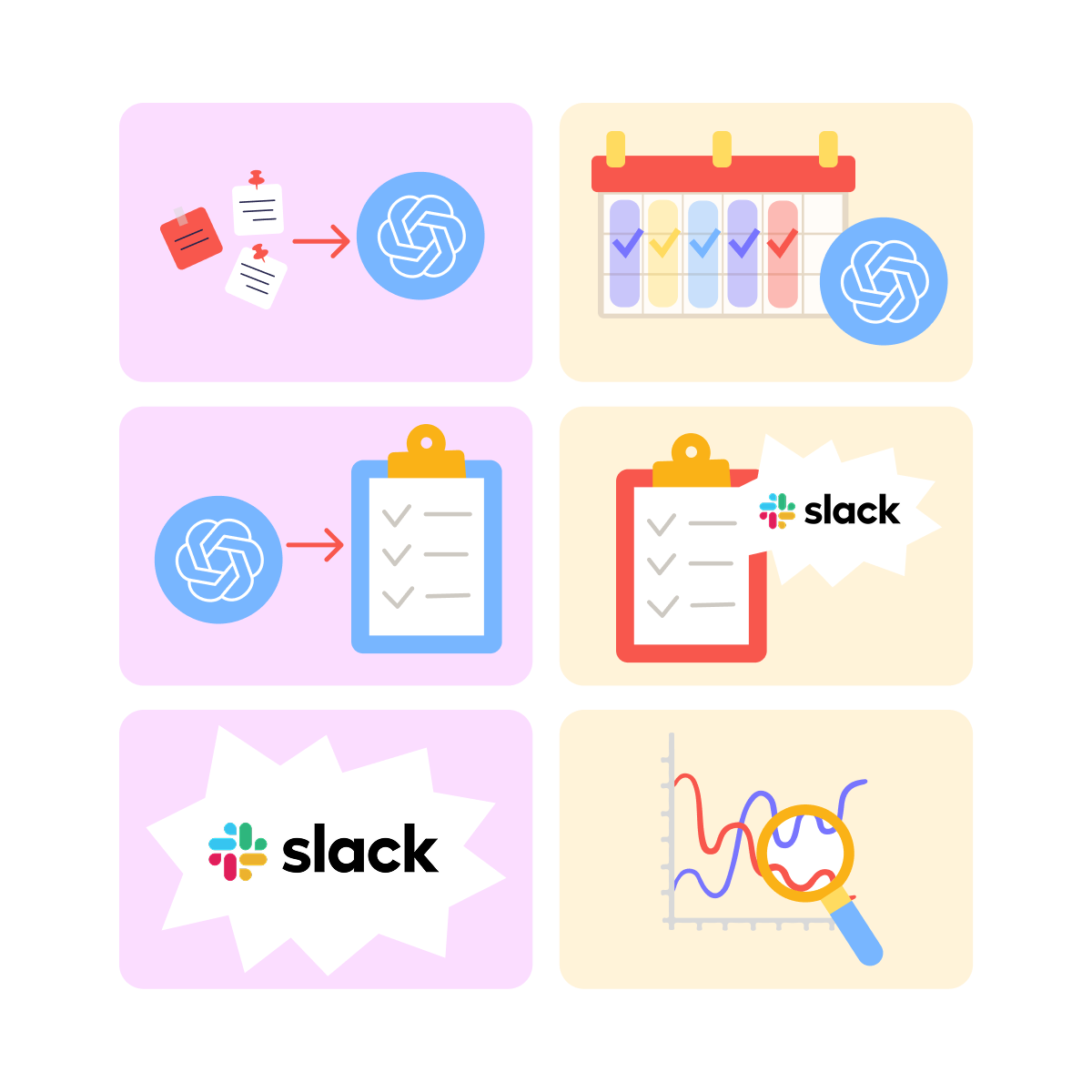
After every key meeting:
- Paste raw notes into ChatGPT
- Get structured summary (decisions, actions, blockers)
- Post immediately in the relevant Slack channel
Friday afternoon (5 minutes):
- Ask ChatGPT to summarize the week's progress
- Post weekly recap in #project-updates
- Highlight what's on track, what's at risk
Result: your team always knows what's happening without asking you.
Using ChatGPT for Weekly Recaps
Meetings aren't the only thing worth summarizing. Your team also needs weekly "where we are" updates.
practice preview
Interactive practice
Fill in the blank
Ask ChatGPT to create a weekly team update.
Choose one
Looking at this weekly recap, what makes it effective for keeping teams aligned?
Consistent summaries eliminate repeated explanations.
When everyone has the same information at the same time, projects move faster, and confusion drops to near zero.
practice preview
Interactive practice
Put in order
Now, let's put the whole communication system together.
Select all that apply
Next, what's the main benefit of using ChatGPT + Slack for team communication?
Look What You've Built!
You can now keep your entire team aligned without repeating yourself or scheduling extra meetings. Clear summaries go out automatically, everyone stays on the same page, and those "wait, what's happening?" questions disappear.
That's the power of systematic communication—and you just mastered it.
In the next lesson, you'll learn how to turn scattered project notes into polished reports in minutes—making status updates effortless instead of exhausting.
Let's keep going!

- ChatGPT turns messy meeting notes into structured summaries in 30 seconds.
- Slack ensures 100% team visibility by sharing where everyone already works.
- Posting summaries immediately after meetings prevents confusion before it starts.
- Result: team alignment improves without extra meetings or repeated explanations.