AI Essentials for Project Managers · AI Project Management
Balance Workloads and Stay on Track
From invisible overload to visible balance
The Overloaded Designer
Imagine this: it's Thursday afternoon. Your designer, Maya, just messaged: "I don't think I can hit Friday's deadline. I still have six tasks due tomorrow."
You check the project board. She's right — and you had no idea she was so busy. What can you do now?
The Invisible Overload
What happened: everyone on your team was working, tasks were getting assigned, and nobody realized Maya had way more on her plate than anyone else.
By the time she spoke up, it was almost too late.
This happens all the time in project management:
- Tasks get assigned as they come up (not strategically)
- Some people say "yes" too often and get overloaded
- Others have lighter loads, but you don't notice
- Problems surface only when someone misses a deadline
You can't balance what you can't see.
Today, you'll learn how to see everyone's workload at a glance, spot the imbalance before it becomes a crisis, and redistribute tasks before anyone burns out.
Viewing Team Workload
Remember Asana from the last lesson? It doesn't just track tasks — it shows you who's carrying too much.
Let's see how.
In your Asana project, you've assigned tasks to team members with due dates. Now you need to see the full picture.
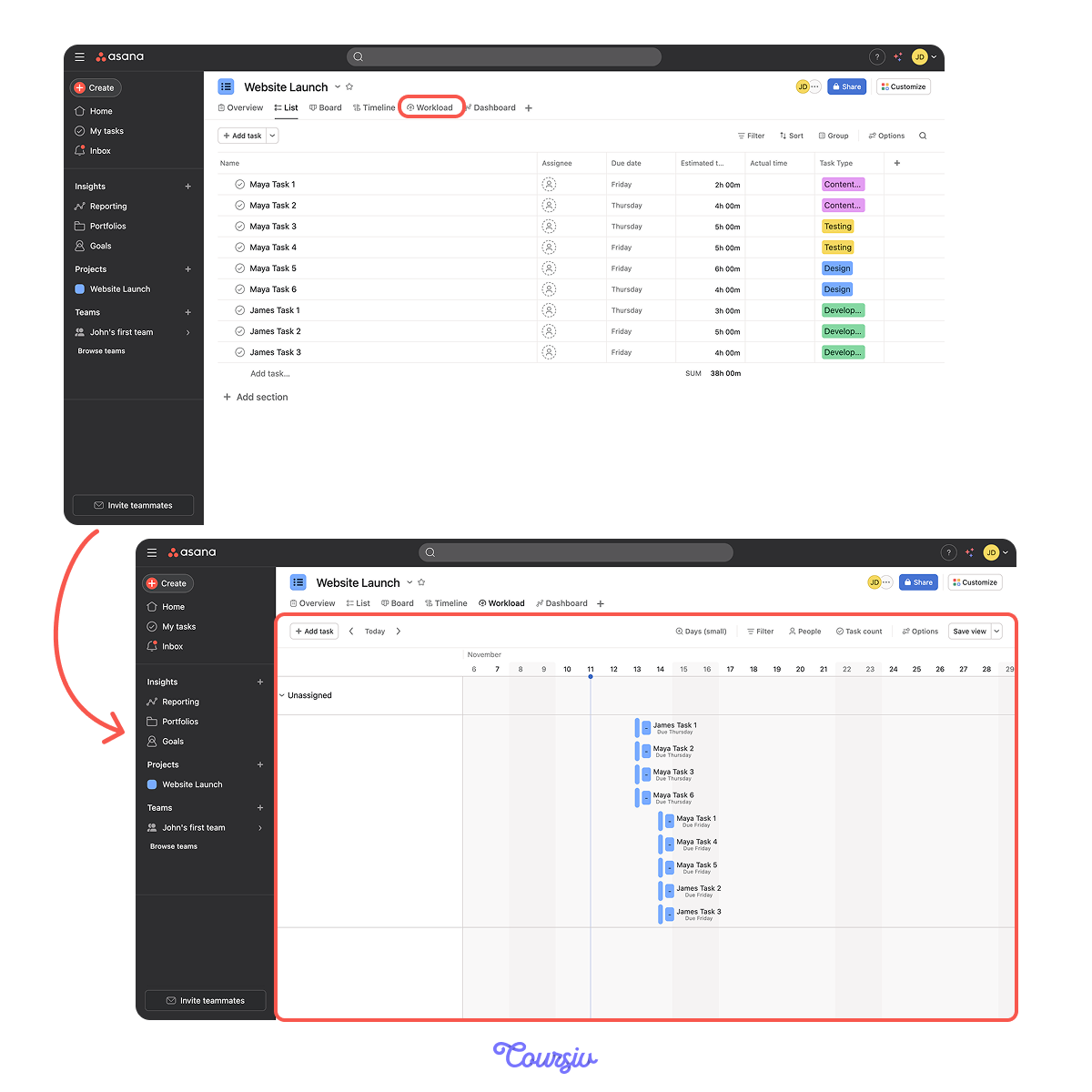
How to view workload:
- Open your project in Asana.
- Click Workload at the top (next to Timeline).
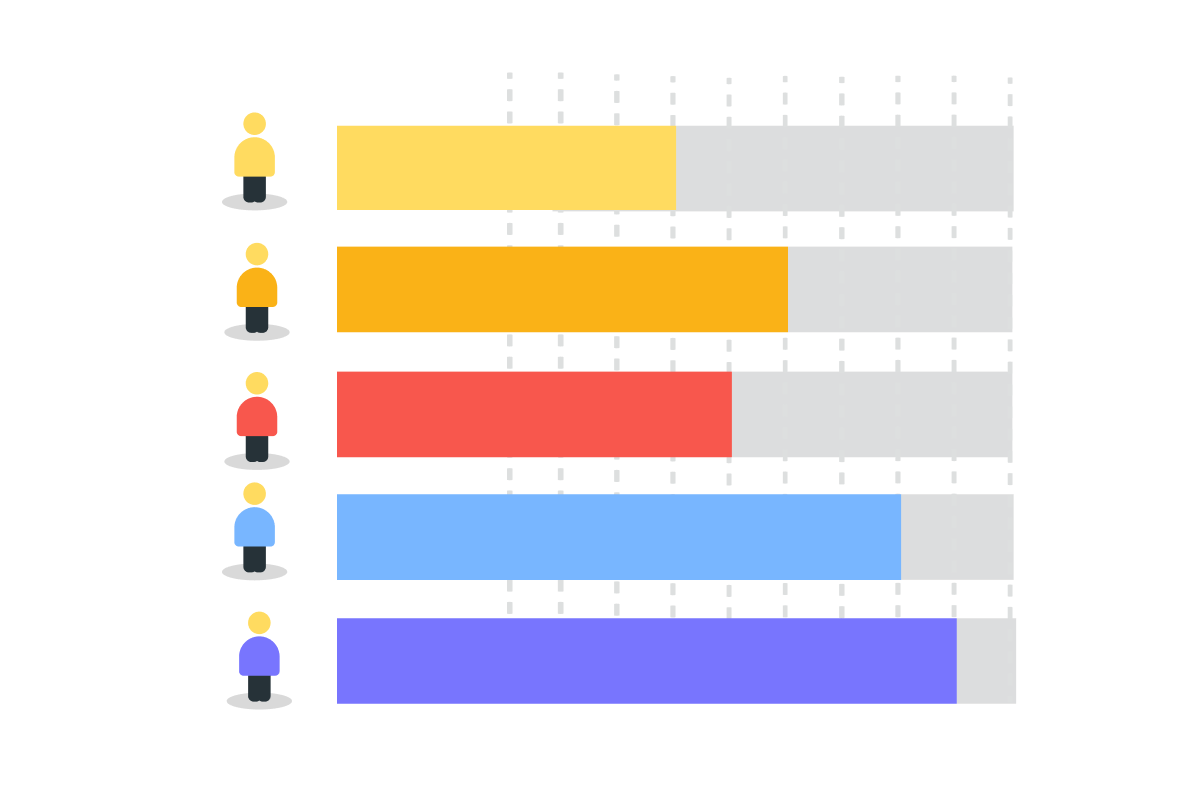
You now see each team member with their tasks displayed as capacity bars. Each person's bar indicates the number of hours or tasks assigned to them.
Choose one
Imagine it's Wednesday. Looking at the Workload view, you see that Maya still has 6 tasks due this week, totaling 26 hours. James has 3 tasks, totaling 12 hours. What does this tell you?
Visual workload tracking makes every detail visible.
You can now spot overloads before deadlines hit — when there's still time to rebalance and prevent burnout.
Choose one
Now that you can see Maya is overloaded, what's your next move?
practice preview
Interactive practice
See what ChatGPT did? It didn't just say "move some tasks." It:
- Identified which specific tasks make sense to move
- Explained why those tasks fit James's skills
- Avoided moving critical or blocking tasks
- Showed the new balance after redistribution
Now you have a clear action plan.
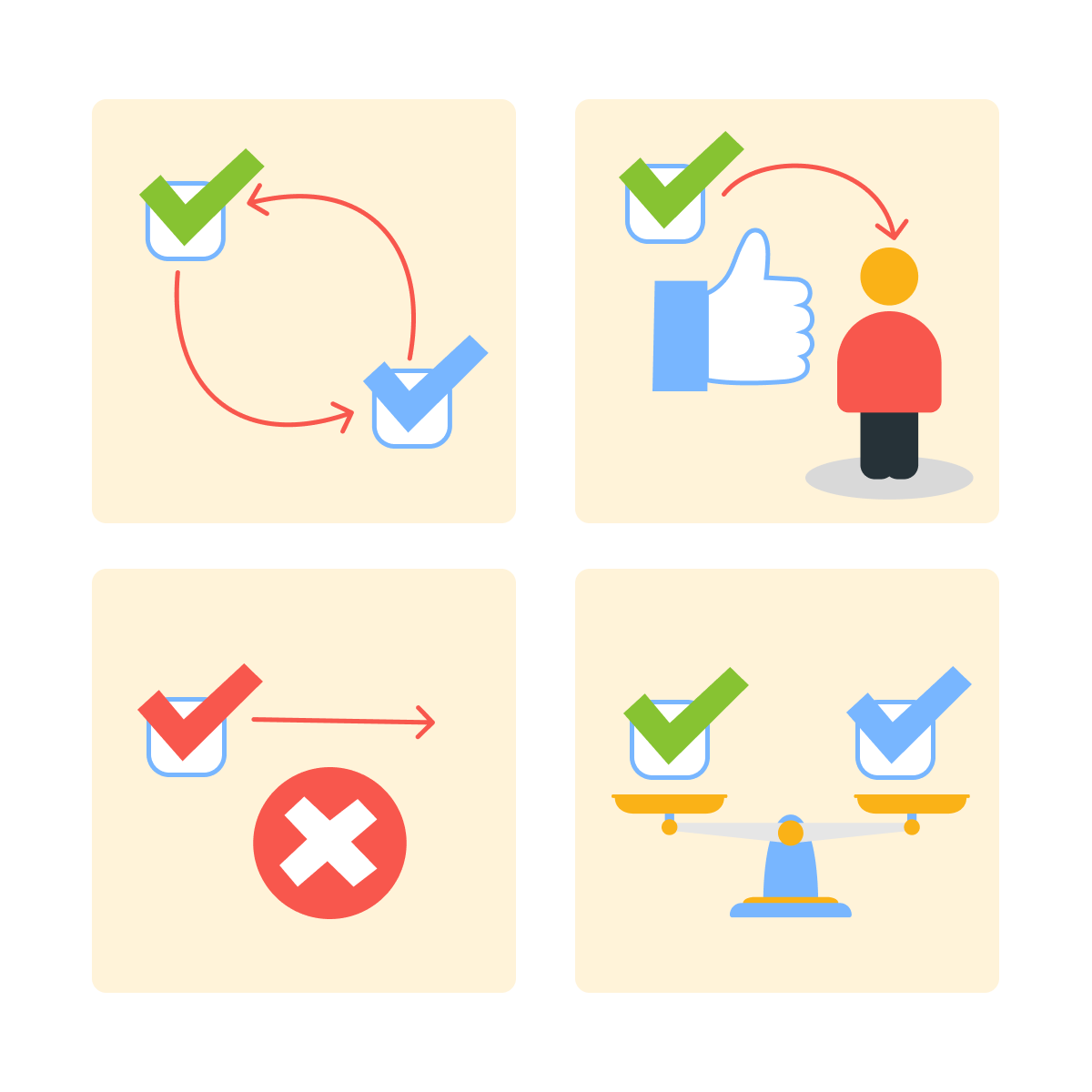
ChatGPT spots patterns you might miss: which tasks can move, who has the right skills, and what creates the best balance.
You make the final call, but AI does the analysis work.
Making the Changes in Asana
Now, let's redistribute those tasks in Asana.
For each task that ChatGPT suggested moving:
- Click on the task in Asana.
- Change the "Assignee" field from Maya to James.
- The task moves to James's workload automatically.
Go back to Workload view and watch the bars rebalance in real-time.
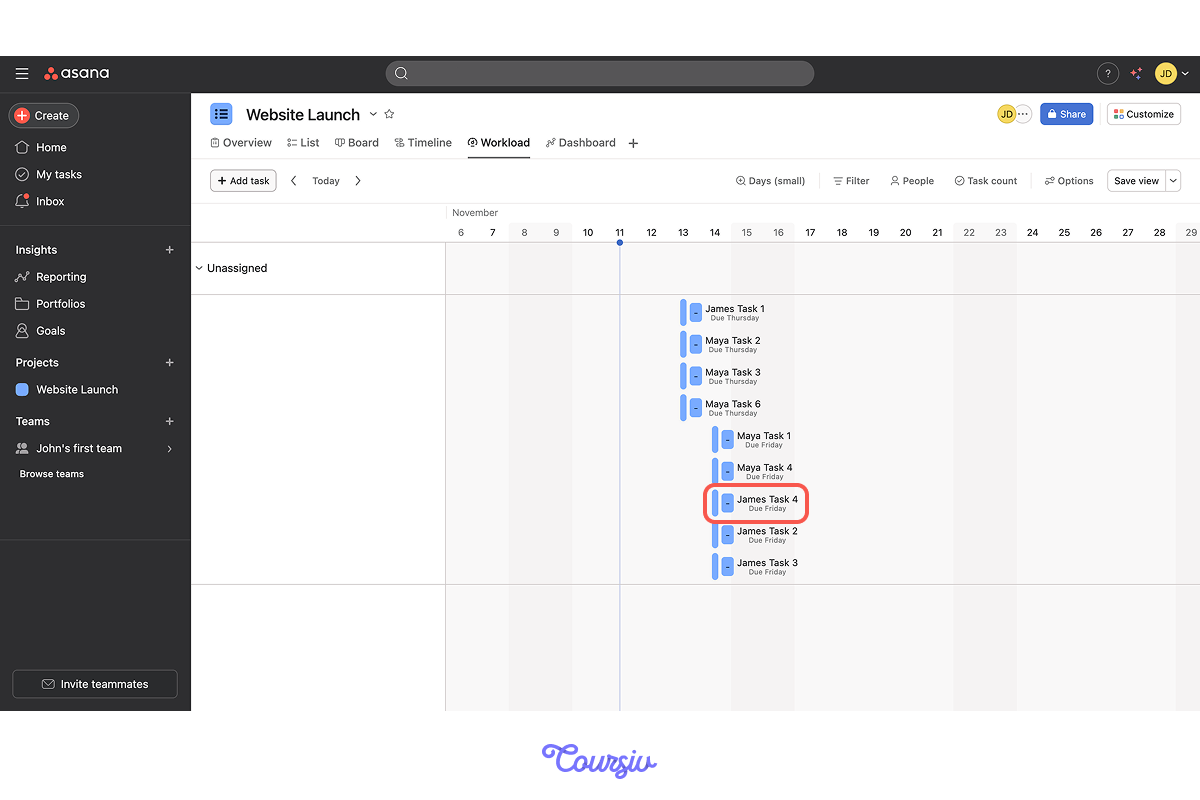
This way, within a couple of minutes, you can:
- Identify the overload (Workload view)
- Get smart redistribution suggestions (ChatGPT)
- Rebalance the team (reassigning in Asana)
Maya can breathe. James is contributing more. Crisis averted.
Choose one
But what would you do if everyone is overloaded, and there's no one with spare capacity?
practice preview
Interactive practice
Fill in the blank
Ask ChatGPT what to do when the entire team is overloaded.
When redistribution won't work, ChatGPT suggests alternatives: delay tasks, reduce scope, add resources, or negotiate deadlines.
You're not stuck — you have options ranked by practicality.
Balanced workloads aren't just about fairness — they prevent burnout, maintain quality, and keep deadlines realistic.
Choose one
AI helps you see problems early, but what should you do to prevent workload crises?
Look at this simple Monday routine for you:
- Open the Asana Workload view in the morning.
- Scan for anyone over 100% capacity this week.
- If imbalanced, copy workload data to ChatGPT.
- Get redistribution suggestions.
- Reassign tasks in Asana.
Result: you catch overloads on Monday when there's time to adjust, not Thursday when it's a crisis.
The Complete Workflow
Now, let's put the full workload balancing process together.
practice preview
Interactive practice
Put in order
Arrange these steps in the correct order to manage team workload effectively.
practice preview
Interactive practice
True / False
Now, decide if this is a good approach to workload management.
practice preview
Interactive practice
True / False
Decide if this is a smart way to redistribute tasks.
You're Now a Workload Pro!
You just learned something that separates great PMs from overwhelmed ones — spotting overloads before they become crises and rebalancing in minutes, not hours.
No more Friday afternoon panic. No more burned-out team members. You're now managing workload proactively, and that's a game-changer.

In the next lesson, you'll learn how to identify risks before they derail your project — turning "uh oh" moments into "we saw that coming" moments!
- Asana's Workload view makes team capacity visible at a glance.
- ChatGPT analyzes workload data and suggests smart task redistribution.
- Weekly proactive checks prevent burnout and keep deadlines realistic.
- Result: balanced teams deliver higher quality and stay healthier.