Turbocharge Your Productivity with AI · AI-Powered Productivity
Make Meetings Actually Productive
Record, summarize, and track meeting outcomes
Turn Talk into Trackable Action
Meetings consume your calendar. Yet most end with scattered notes, unclear ownership, and nothing actually happening next.
The gap between discussion and execution kills productivity. Let's make meetings actually productive!

The Meeting-to-Action Gap
Most meetings fail not during discussion, but in what happens after — or doesn't happen.
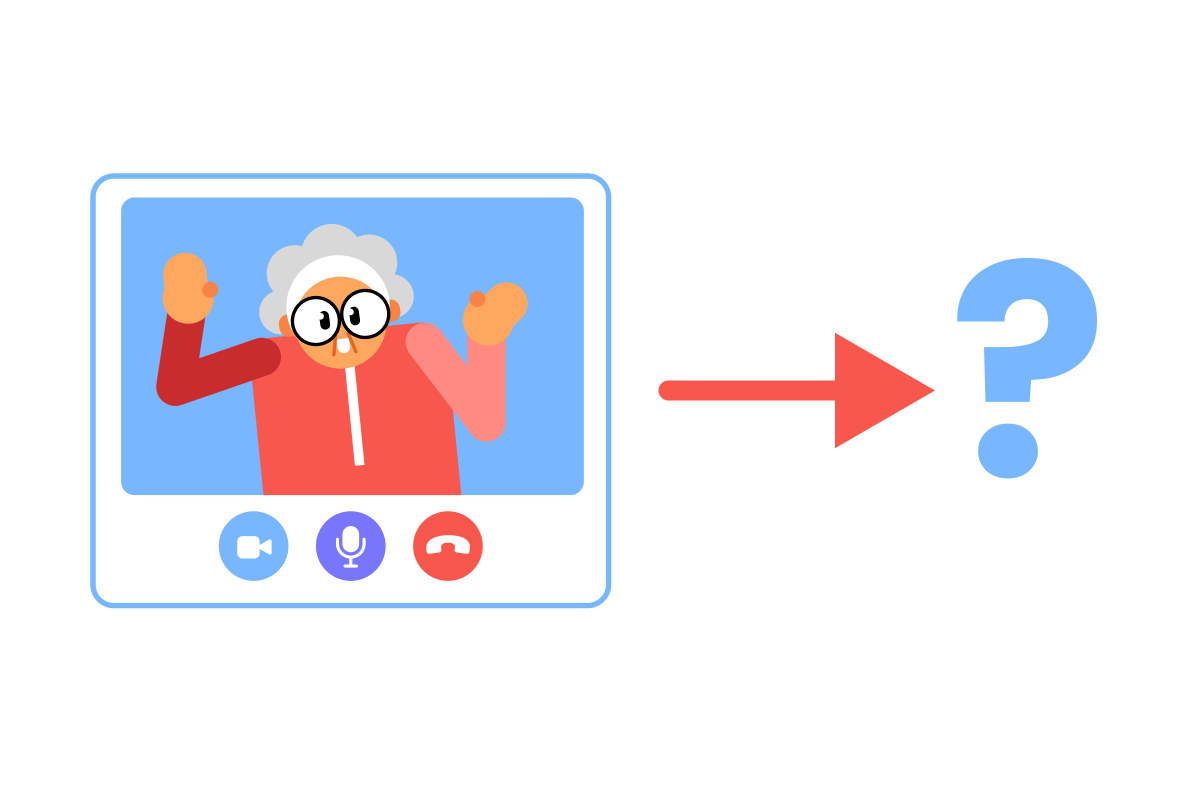
Choose one
What's the biggest reason meetings fail to produce results?
Capturing Meeting Content
First things first: you need to record what happens in your meetings automatically.
The tool you use depends on where you meet.
For Google Meet Users
If your team uses Google Meet, you can use Google Gemini to capture and summarize meetings.
Setting Up and Accessing Transcripts
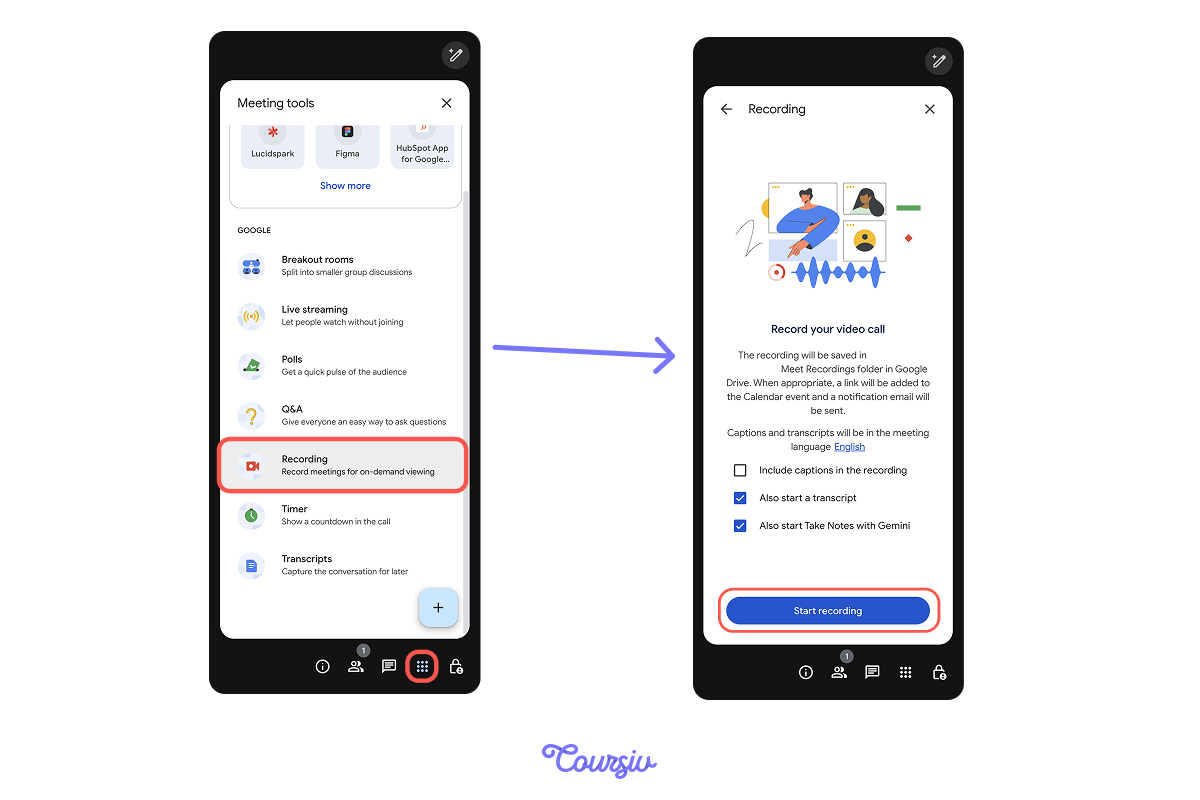
To record and take notes during the meeting:
- Click the "Meeting tools" button (bottom right).
- Select "Recording" tab → Turn on "Transcription" and "Also Start Takes Notes with Gemini."
- Click "Start Recording."
After meeting:
- Go to the "Meet Recordings" folder in Google Drive.
- Open transcript (appears as Google Doc). It's ready to process with AI!
For Microsoft Teams Users
In turn, if your team uses Microsoft Teams, you'll most likely use Microsoft Copilot to capture and summarize meetings.
Setting Up and Accessing Transcripts
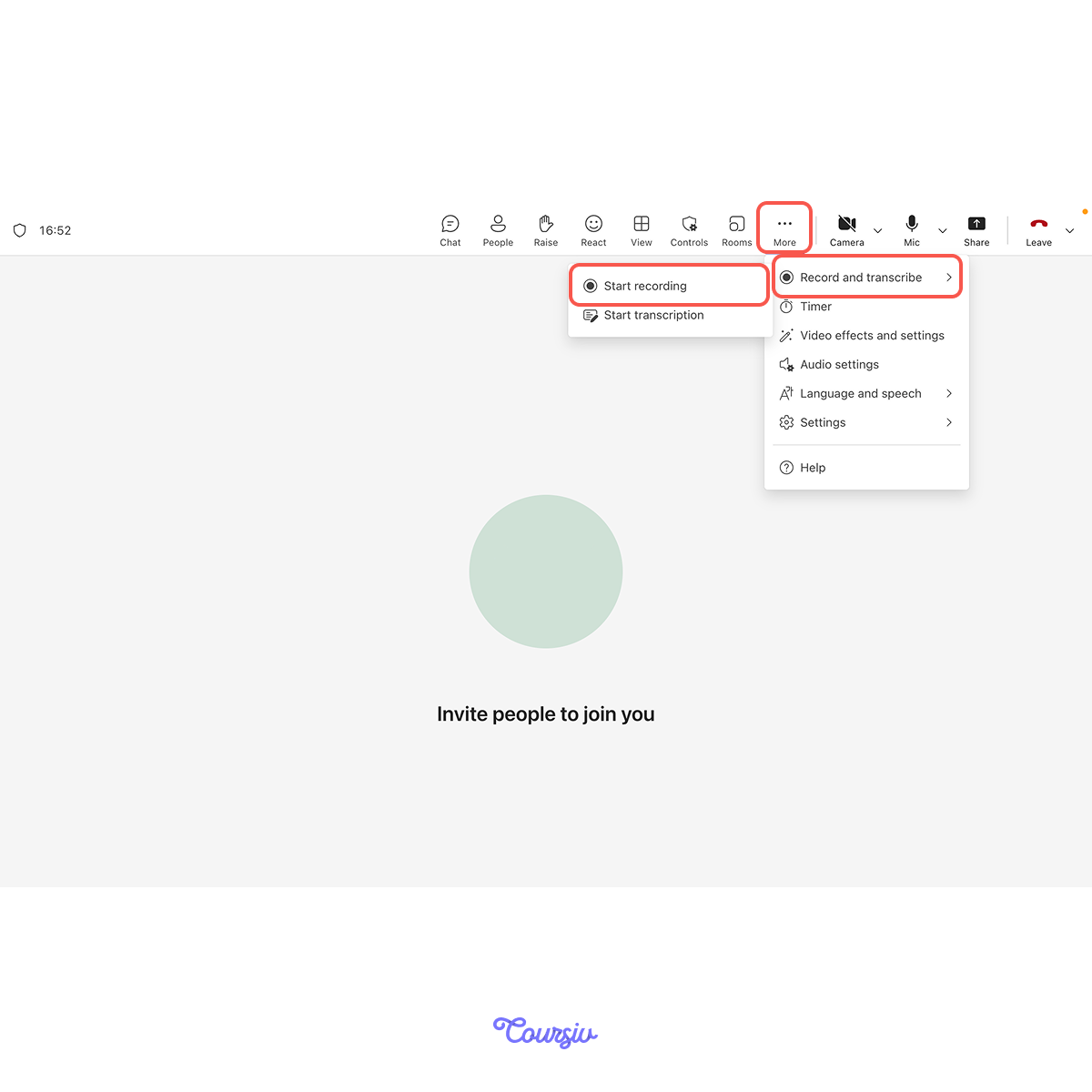
During meeting:
- Click "More actions" (...)
- Select "Start recording" and transcription will start automatically too.
After meeting:
- Look into the "Recap" section of the meeting after opening it in the calendar.
- View transcript and AI-generated summary. Copilot automatically highlights key points!
Getting AI Summaries
Transcripts are captured. Now let's extract what matters.
For Google Meet → Use Gemini:
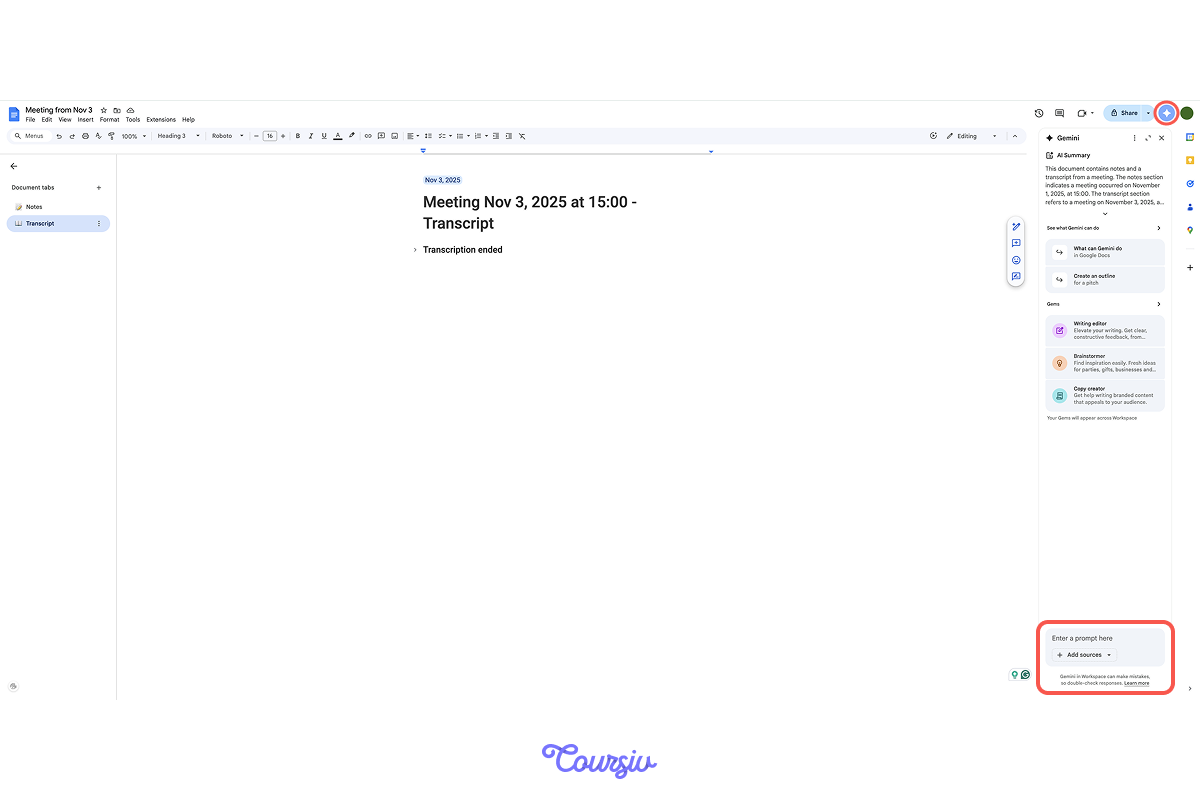
- Open the transcript in Drive.
- Paste into Gemini with the prompt: "Summarize this meeting. Extract key decisions, action items, and open questions."
For Teams → Use Copilot:
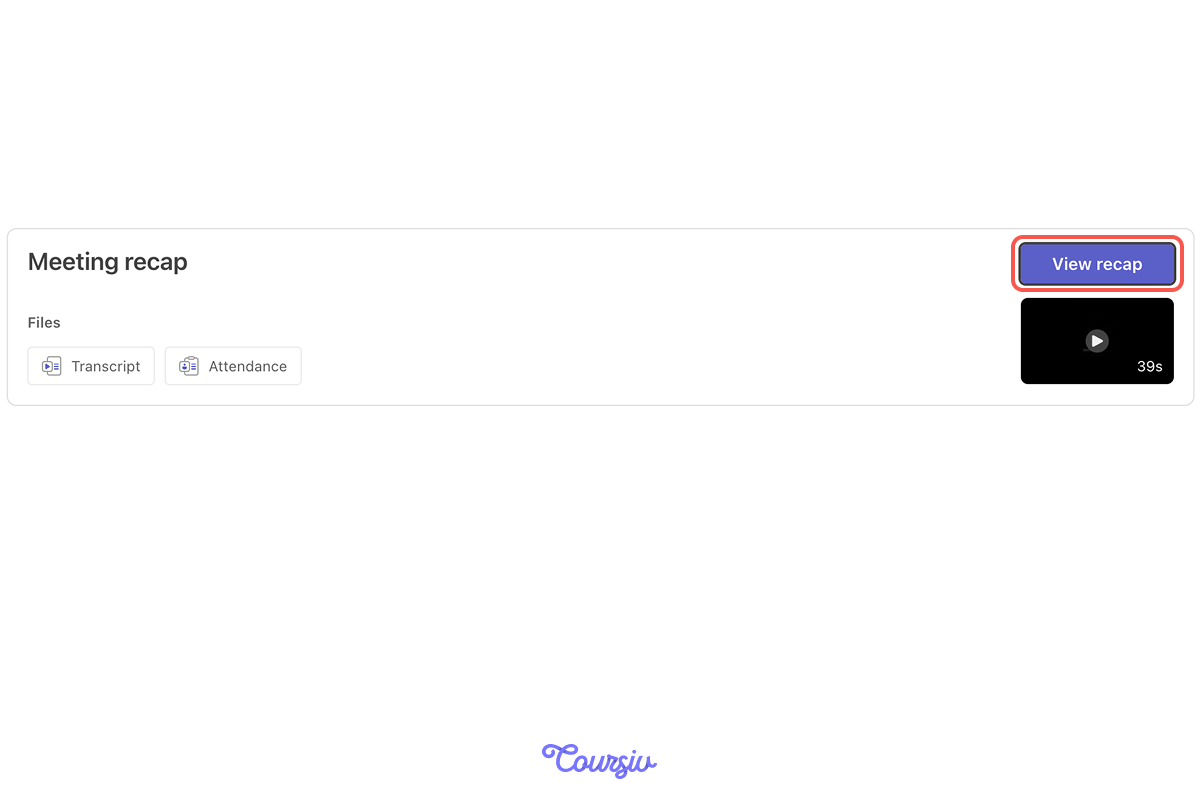
- Click "View recap" in the meeting recap section. Copilot auto-shows decisions and actions. Or ask: "What were the action items?"
Teams does this automatically — Google Meet requires an extra step!
Now, imagine you work in a product team and have a meeting on the topic of Q4 Product Roadmap Planning.
After the meeting, you got the below from Gemini/Copilot.
Key Decisions Made:
Launch mobile app beta in January (approved by Sarah)
- Delay API v3 release to February for security audit
- Allocate 2 additional engineers to the mobile team
Action Items Identified:
Mobile app: Complete iOS testing by Nov 30 (mentioned by the Dev team)
- Security audit: Get vendor quotes by Nov 15 (Alex volunteered)
- Engineering allocation: Update resource plan by Nov 20 (Sarah owns)
- Marketing prep: Draft beta launch plan by Dec 1 (mentioned by Marketing)
Open Questions:
Budget approval for additional contractors?
- Android beta timeline still unclear
- Integration testing schedule needs definition
Attendees Who Spoke:
Sarah (Product Lead), Alex (Security), Dev Team Lead, Marketing Director
Next meeting: Nov 22 to review progress on open items
Meeting summaries still aren't action plans. So, let's learn to structure them into clear, assignable tasks with deadlines!
Creating Structured Action Plans
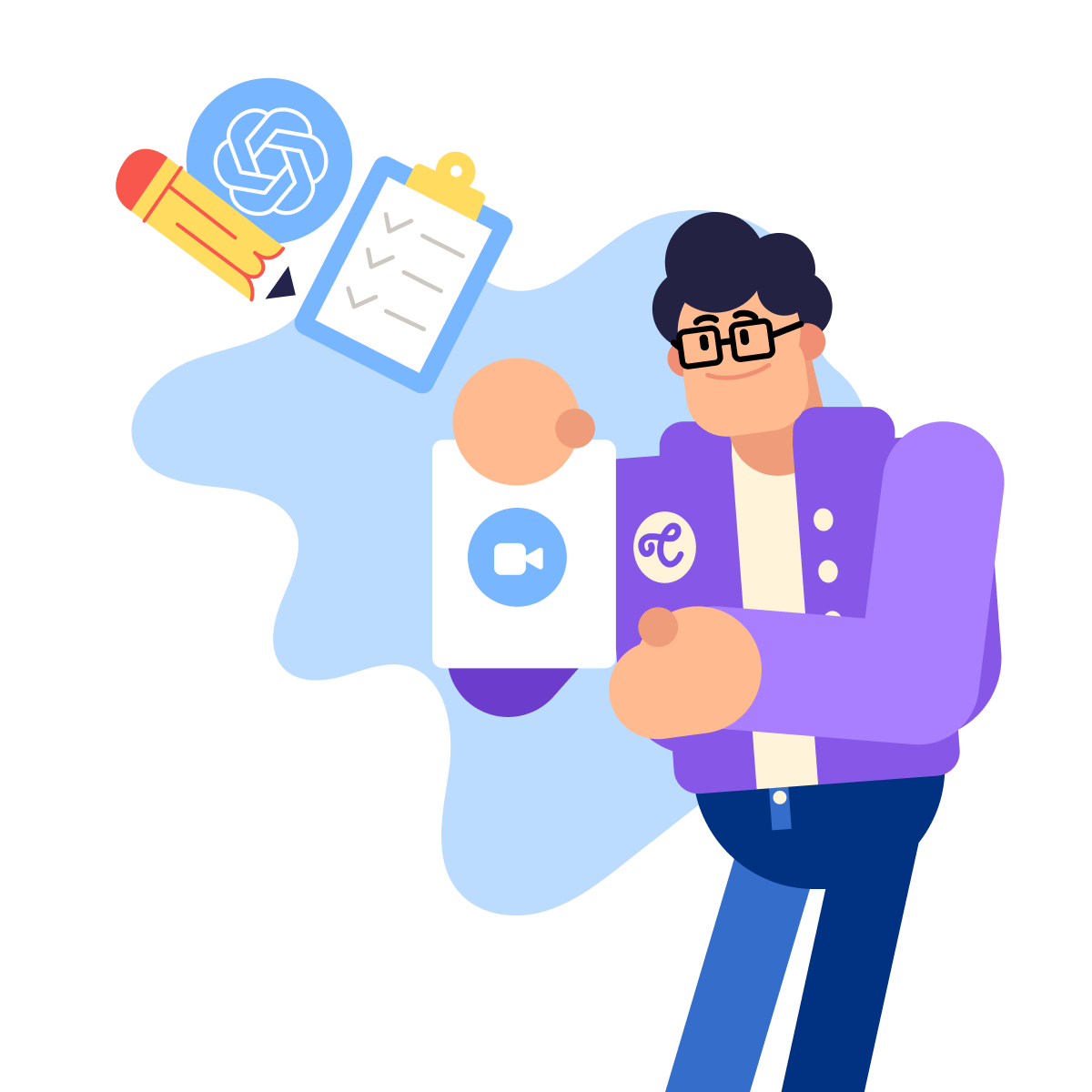
When the goal is to turn a summary into an action plan with clear ownership, this is where ChatGPT comes in.
practice preview
Interactive practice
Fill in the blank
Complete this prompt to see how meeting notes can be converted into tasks.
Perfect! Now every discussion point has clear ownership and accountability. No more "I thought you were handling that."
Task Assignment Best Practices
Tasks without owners don't get done. Tasks without deadlines get delayed indefinitely.
practice preview
Interactive practice
Match pairs
Tap a left item, then a right item to match.
practice preview
Interactive practice
True / False
Next, decide if this task assignment is clear enough.
Connecting to Your Workflow
Action plans only work if they live in tools people actually use.
Copy tasks into your team's existing system — Asana, Monday, Jira, Notion, or even shared Google Docs. Don't create new tools nobody will check!
practice preview
Interactive practice
Put in order
Given what you learned, arrange these steps for converting meetings into results.
Perfect! With this systematic approach, meetings will always produce clear, trackable outcomes.
Remember: the goal isn't better notes — it's better follow-through.
Select all that apply
What ensures meeting action items actually get completed?
Good Job!
Meetings now produce clear actions.
Next, you'll learn how to process all that information flowing into your inbox — turning data chaos into clear insights!
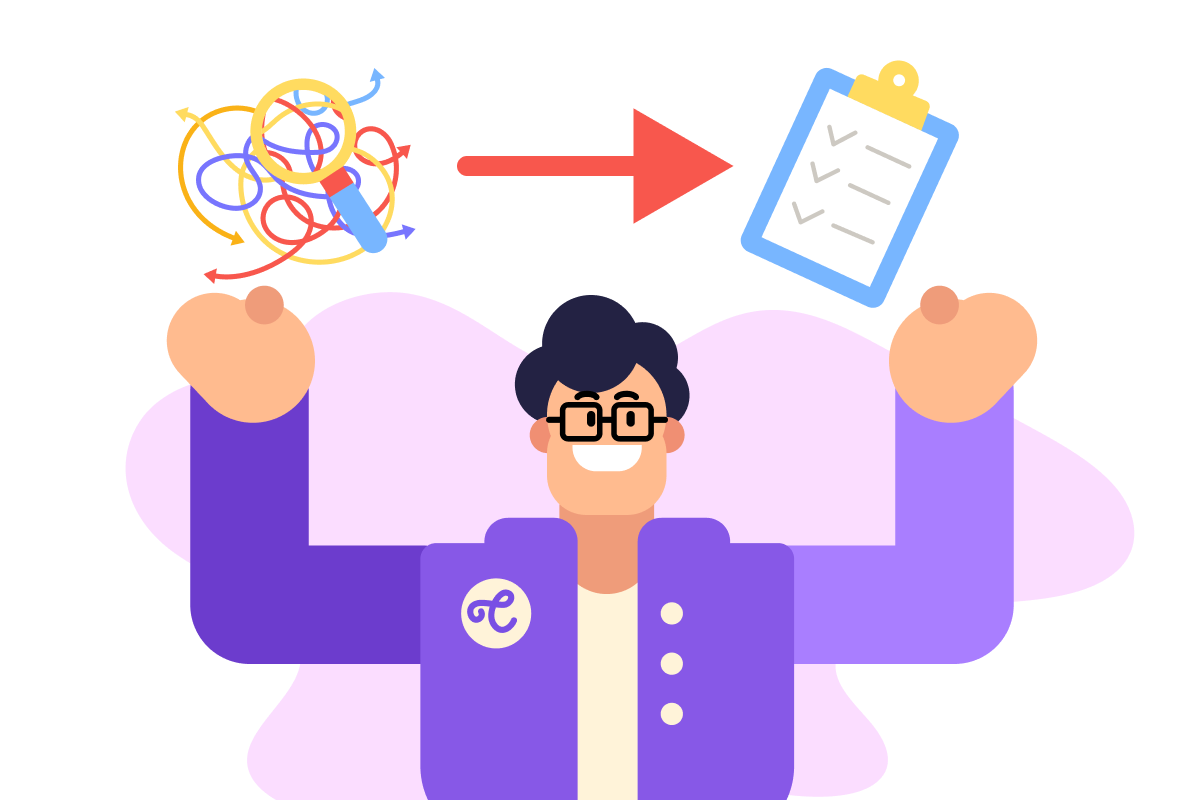
- Enable transcription in Google Meet or Teams to automatically capture discussions.
- Use Gemini (Google) or Copilot (Teams) for initial AI summaries.
- Convert summaries into structured tasks with ChatGPT, including owners and deadlines.
- Add action items to existing tools your team already uses.