Turbocharge Your Productivity with AI · AI-Powered Productivity
Meet Your Productivity Partner
AI does routine, you do important
Work Smart, Not Hard
Imagine having a tireless assistant who works 24/7, never complains, and helps you think faster. AI can do that!
In this guide, you'll learn what AI can actually do for you, identify tasks worth automating, and start building your personal system. Let's get productive!

Quick Start
Let's start with a simple quiz.

Choose one
In your opinion, what's the most valuable way to use AI for productivity?
Most people think AI just writes things, but it's much more than that!
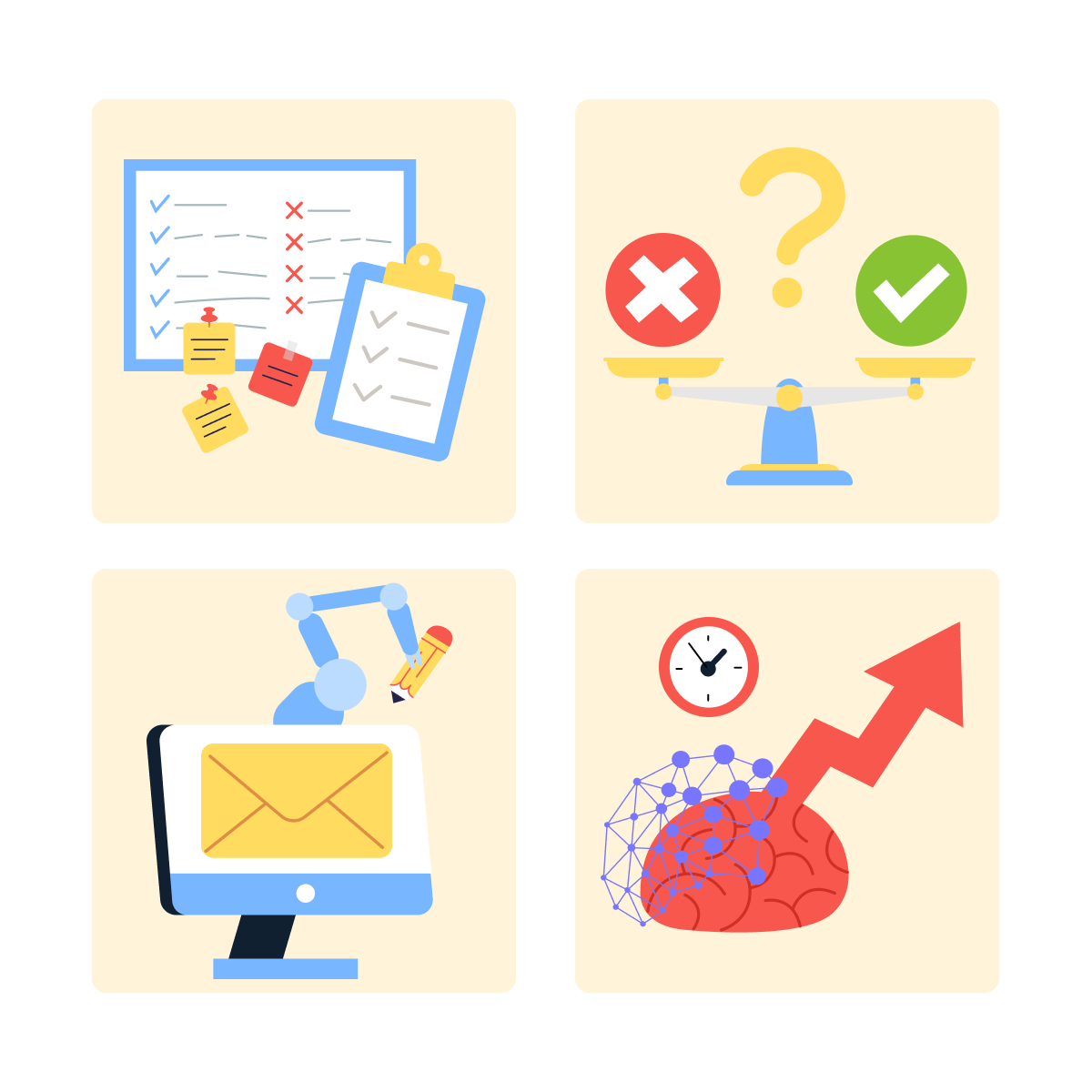
AI is your productivity partner for:
- Managing information: organizing, summarizing, connecting ideas.
- Making decisions: analyzing options, spotting patterns.
- Streamlining workflows: automating repetitive tasks like emails and reports.
- Thinking faster: brainstorming, problem-solving, planning.
You're not supposed to replace your judgment — but amplify your capabilities.
Your Current Productivity Baseline
Before AI can help, you need to know where your time actually goes.
Most professionals waste 3-5 hours daily on tasks AI could handle in minutes.
Common time drains:
- Drafting routine emails
- Formatting documents
- Searching for information you've seen before
- Summarizing long documents or meetings
- Creating first drafts of reports
Let's identify your specific opportunities.

practice preview
Interactive practice
Fill in the blank
Complete this prompt to discover tasks you can automate.
See those opportunities? That's 5-7 hours weekly you could reclaim — time for deep work, strategy, or simply leaving on time.

Building Your AI Workflow
Productivity isn't about one-off tricks. It's about consistent systems.
The productivity loop:
- Capture: Save prompts and insights that work.
- Refine: Improve your approach based on results.
- Systematize: Turn wins into repeatable workflows.
- Scale: Apply patterns across different tasks.
This is where Notion comes in.

Your Productivity Hub in Notion
Notion can become your command center — storing prompts, tracking wins, and building your personal knowledge base.
For convenience, you can create these pages in Notion:
Prompt Library
- Tested prompts that work for you, organized by task type (emails, reports, analysis)
Weekly Wins
- Time saved per task
- What worked, what didn't
Automation Opportunities
- Tasks you've identified for AI
- Priority based on time impact
This will become your productivity playbook.
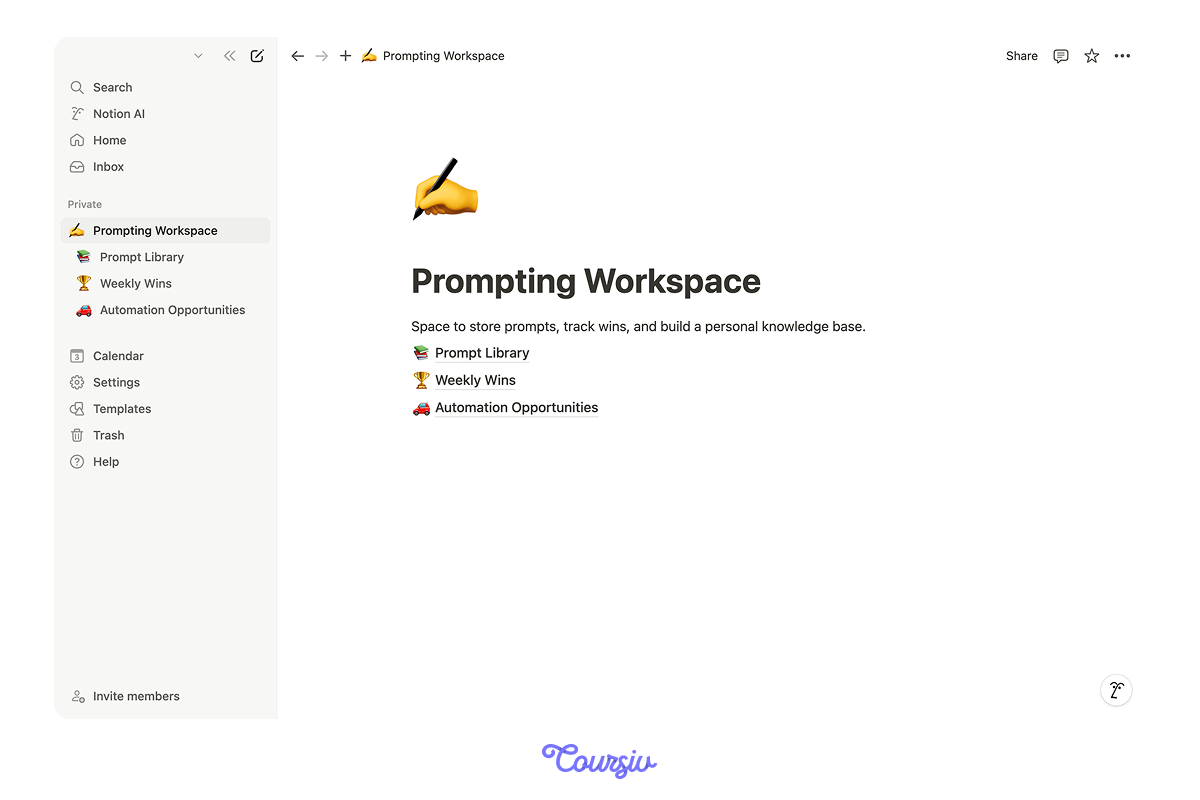
Let's see how prompts can be saved in Notion.
Prompt Library Structure
Task: Weekly status report
Prompt: "Create a concise weekly status report from these bullet points: [paste notes]. Structure: Completed, In Progress, Blockers, Next Week. Keep each section to 3-4 items max."
Time Saved: 30 minutes → 5 minutes
Notes: Works best when I give clear bullet points. AI maintains a professional tone and catches items I'd forget.
practice preview
Interactive practice
Match pairs
Tap a left item, then a right item to match.
Wanna know how crucial this approach might be?
The secret is: productivity isn't one big change — it's dozens of small optimizations that compound.
The math of compound productivity:
- Save 30 minutes daily = 2.5 hours weekly
- 2.5 hours × 50 weeks = 125 hours yearly
- That's 3+ work weeks reclaimed annually
From one small habit!

practice preview
Interactive practice
True / False
Decide if this task is a good automation candidate.
Your First Week Plan
Don't try to automate everything at once. Start strategically.
For example, you can try the following plan.
This week:
- Identify your top 3 time-draining tasks
- Test AI assistance on one of them
- Document what works in Notion
- Refine your approach
Next week:
- Apply learnings to task #2
- Start building prompt templates
- Track time saved
Small wins build confidence and momentum.
practice preview
Interactive practice
Put in order
Given what you learned, arrange these steps for starting with AI productivity.
Perfect! This systematic approach prevents overwhelm and builds sustainable habits.
In the next lesson, you'll choose the right AI tools for your specific workflow — no more, no less.
- AI amplifies your capabilities by handling routine tasks so you focus on high-value work.
- Most professionals can reclaim 5-7 hours weekly through strategic automation.
- Build your productivity system in Notion: document prompts, track wins, and identify opportunities.
- Small improvements compound — 30 minutes saved daily equals 3 work weeks annually.