Turbocharge Your Productivity with AI · AI-Powered Productivity
Organize Prompts You'll Actually Use
Save what works, reuse prompts forever
Use Prompts Efficiently
Over the past 8 lessons, you've created dozens of effective prompts — for writing, documents, meetings, analysis, and decision-making. We also touched upon the idea of a prompt library, and even covered the foundations of how to create it.
Now, let's take a deeper dive into organizing everything you've built into a reusable system!

Prompts Are Assets
Every effective prompt you create has value, and it should not be treated as a disposable query.
It represents time spent learning what works.

Choose one
Why should you save effective prompts instead of recreating them each time?
The problems with treating prompts as disposable:
- You recreate the same prompt weekly
- Effective wording gets forgotten
- No learning from what worked
- Mental energy wasted on repetition
The solution: treat prompts like reusable code snippets or email templates.
Your Notion Productivity Hub
Remember Notion? Well, it can become your AI command center — organized, searchable, and always accessible.
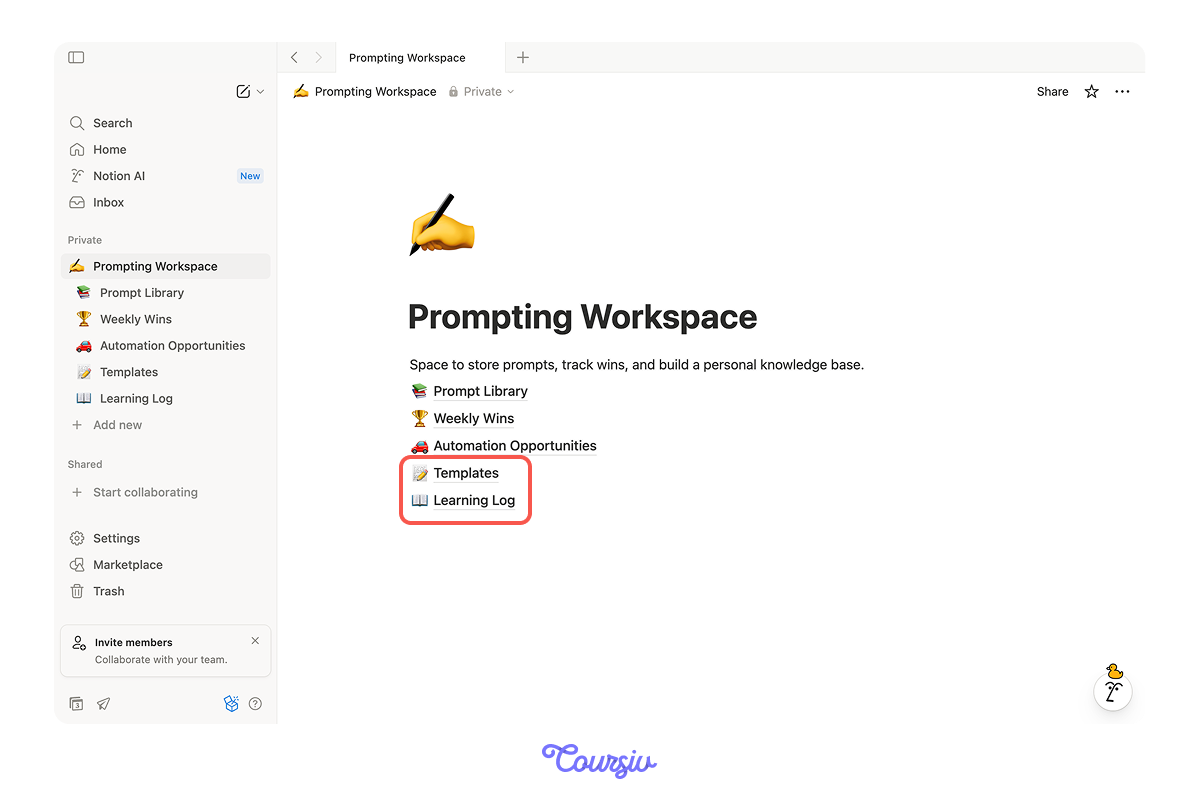
Previously, we discussed creating three pages in your Notion space: Prompt Library, Weekly Wins, and Automation Opportunities.
Now, you can also add these core pages to finalize your knowledge base:
- Templates — reusable workflows for common projects
- Learning log — what works, what doesn't, why
However, note that this structure may evolve to meet your needs!
practice preview
Interactive practice
Fill in the blank
Complete this prompt to see how you can design your Notion structure.
See how this structure helps you find the right prompt fast and learn what delivers results?
Now let's populate it.
Essential Prompt Categories
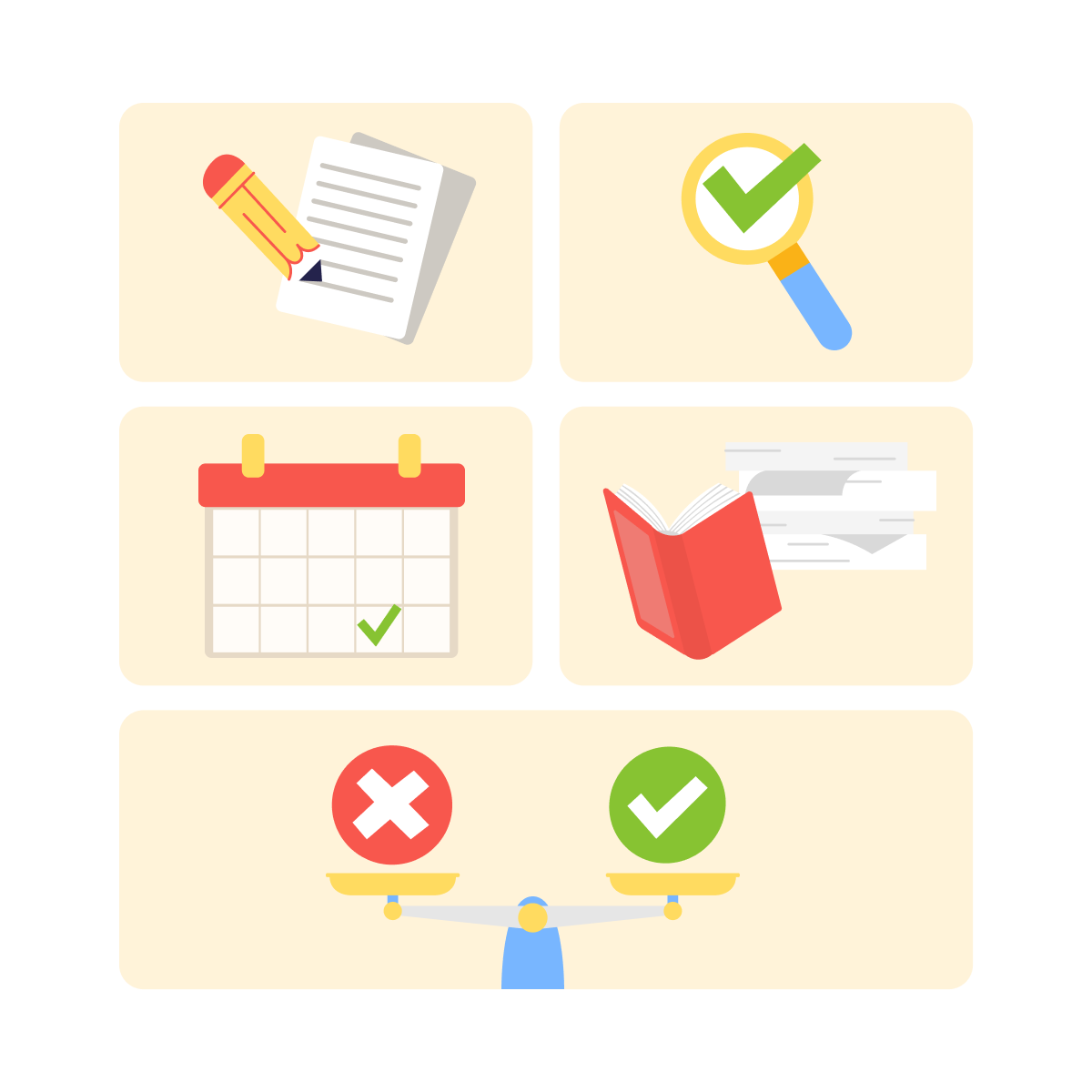
Most productivity needs fall into five categories. Start with one prompt per category.
5 Core Categories
- Writing: emails, reports, documentation.
- Analysis: data interpretation, problem-solving.
- Planning: project scoping, task breakdown.
- Learning: explaining concepts, skill development.
- Decision-Making: weighing options, identifying risks.
You'll expand within categories as you discover specific needs.
practice preview
Interactive practice
Fill in the blank
Complete this prompt to create a reusable email template.
Perfect! Now you have a reusable writing prompt. Just like this, you can create the other four categories.
practice preview
Interactive practice
Put in order
Considering what you learned, arrange these steps for building your prompt toolkit.
Great! This systematic approach prevents your library from becoming a dumping ground of untested prompts.
Quality over quantity — five battle-tested prompts beat fifty mediocre ones.
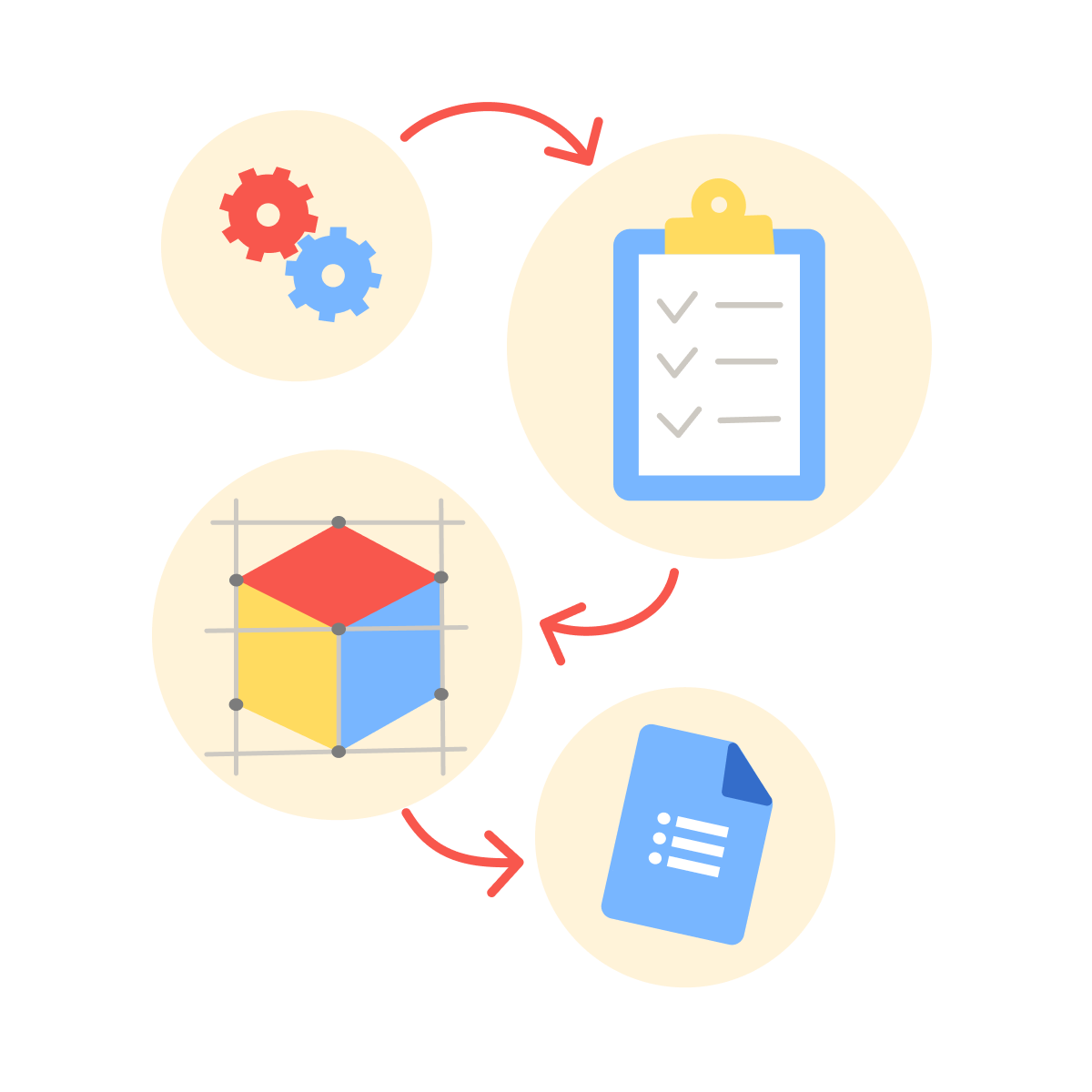
Effective reusable prompts follow a pattern: context + task + constraints + format.
The Formula
- Context — background information or role: "You're a project manager helping prioritize tasks..."
- Task — what you want accomplished: "...review this project list and identify top 3 priorities..."
- Constraints — limitations or requirements: "...based on urgency and impact, considering team bandwidth..."
- Format — how you want output structured: "...provide rankings with brief justification for each."
Bracketed sections allow customization while maintaining structure.
practice preview
Interactive practice
Fill in the blank
Now, see how you can build a reusable prompt for data interpretation.
See how the template structure makes this prompt reusable across different datasets?
That's the power of thoughtful design.
practice preview
Interactive practice
True / False
Decide if this prompt is reusable and practical.
Your First Week System
Don't try to build the perfect library all at once. Start small and iterate.
This week's action plan:
- Day 1-2: Set up a Notion database.
- Day 3-4: Create your 5 core category prompts.
- Day 5-7: Test each prompt on real work.
Things to track: time saved, effectiveness, necessary adjustments.
Next week: Refine based on results, add 2-3 more prompts for frequent tasks.
Your library grows organically from actual use!

Select all that apply
Now, what makes a prompt library actually valuable over time?
Your productivity toolkit is now live — capturing 8 lessons worth of prompts, workflows, and learning. You did a great job building a complete AI-powered productivity system!
Every prompt you've created throughout this guide can now be organized, rated, and reused. Your time savings compound from here!
You've Built Something Powerful!
In this guide, you've learned to write 70% faster, create polished documents in minutes, run productive meetings, extract insights from chaos, understand complex material quickly, and make confident decisions.
More importantly, you've built a system — not just scattered tricks, but an integrated productivity toolkit that grows smarter with every use.
What's Next?
Keep using it. When you find new prompts that work, add them to your library. When tasks repeat, create templates. When you make decisions, document them.
The productivity gains you've achieved compound from here. Welcome to your new baseline!