Boost Your Sales with AI · From Busy to Productive: AI for Sales
Write Better Emails in 60 Seconds
Email faster, personalize better, get responses
Staring at Empty Inboxes
You know AI can save you time. Now let's use it on your biggest daily task: emails — especially, cold ones.
No more staring at blank screens or rewriting the same email five times. Let's draft in seconds and personalize in minutes!

Choose one
First, what do you think takes the longest when writing sales emails?
Staring at a blank page, formatting and all other stuff may take more than 2 hours of your day.
But what if you could cut that to 20 minutes?

The Email Formula
Great sales emails follow a simple pattern. AI just needs to know four things.
"Write a [tone] email to [person] about [topic] and ask them to [action]"
Example: "Write a friendly email to a VP of Sales about saving time on admin work and ask them to schedule a 15-minute call."
This way, instead of crafting every sentence from scratch, you're giving clear instructions and getting a polished draft back!
You save 10-15 minutes per email. That adds up fast.

Cold Outreach Emails
Let's start with the hardest email: reaching out to someone who doesn't know you yet.
practice preview
Interactive practice
Fill in the blank
Complete this prompt to create a prospecting email.
See how AI created structure, flow, and a clear ask?
Next, you can just add that one personal detail (maybe Marcus posted about hiring challenges?) and hit send.

Follow-Up Emails
Another big thing: most deals are won or lost in the follow-up.
Let's make sure you never send a generic "just checking in" again.
practice preview
Interactive practice
Fill in the blank
Complete this prompt to create a follow-up that gets responses.
Perfect! This follow-up adds value (the case study) instead of just saying "checking in."
AI gave you the structure — you added the specific pain point Jessica mentioned.
Objection Response Emails
"It's too expensive." "We're already using something else." "Not interested right now."
Let's handle objections without sounding defensive or desperate.

practice preview
Interactive practice
Fill in the blank
Complete this prompt to address pricing concerns professionally.
See how the email acknowledges the concern, reframes with math, and offers a low-risk next step?
AI structured the response — you adjust the numbers to match David's situation.
practice preview
Interactive practice
True / False
Decide if this is the right way to use AI for emails.
Personalization Is Key
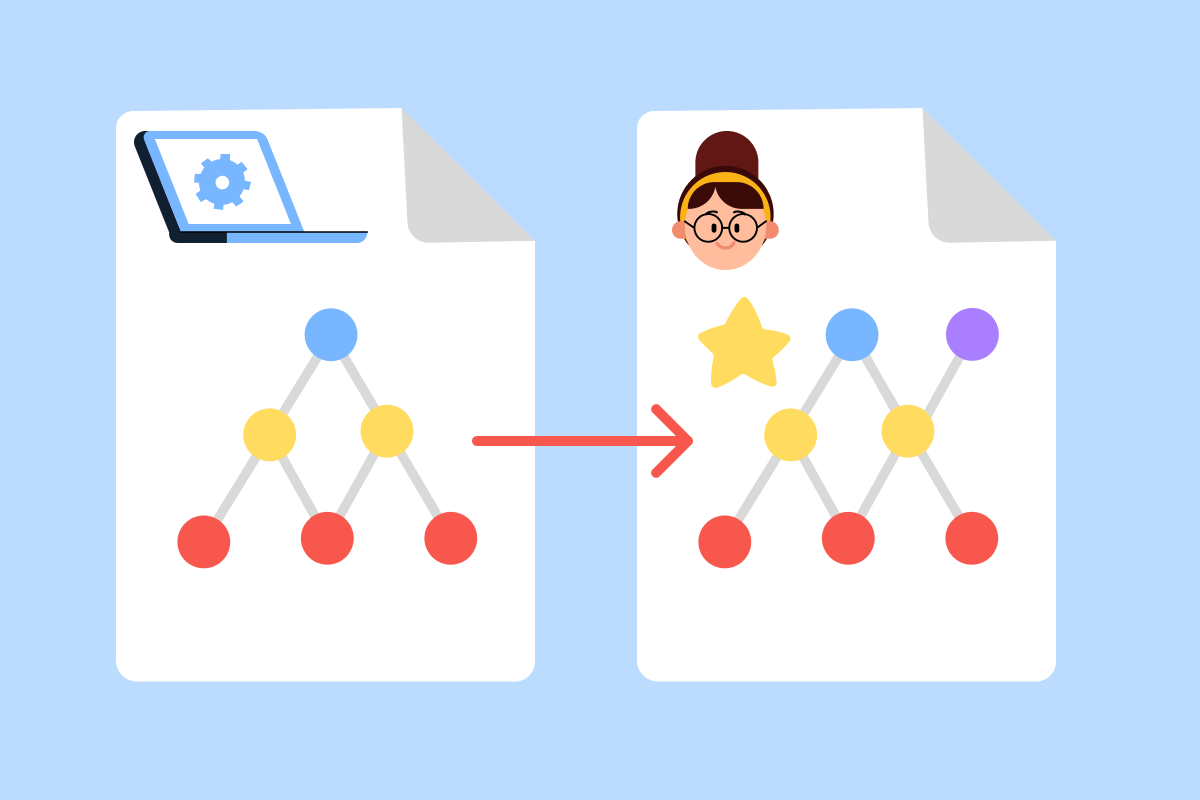
AI gives you 80% of the email. Your job is the final 20% that makes it feel human.

Ways to Personalize AI Emails
- Add specific details: reference their LinkedIn post or recent company news.
- Use their language: if they said "bandwidth issues," use that exact phrase.
- Include context: mention what you discussed in your last conversation.
- Match your voice: adjust tone to sound like you, not a robot.
The recipient should think you wrote it, not AI.
For example, if the AI email says "your growing team," change it to "your team's expansion to 30 reps you mentioned on LinkedIn last week."
That small detail makes all the difference.
practice preview
Interactive practice
Put in order
Given what you learned, arrange these steps for writing sales emails with AI.
Perfect! This workflow turns 15-minute email writing into a 2-minute process.
Select all that apply
Now, what makes an AI-generated sales email actually effective?
Good Job!
You can now write 10 emails in the time it used to take to write one.
In the next lesson, you'll learn how to find the right people to send these emails to — customers who will actually buy!

- Use the formula: "Write a [tone] email to [person] about [topic] and ask them to [action]."
- AI drafts in 30-60 seconds — you personalize with specific context in 1-2 minutes.
- Always add details only you know: recent conversations, LinkedIn activity, company news.
- Expected result: write 10 emails in the time it used to take to write one.