Lovable · Lovable Essentials
Using Lovable with Other Tools
Integrate Lovable with other tools for complete workflows
Lovable as Part of Your Toolkit
Although Lovable is powerful, no tool does everything. When building websites, you might combine different tools for planning, design, or writing.
The question is: where does Lovable fit in this ecosystem?

Lovable as Construction Engine
Think of Lovable as your central construction engine.
It assembles structure, layout, and interactions.
In turn, other tools handle the parts Lovable doesn't — and then feed their output into it:
- Planning tools provide the blueprint
- Design tools create the visuals
- Writing tools craft the copy
- Integration tools add specialized features
Lovable brings it all together into a working website.

The tools that can be used along with Lovable include ChatGPT, Notion and Midjourney.
So, before we explore each tool's role, let's see if you know which tool can do what.
practice preview
Interactive practice
Match pairs
Tap a left item, then a right item to match.
Planning with Notion
Once you brainstormed your ideas, start planning your projects in Notion.
There, you can write down features, describe what your pages should include, or sketch quick outlines.
This clarification step helps you know exactly what to ask Lovable to build.
Then, because Lovable understands plain language, you can practically copy-paste a well-written project description into it as a prompt!
For instance, your workflow might look like this:
- Outline feature list in Notion.
- Clean it up into clear, simple descriptions.
- Copy that text as your Lovable prompt.
Hence, your note-taking tool becomes the place you draft what Lovable will build.
Design with Figma
Remember Figma from the previous lesson?
Such professional design tools work in tandem with Lovable.
Sketch your website layout in Figma or even on paper. Lovable will import the actual design via Figma integration or interpret a screenshot and turn it into a working website.
This way, your visual design tools ensure aesthetics meet your vision — Lovable handles the coding and assembly.
Writing with AI Tools
Lovable generates short placeholder text like generic headings or labels.
But it doesn't know your brand voice or marketing goals.
For important copy — landing page headlines, "About" page text, product descriptions — craft those carefully in ChatGPT or Jasper.
Example prompt for ChatGPT: "I'm a creative graphic designer. Give me a hero section headline and subheading for a personal portfolio site."
Once you have copy you like, paste it into Lovable. You can either:
- Edit text directly on the page.
- Or use a prompt like "Change the tagline to Designing a better world, one pixel at a time."
External Integrations
Lovable focuses on building your website's structure and basic features.
For anything more advanced than a basic website structure (design and copy), you can connect external services.
Select all that apply
In this sense, which features do you think might require external tool integrations with Lovable?
Here are the external integrations that you can do with Lovable:
- Supabase — stores your data and handles user logins
- Stripe — processes payments and subscriptions
- Resend — sends automated emails from your site
- Google Analytics — tracks visitor activity and site performance
However, these are only a few examples, and you can integrate many other tools depending on your website's needs.
Practice Time
Now, let's practice arranging an efficient workflow.
practice preview
Interactive practice
True / False
Decide which tool should handle each task.
practice preview
Interactive practice
Put in order
Arrange these steps in the most efficient order.
Well Done!
You now understand how Lovable fits into your complete workflow — as the construction engine that brings together planning, design, content, and integrations.
Use each tool for its strength, and let Lovable assemble everything into a working website!
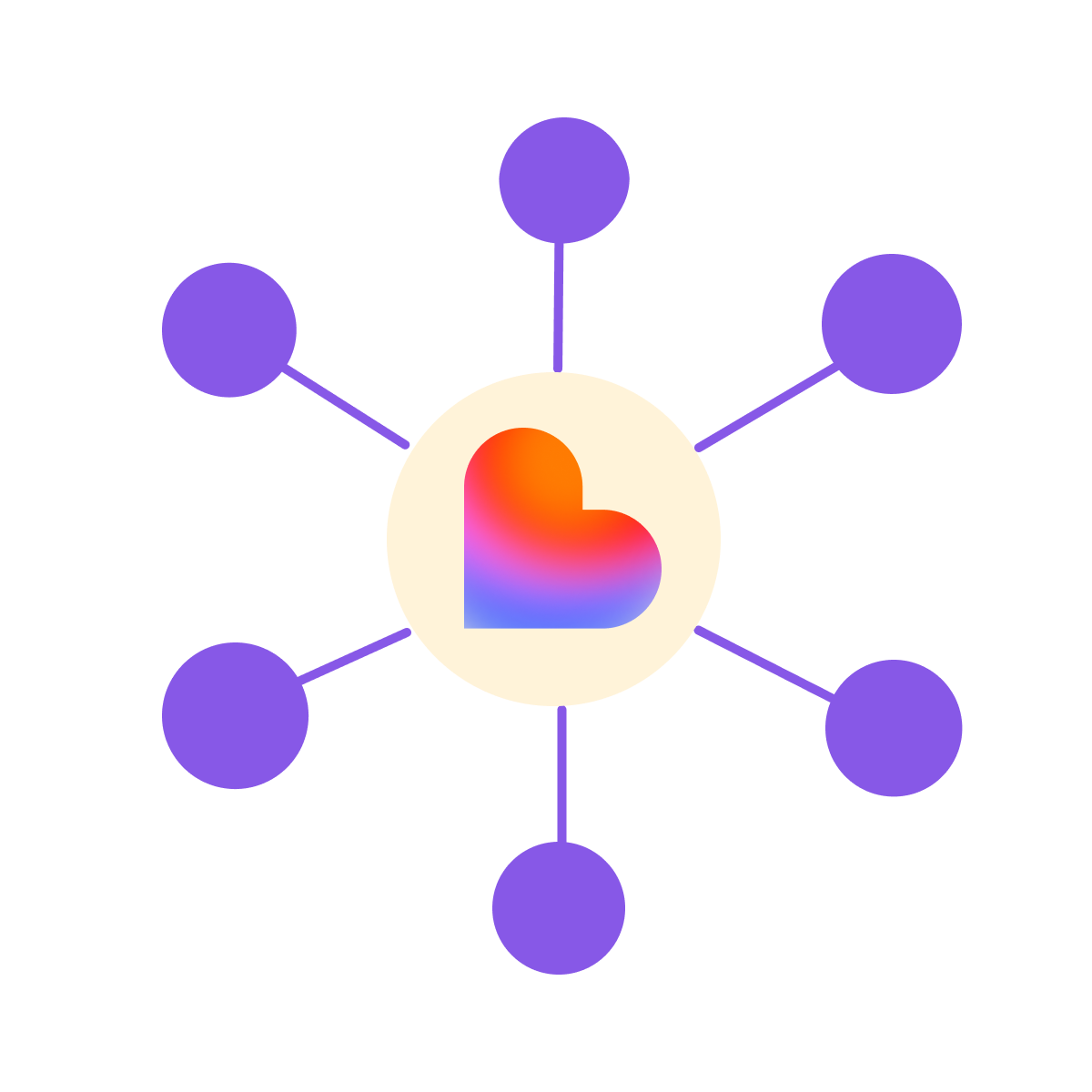
- Lovable is your construction engine — other tools feed inputs into it.
- Plan in Notion, design in Figma, write in ChatGPT, build in Lovable.
- Native integrations handle databases, payments, and emails.
- Keep workflows flexible — each tool does what it does best.