Lovable · Lovable Essentials
Working with Design Imports
Use Figma design mockups for your website
From Design Mockups to Working Websites
Sometimes you already have a design in mind — maybe a designer created mockups for you, or you've seen a website you love and want something similar. Turning those visuals into a real, working website usually means hiring a developer.
With Lovable, you can skip that step by importing your designs directly and watch them become functional websites. Let's see how!
Why Import Designs?
Designers create beautiful, polished visuals. AI builds structure and functionality fast.
Importing designs into Lovable lets you combine both — keeping the look your designer intended while Lovable handles the technical side
Choose one
Considering the above, what do you think is the main advantage of importing designs into Lovable?
Combine the two, and you get a professionally designed website — with working buttons, forms, and layouts — built in hours, not weeks.

3 Ways to Import
Lovable gives you multiple options for bringing designs to life:
- Screenshots — from any design tool
- Figma plugin — direct integration via Builder.io
- Website cloning — capturing and recreating existing sites
Let's explore how each method suits different workflows!
Method 1: Screenshots
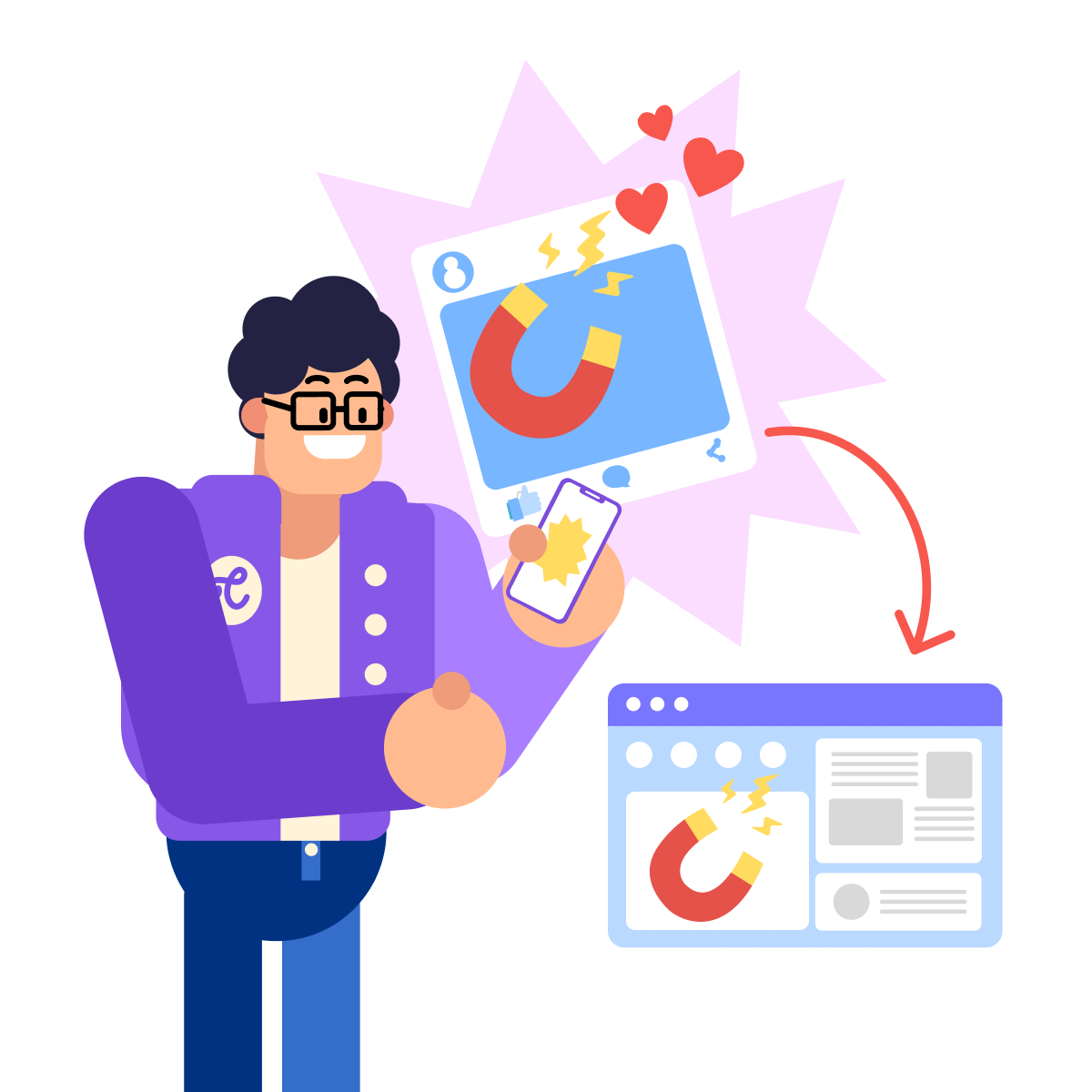
The simplest approach: take screenshots of any design and drop them into Lovable. These might be:
- A screenshot from a design tool
- A saved image from Pinterest
- Even a photo of a sketch on paper
Lovable will analyze the visual layout and recreate it as a working website
Let's say you've screenshotted a design you like and want to use it as a starting point for your site.
practice preview
Interactive practice
Fill in the blank
Now, complete this prompt to see how you can ask Lovable to do the job with the uploaded screenshot.
The key is to be specific about what you want Lovable to replicate. Name the exact visual elements — layout, colors, typography, spacing — so the output matches your reference as closely as possible.
Use clear, full-page screenshots at good resolution. Make sure any text is readable and that different sections are visually distinct!
Method 2: Figma Plugin
If your designer works in Figma (or you use it yourself), there's a direct connection through Builder.io that makes importing even smoother.
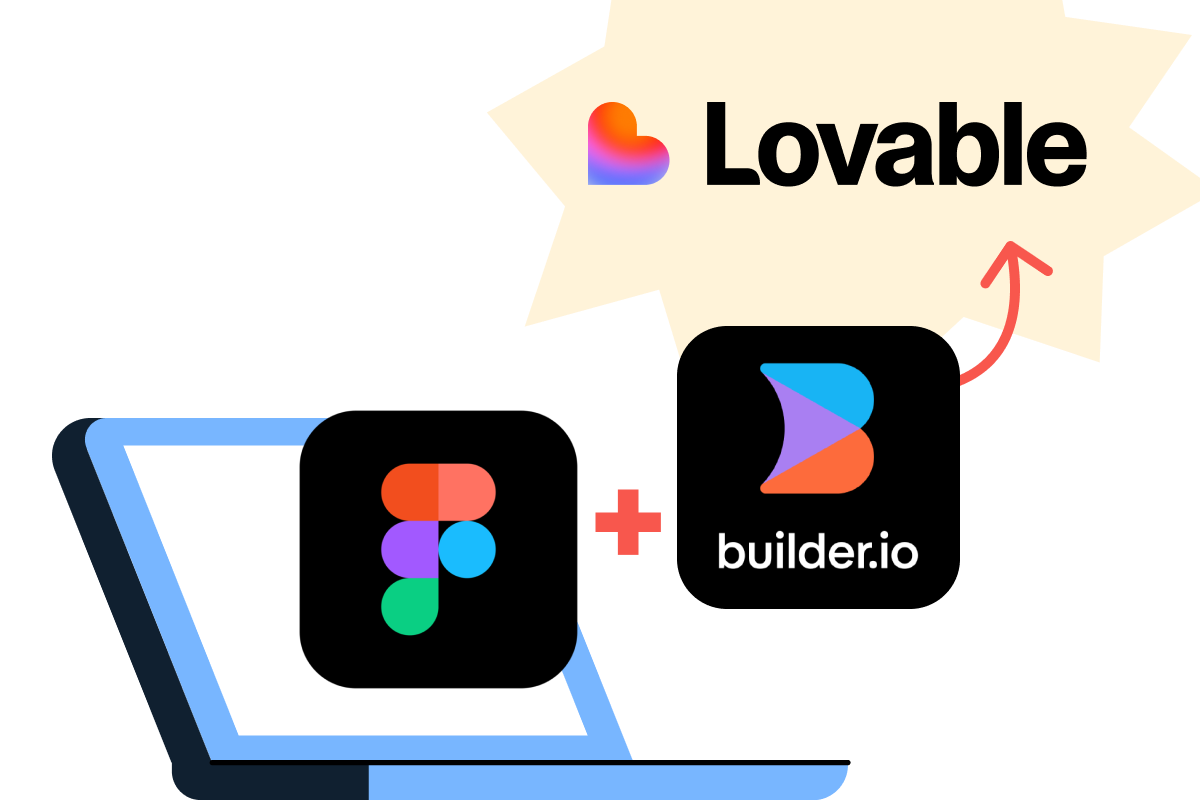
Here's how it works:
- Structure your Figma design with Auto Layout and clear layer names (your designer can set this up).
- Install the Builder.io plugin in Figma.
- Select the frames you want to import.
- Click 'Open in Lovable.'
Your design will become a functional app instantly!
Choose one
Why do you think there's a need to use Auto Layout and clear naming in Figma before importing?
Method 3: Clone Websites
See a website you love? Clone it into Lovable!

Use the "GoFullPage" Chrome extension to capture complete screenshots of any site, then import into Lovable.
It is perfect for recreating competitor designs, drawing inspiration, or migrating existing sites.
practice preview
Interactive practice
Fill in the blank
Complete this prompt to see how you can ask Lovable to clone a website.
When cloning, tell Lovable exactly what to keep and what to change. The more specific you are about which elements to adapt — colors, layout, copy, structure — the less back-and-forth you'll need.
Enhance After Import
Once imported, your design becomes a starting point — not a limitation!
Using the conversational prompts from the previous lesson, you can add different features from contact forms to animations.
This is because imported designs rarely arrive perfect.
For example, colors might need tweaking, spacing adjustments, or functionality additions.
practice preview
Interactive practice
Fill in the blank
Complete this prompt to refine imported elements.
See? With Lovable, changes integrate seamlessly while keeping the designer's original vision intact!
Now, let's do the quick knowledge-check before completing this lesson.
Choose one
Now, when imported elements don't look quite right, what's the best approach?
You're Ready to Import!
You now know how to bring professional designs into Lovable and turn them into functional websites.
Whether working with designers, using Figma yourself, or cloning inspiration, you can merge visual excellence with AI-powered functionality!
- Lovable allows importing designs via screenshots, Figma plugin, or website cloning
- Imported designs become starting points you can enhance
- Use conversational prompts to refine and add functionality
- Combine designer creativity with AI efficiency for the best results